
Delta Executor For PC: How to Download & Use on Windows/PC (June 2026)
▶️ START INSTALL GUIDE
🔊 Listen to narrated guide (Delta PC)
Delta Executor does not currently have a native Windows (.exe) version. The official PC client is down for maintenance while developers work on a rewrite. The only working method to use Delta Executor on PC is to run the Android APK through an emulator like MuMu Player or LDPlayer. This guide provides the complete, official emulator-based method for Windows 7, 10, and 11.
Different Roblox script tools are available on the market today. Gamers select them based on their specific needs, such as ease of use, compatibility with anti-cheat features in 2026, and support for resource-heavy scripts. We have noticed that many popular options, like Arceus X, CodeX, or Hydrogen, lack a dedicated PC version and require an Android emulator to function on Windows systems. If you are searching for the best free Roblox executor for Windows 11 or a script hub optimized for PC gaming, you have landed in the right guide.
The standout advantage here is that Delta Executor — a robust Roblox script tool designed for seamless script execution — can be run on Windows via an Android emulator, eliminating compatibility headaches. As of June 2026, the native .exe file is not available following downtime on the official site (executordelta.com). For all users on Windows 7, 10, or 11, running Delta through an emulator like MuMu Player or LDPlayer is the reliable and official method for enhanced compatibility with Roblox’s latest client updates. This flexibility ensures better performance amid Roblox’s evolving anti-cheat systems, minimizing crash risks during sessions in games like Blox Fruits or Arsenal.
Downloading and installing Delta Executor on Windows via emulator differs slightly from mobile setups, and many users encounter hurdles like antivirus false positives or key retrieval steps. In this comprehensive guide, we will walk you through obtaining the official APK and installing it on your PC through an emulator, complete with step-by-step instructions, embedded screenshots, and a direct link to the latest build. We have also incorporated fresh insights from June 2026 community discussions, including tips for optimal emulator performance and script execution.
Additionally, the latest release brings a complete source code rewrite for superior stability, a streamlined key system (now featuring just one Linkvertise link for free users), and advanced hooking mechanisms tailored for scripting in titles like Pet Simulator X and Blox Fruits. This update addresses previous injection delays reported after Roblox’s security tactics refresh, making Delta a top choice for real-time Lua modifications.
Important Legal and Ethical Disclaimer
Before diving in, a crucial note: Using Roblox script tools like Delta Executor violates Roblox’s Terms of Service and can result in account bans, including temporary suspensions or permanent hardware ID bans. This guide is for educational purposes only, focusing on understanding Lua scripting and game modification concepts.
We strongly recommend testing on alternate accounts in private servers, avoiding public lobbies to minimize reports, and never using malicious scripts that could harm other players. For official Roblox development, explore Roblox Studio’s Lua integration updates, which now support more sophisticated private server testing without third-party tools.
Why Choose Delta Executor for PC/Windows in 2026
Delta stands out as a powerful Windows Lua executor, meticulously crafted with PC gamers’ requirements in mind, including multi-core processor utilization and DirectX compatibility for smooth performance when running through an emulator. Its intuitive interface, sleek design, and robust anti-crash mechanisms make it ideal for unrestricted gameplay, even as Roblox ramps up server-side anti-cheat checks. What sets it apart? Constant developer support via Discord, plus recent anti-ban patches that counter detection algorithms more effectively than legacy tools.
Recent feedback from forums like Reddit’s r/ROBLOXExploiting and Delta’s official Discord praises its reliability for advanced scripting, with users noting strong undetected performance in private servers post-update. For instance, in Blox Fruits PC scripts, Delta’s dynamic script adapts to game conditions, preventing freezes during auto-farming sessions. Community feedback from 2026 highlights its edge over competitors for handling resource-heavy scripts without crashes after the source rewrite.
In a landscape where Roblox continues to strengthen native server authority for cheat mitigation, Delta’s memory hooking enhancements ensure it remains a leader in script injection software for 2026.
The Power of Delta Executor — A Deep Dive
As a premier Roblox script executor for PC, Delta empowers users to run custom Lua scripts across favorites like Pet Simulator X, Arsenal, Jailbreak, and Blox Fruits. Its interoperability shines across Windows 7, 8.1, 10, and 11 via emulator, though we recommend Windows 10/11 for optimal speed. Windows 7 may experience noticeable lag due to outdated framework support.
The latest update elevates this further with advanced hooking and multi-threaded execution that outperforms rivals in handling complex, real-time modifications. Simply attach the tool to your Roblox client inside the emulator, inject via the streamlined UI, and execute. It is free and excels as a cross-device syncing option for hybrid mobile-PC setups.
Emerging trends from 2026 discussions and Reddit threads point to a boom in advanced scripting, where Delta’s encrypted script support protects user-created codes during seasonal events.
System Requirements for Delta Executor on PC
To ensure lag-free performance with this Windows-compatible Roblox script tool via emulator, meet these specs (updated for 2026):
- Minimum: Windows 10 (64-bit), Intel Core i3 (or equivalent), 8GB RAM, 2GB free storage, DirectX 11. Suitable for basic Lua execution but may stutter on high-resolution games.
- Recommended: Windows 11, Intel Core i5 (or AMD Ryzen 5), 16GB RAM, SSD storage, DirectX 12. Ideal for multi-core utilization and advanced memory access tasks like address scanning.
On SSDs, script loading speeds improve noticeably, per community benchmarks. For low-end PCs, enable the built-in script analytics in Delta’s debugger to monitor execution time and RAM usage, optimizing for efficiency. Ensure Virtualization (VT) is enabled in your BIOS for the smoothest emulator experience.
Delta Executor vs. Other Executors — Comparison Table (2026 Edition)
Here is an updated breakdown of Delta against top alternatives, incorporating 2026 anti-cheat resilience data. We have added Solara and KRNL for completeness.
| Feature | Delta Executor (Latest) | Fluxus Executor | JJSploit | Synapse X | Solara (New Entry) | KRNL (Open-Source) |
|---|---|---|---|---|---|---|
| Impact on Safety | High – Anti-ban hooks counter 2026 detections | Medium – Basic bypasses, frequent patches needed | Low – Outdated for modern anti-cheat | High – Premium support | High – Keyless, strong in privates | Medium – Community-driven, variable stability |
| Antivirus Compatibility | Low flags (APK/Emulator method) | Medium; more flags on Windows 11 | Low; often quarantined | High; encrypted payloads | High; minimal detections | Medium; open-source reduces flags |
| Auto-Update System | High – Instant OTA for Roblox patches | Medium – Manual checks required | Low – Rarely updated in 2026 | High – Automated with premium | High – Frequent free updates | High – GitHub pulls |
| Script Verification | High – Built-in scanner for malicious code | Medium – Basic checks | Low – User-dependent | High – Advanced verification | High – Auto-scan on load | Medium – Plugin-based |
| Sandbox Mode | High – Test scripts safely; key for ban avoidance | Available but limited | None | High – Isolated environments | High – Private instance support | Medium – Basic isolation |
| Encryption of User Data | High – Protects against leaks during execution | Medium – Partial encryption | Low – Unencrypted | High – Full AES support | High – End-to-end for scripts | High – Customizable encryption |
| PC Access Method | Emulator (APK) – Native .exe currently down | Requires emulator often | Native but legacy | Native premium | Native free | Native / Emulator |
| 2026 Anti-Cheat Bypass | Strong | Good | Poor | Strong | Good | Good |
Delta’s frequent updates and emulator flexibility position it as the go-to for most users seeking a free, powerful alternative to premium options like Synapse X.
What is Roblox for PC? A 2026 Overview
Roblox for PC, or the Windows edition of this immersive platform, enables users to dive into a vast virtual environment filled with user-generated games. Here, players can leverage pre-built Lua scripts, craft their own via Roblox Studio, or modify existing ones for custom enhancements using tools such as Delta Executor.
Most content is community-driven, fostering creativity across PC and mobile layouts. The PC version’s crown jewel is Roblox Studio, updated with improved Lua integration for testing in private servers. This is perfect for developers honing skills without risking main accounts. Roblox remains mostly free, with Robux unlocking premium assets.
Delta Executor PC Features — In-Depth Breakdown
Delta’s toolkit is engineered for optimal performance on PC hardware via emulator, harnessing your system’s multi-core CPU and RAM for fluid operation. The latest patch refines compatibility for Windows 11’s enhanced security, reducing hiccups.
Multi-Core Processor Utilization
Leverages all CPU cores for faster script execution, including priority-based thread management. This shines in real-time hooking for games demanding instant responses, like Arsenal’s combat scripts.
Advanced Memory Access
Direct RAM injection and address scanning enable complex mods, bolstered by 2026’s undetected hooks. These are crucial for evading server-side checks.
Customizable UI
Drag-and-drop script management, multi-pane views, and new dark mode themes cater to large screens, streamlining workflows for power users.
File Access and Management
Batch loading from local/cloud storage, auto-save, and plugin support for vast libraries. Cloud syncing improvements allow cross-device use, syncing Blox Fruits farms from PC to mobile.
Advanced Debugging Tools
Real-time console, breakpoints, variable watchers, and stack tracing simplify error handling. Export logs for analysis, with better integration for offline mode testing.
Extra Perks from Recent Patches
Anti-AFK mechanisms to maintain sessions, encrypted script protection, and dynamic execution that adapts to game updates. 2026 feedback underscores these for slashing detection risks amid Roblox’s cheat mitigation evolutions.
How to Download and Install Delta Executor on PC/Windows — Step-by-Step (June 2026 Verified)
As per the latest from the official Delta team (verified June 2026), the native .exe is currently down for maintenance while developers work on a rewrite. The only working and recommended method is to install the Android APK inside an emulator. Follow these steps for the latest build:
📋 Table of Contents
- Open your web browser
- Navigate to mumuplayer.com
- Download MuMu Player
- Wait for download to complete
- Open the downloaded file
- Run the installer
- Prepare for installation
- Start Quick Install
- Wait for installation
- Complete verification
- Launch MuMu Player
- Open Chrome in emulator
- Launch Chrome
- Use Chrome without account
- Navigate to executordelta.com
- Select the APK file
- Download the APK
- Wait for timer and download
- Download anyway if flagged
- Complete download from host
- Wait for APK download
- Locate the downloaded APK
- Install Delta in emulator
- Open Roblox
- Install Roblox
- Open Roblox after install
- Log in to Roblox
- Select a game
- Click Play
- Wait for game to load
- Wait for Delta interface
- Execute your script

Step 1: Download and Install MuMu Player
1. First, open any web browser of your choice.
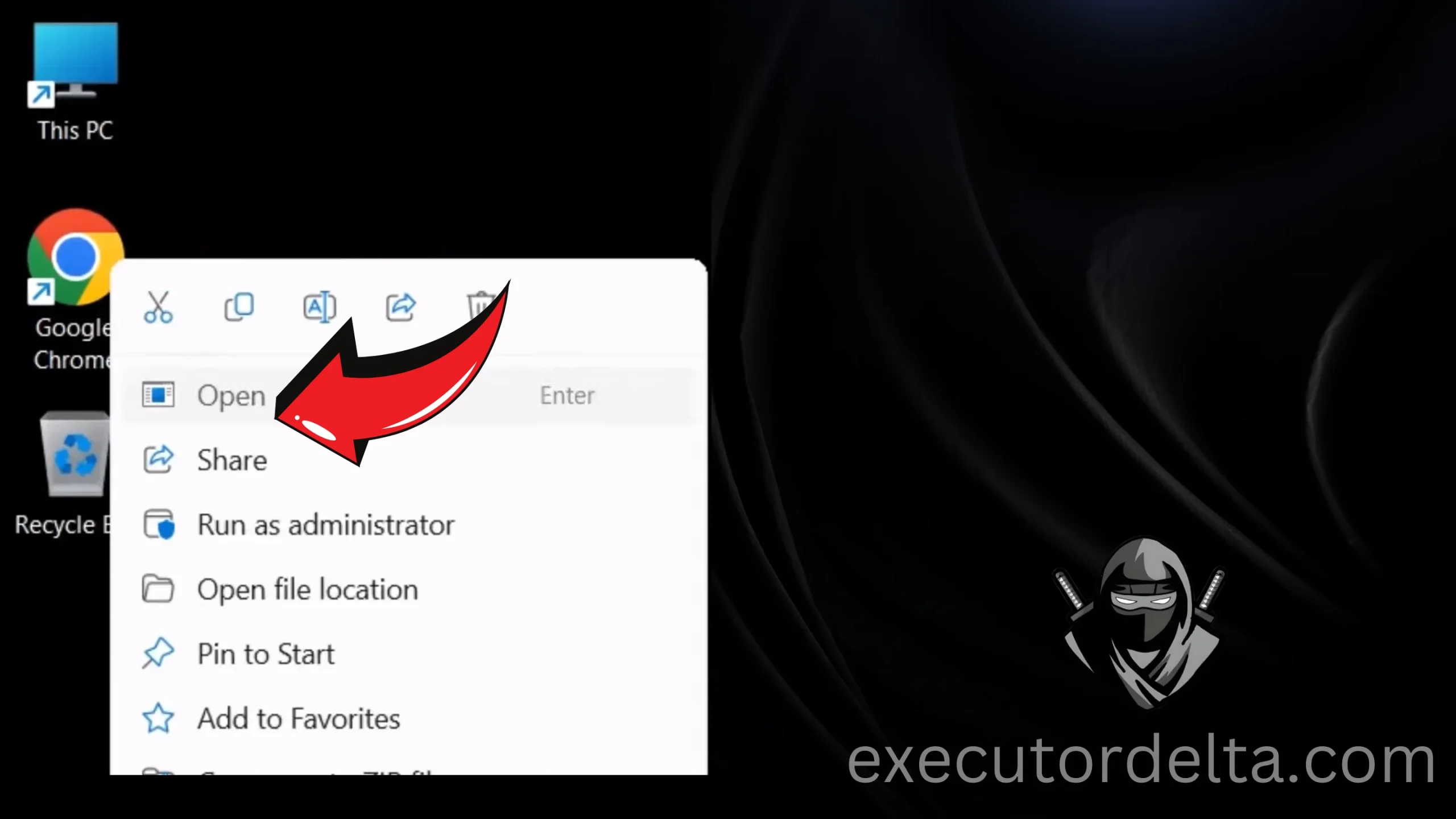
Opening a web browser on Windows 2. Navigate to the site mumuplayer.com. Visit this site.
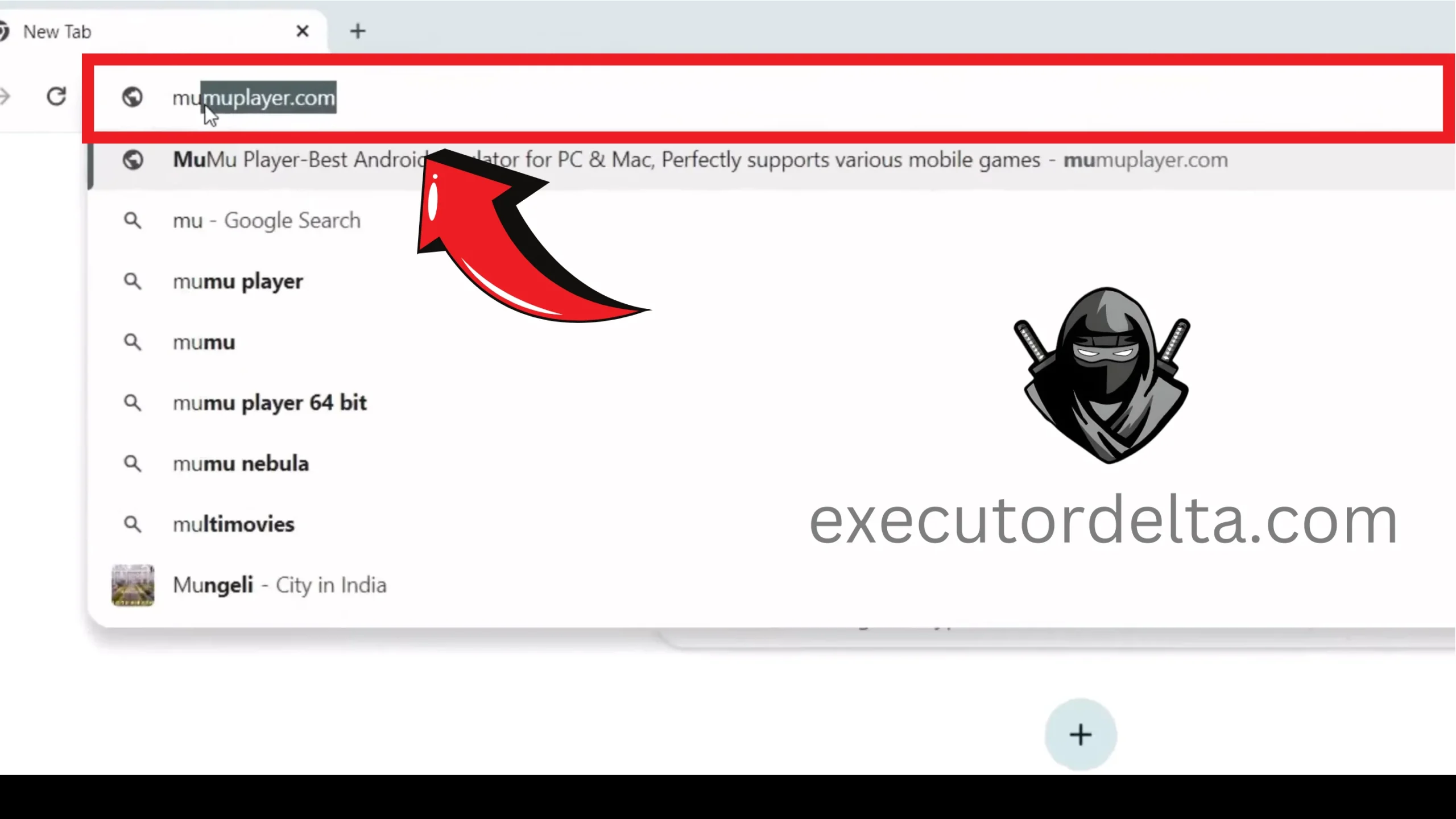
Navigating to MuMu Player website 3. Now, you will see the “Download MuMu Player” button there. Click on it and download the latest version.
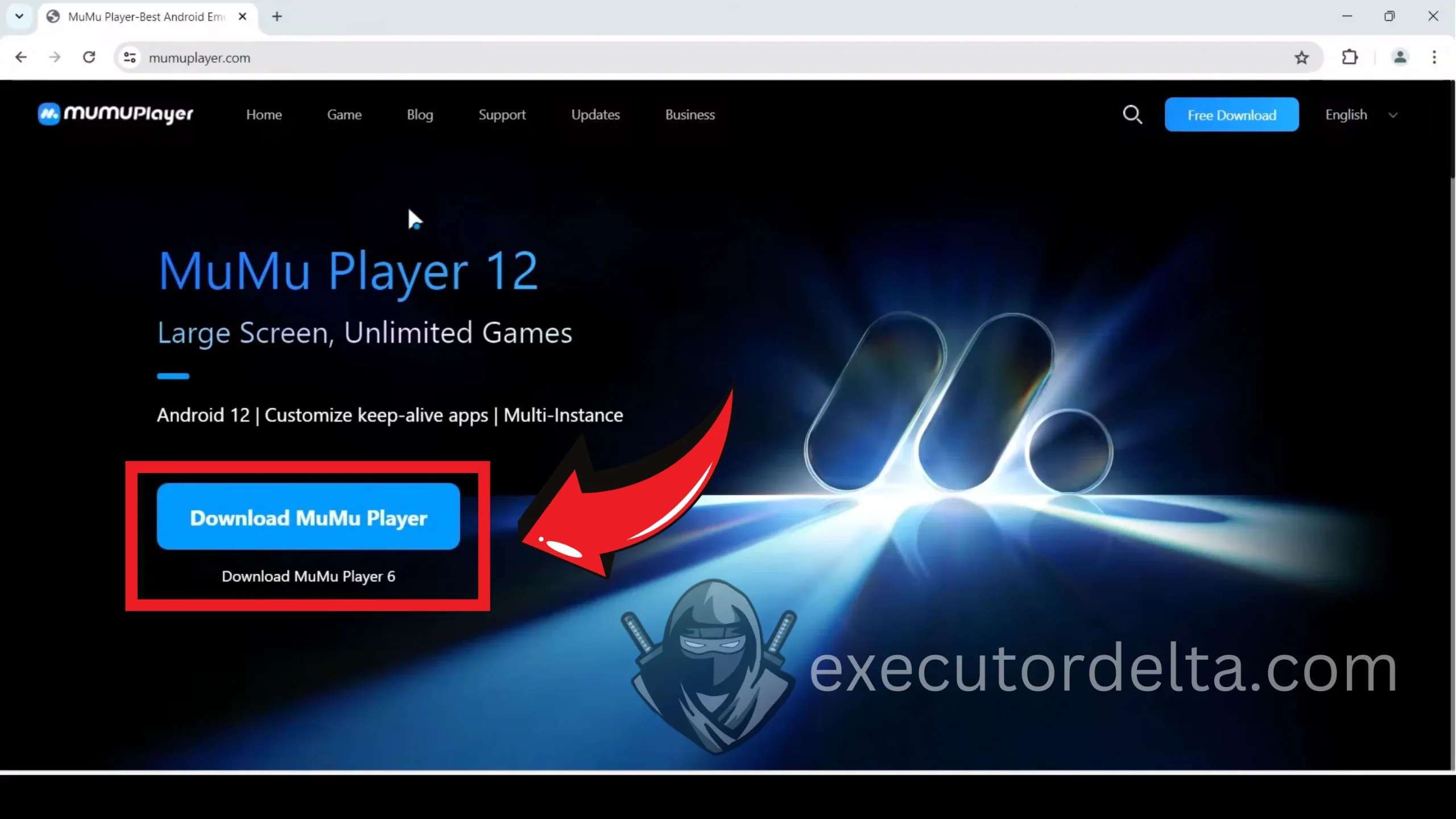
Downloading MuMu Player from the official site 4. You will see that the MuMu Player has been downloaded to your PC within seconds.

MuMu Player download completed 5. Locate the downloaded file and click on it to open it.
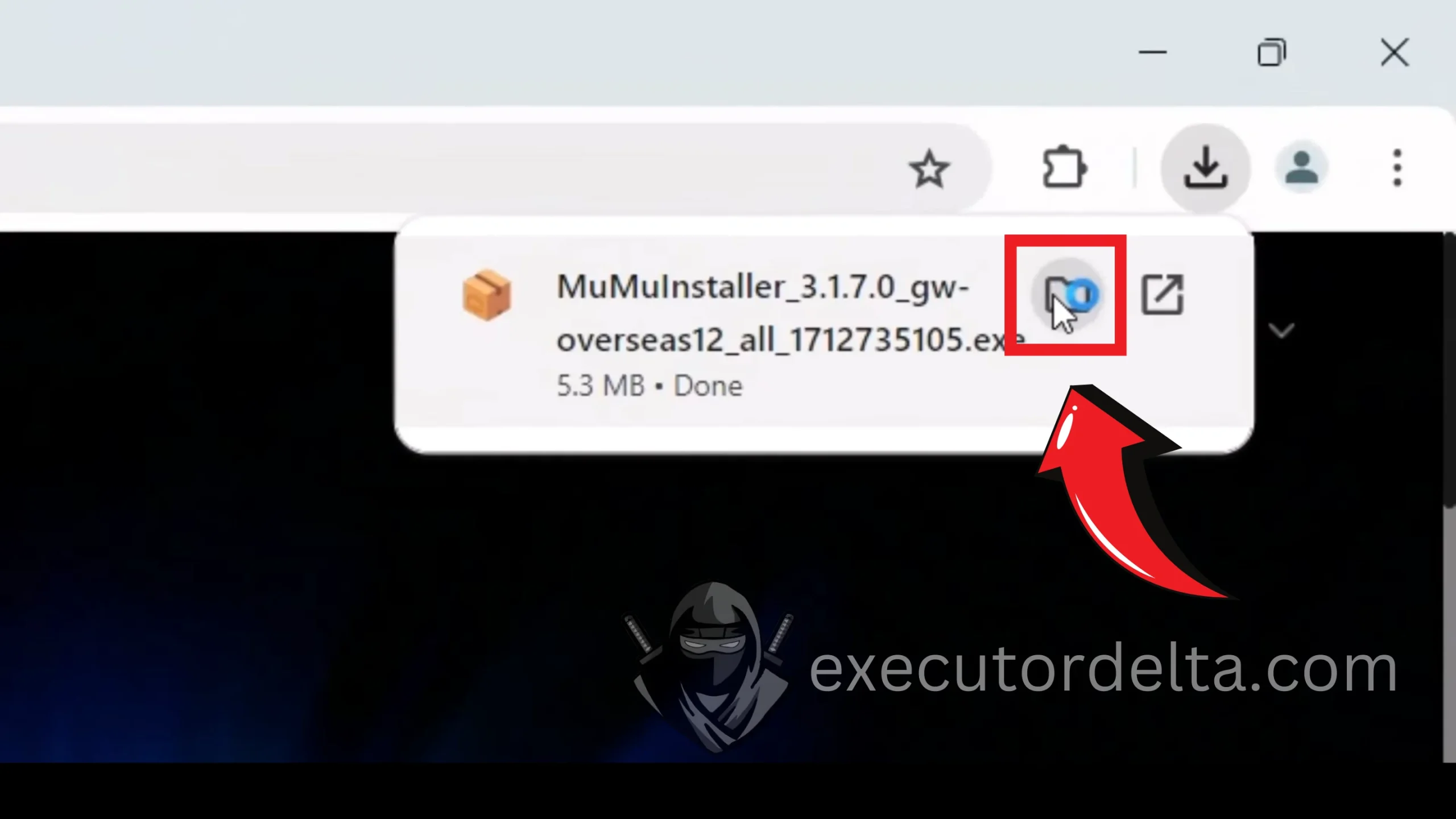
Locating the downloaded MuMu Player installer 6. Now, right-click on the “MuMu Installer.exe” file and click the “Open” button.
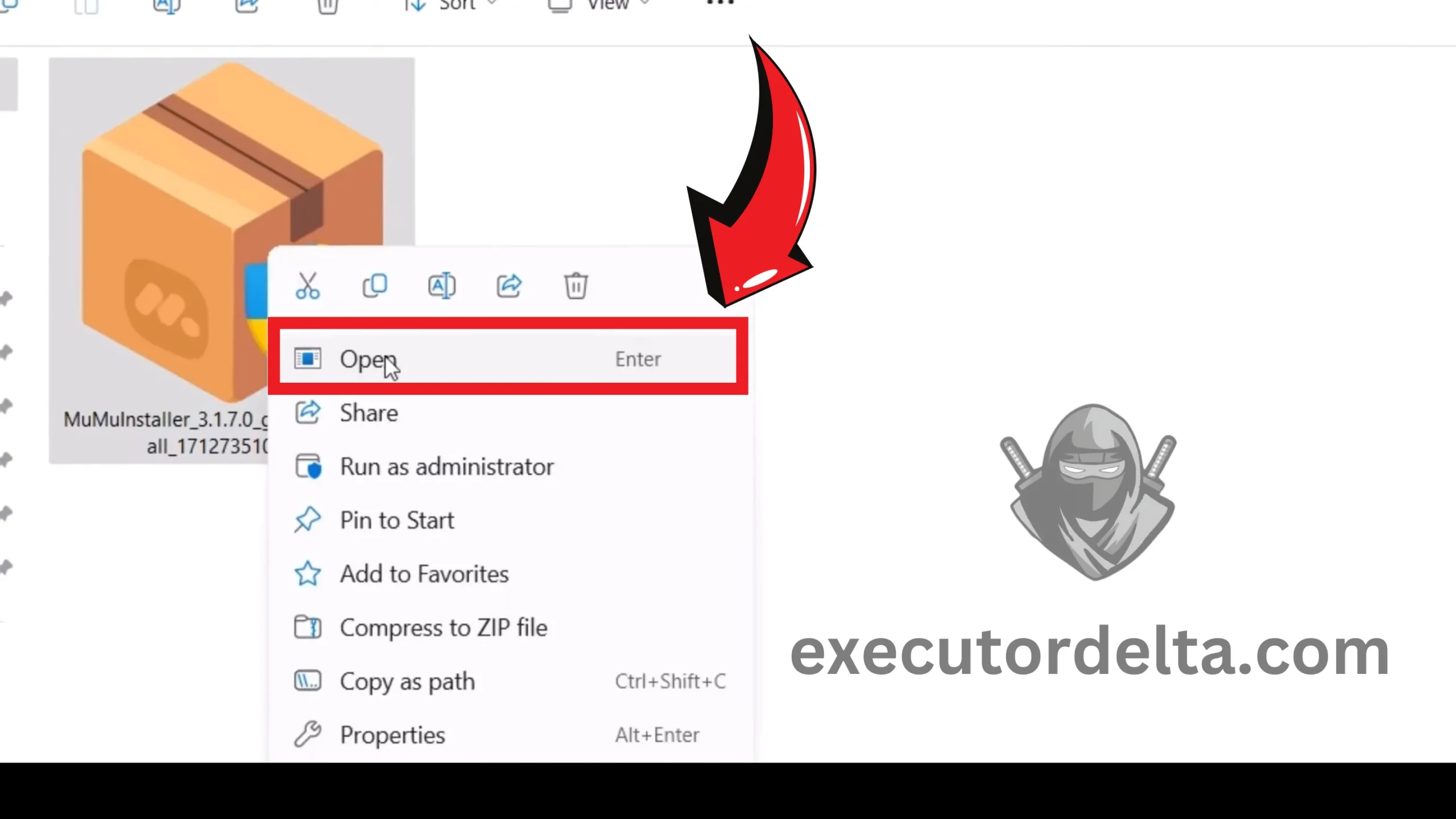
Running the MuMu Player installer 7. Now, you will see a window saying that MuMu Player is preparing to be installed on your system.
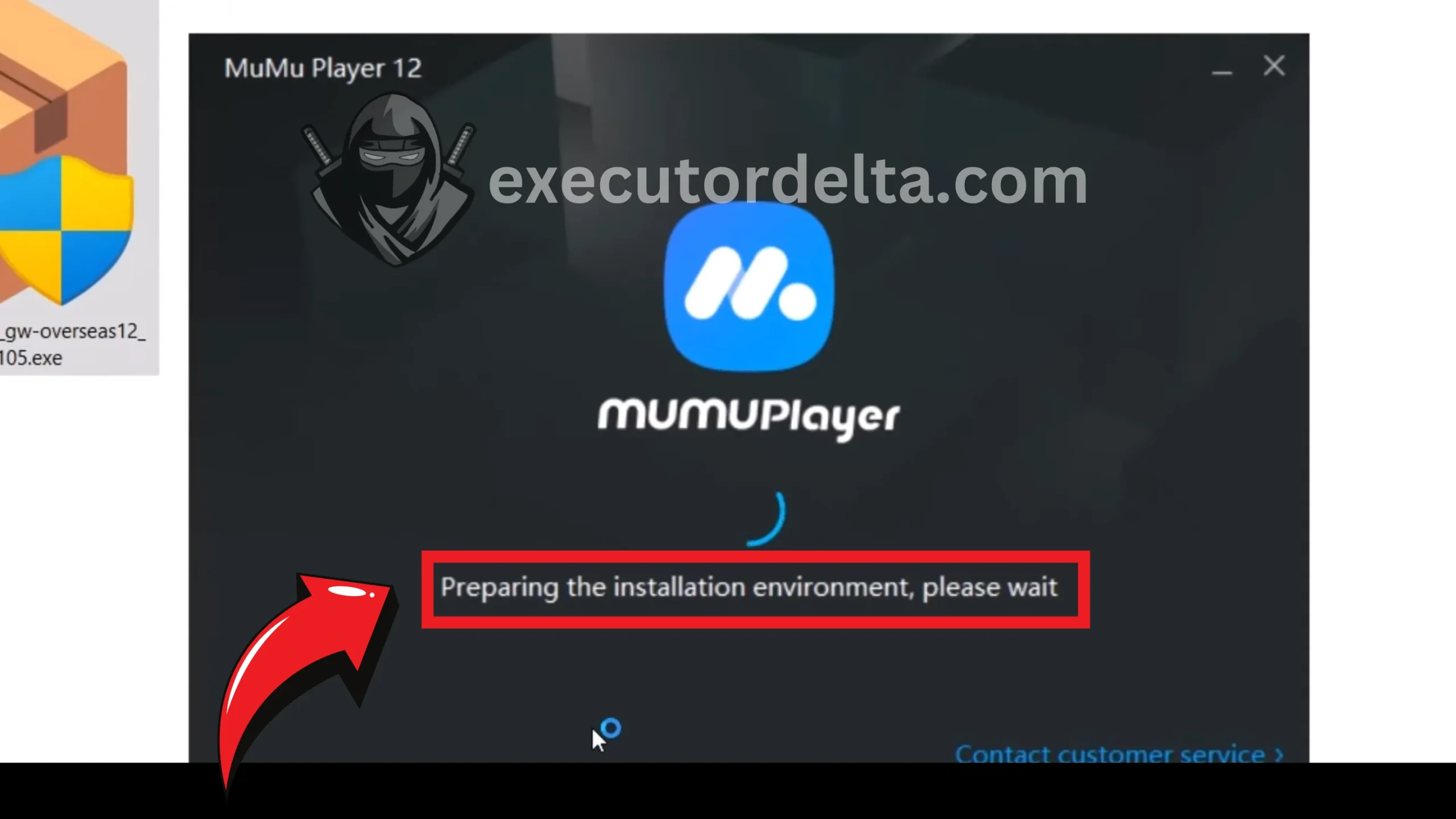
MuMu Player preparing for installation 8. In the next window, click on “Quick Install,” which will start the installation process of this emulator.
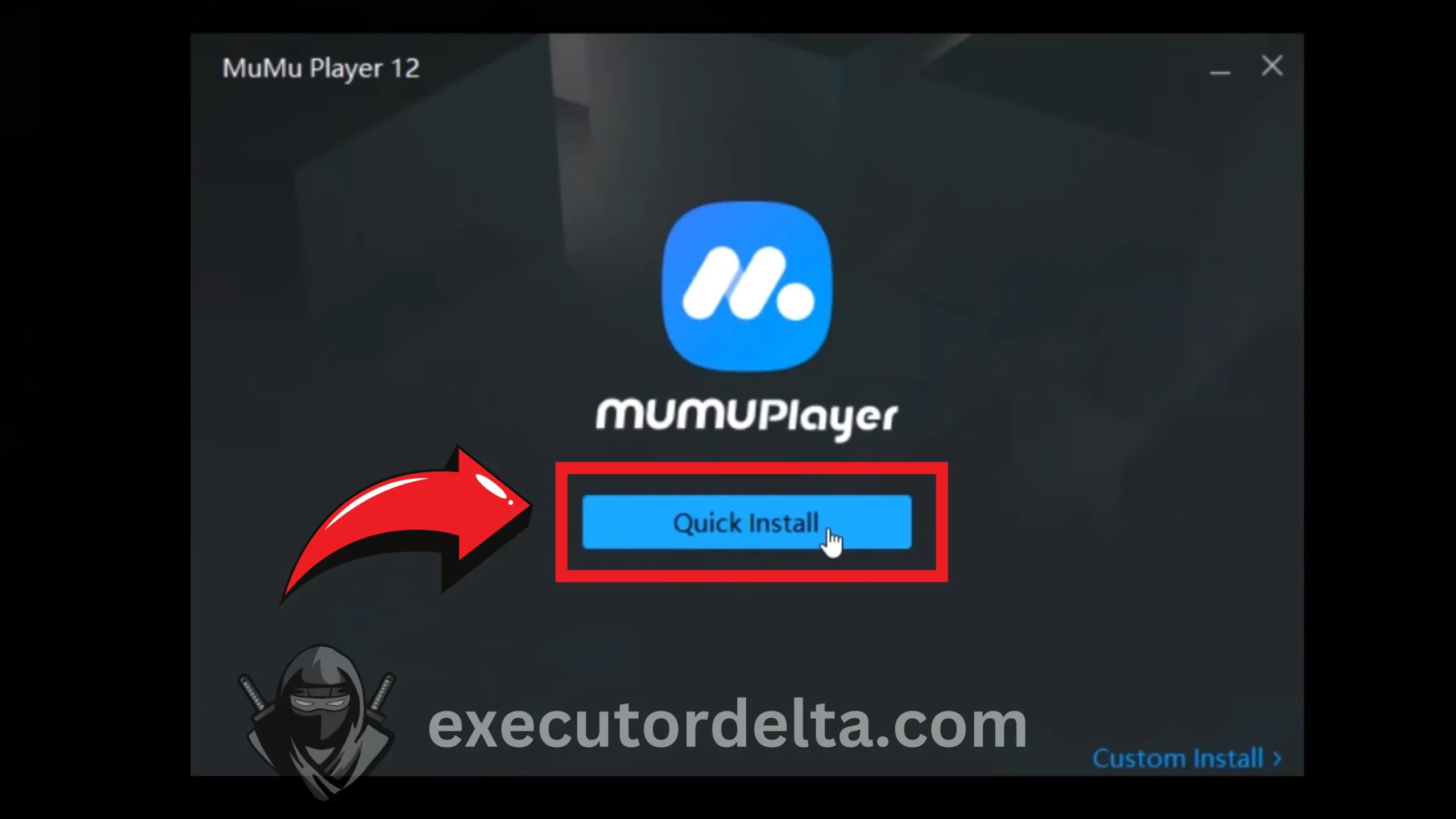
Clicking Quick Install to begin setup 9. Now, it is installed. It can take a few minutes to install completely.
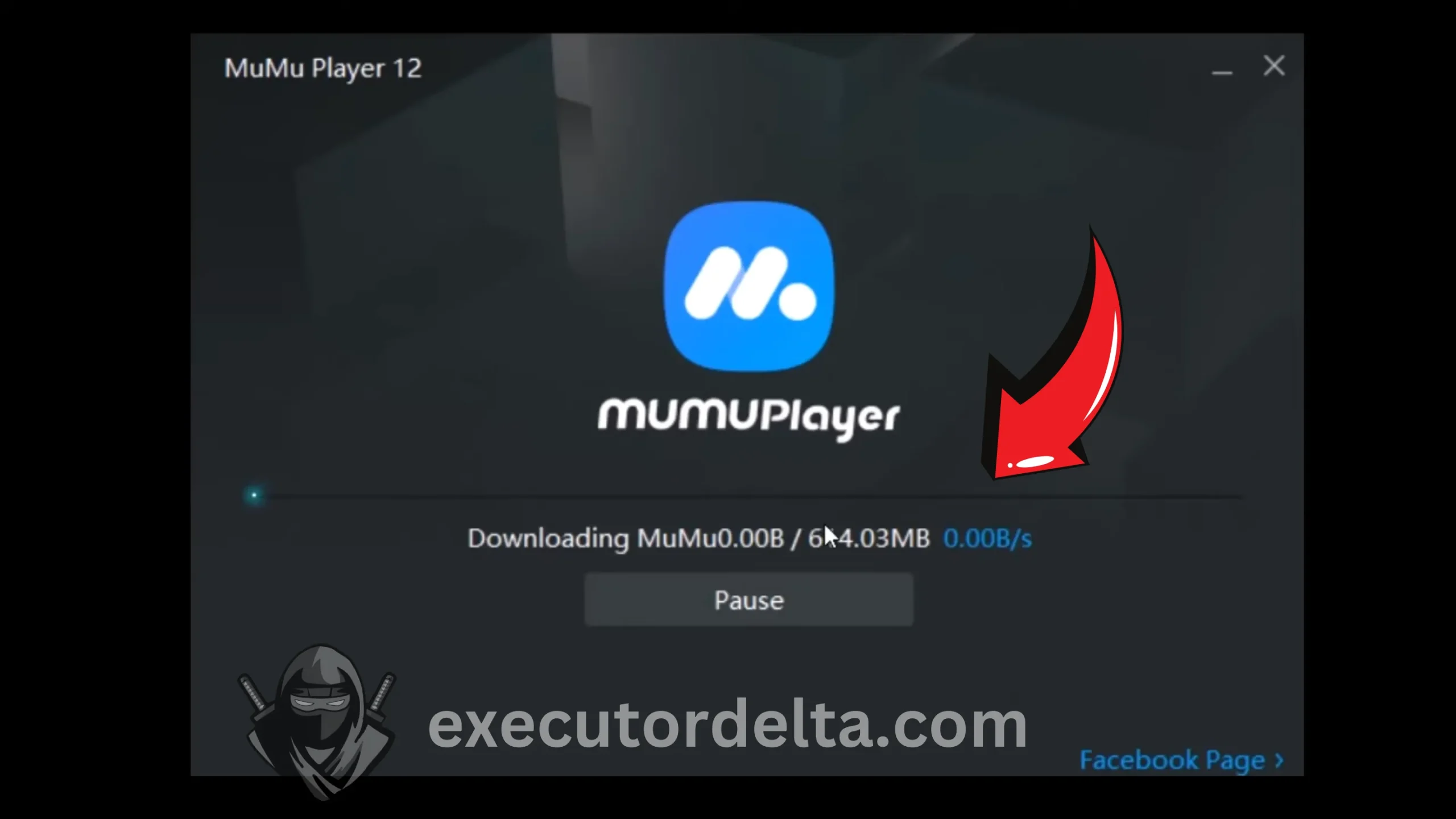
MuMu Player installation in progress 10. Once it is installed, you will see that it will start again automatically and complete the verification process itself. You may have to wait one to two minutes for this to happen.
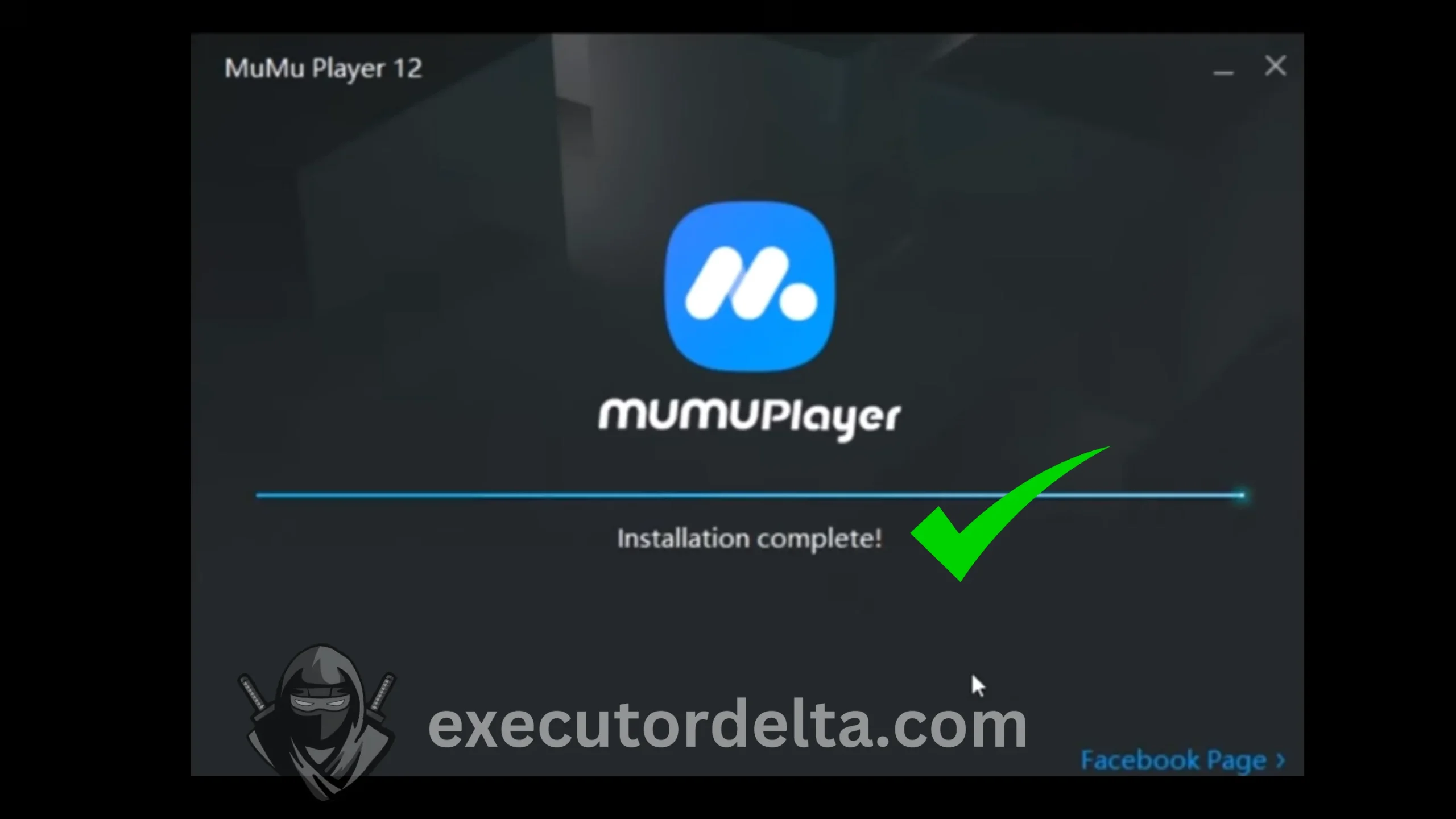
MuMu Player completing verification 11. Now, MuMu Player has been installed and will launch automatically in Windows.
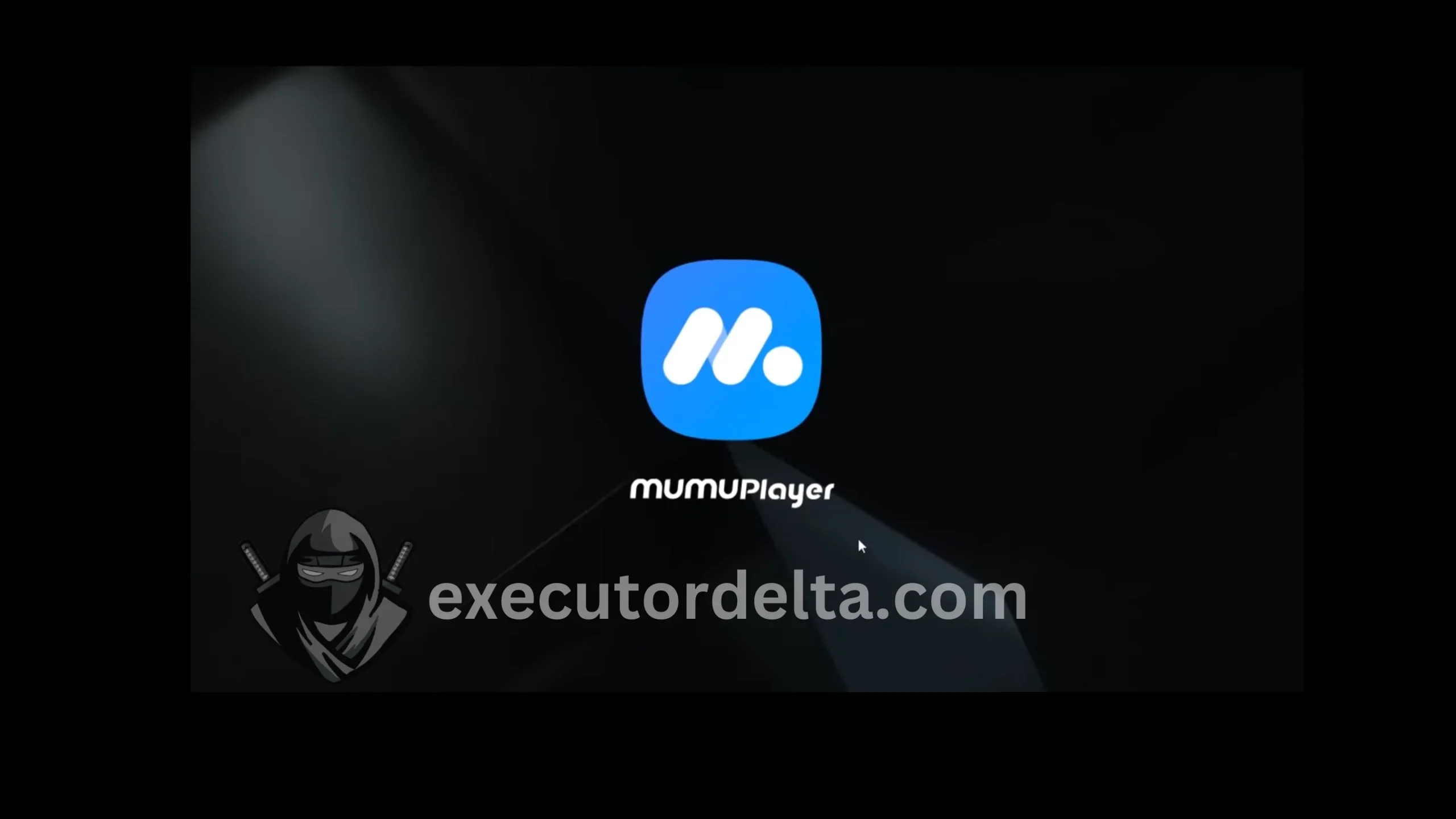
MuMu Player launching on Windows
Step 2: Download the Delta Executor APK
12. Now, you have to click on the Chrome browser so that the Chrome browser download process starts in your MuMu Player emulator. It will take a few seconds to download.
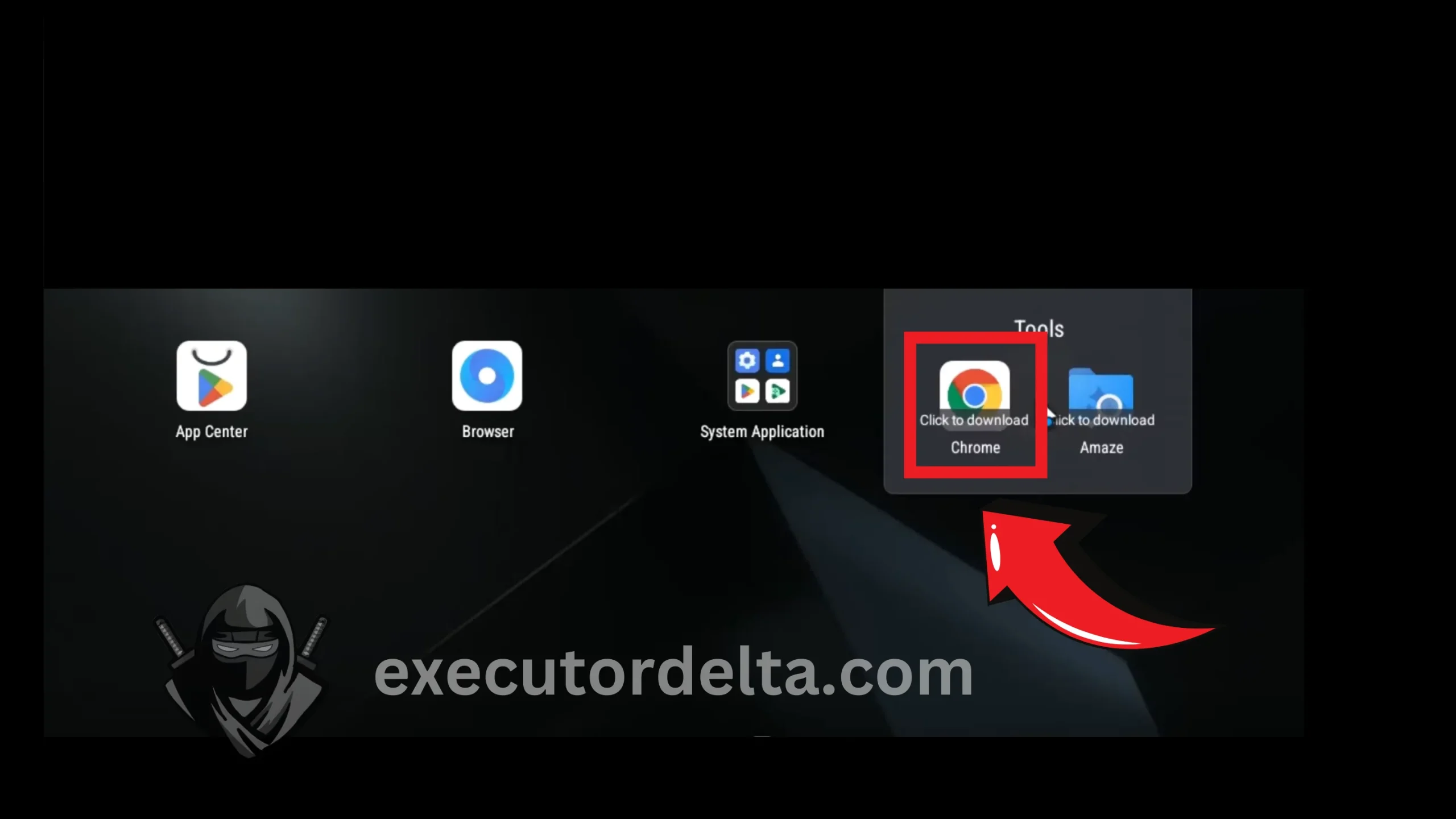
Downloading Chrome inside MuMu Player 13. Now, Chrome has been downloaded. Click on it, and the browser will open.
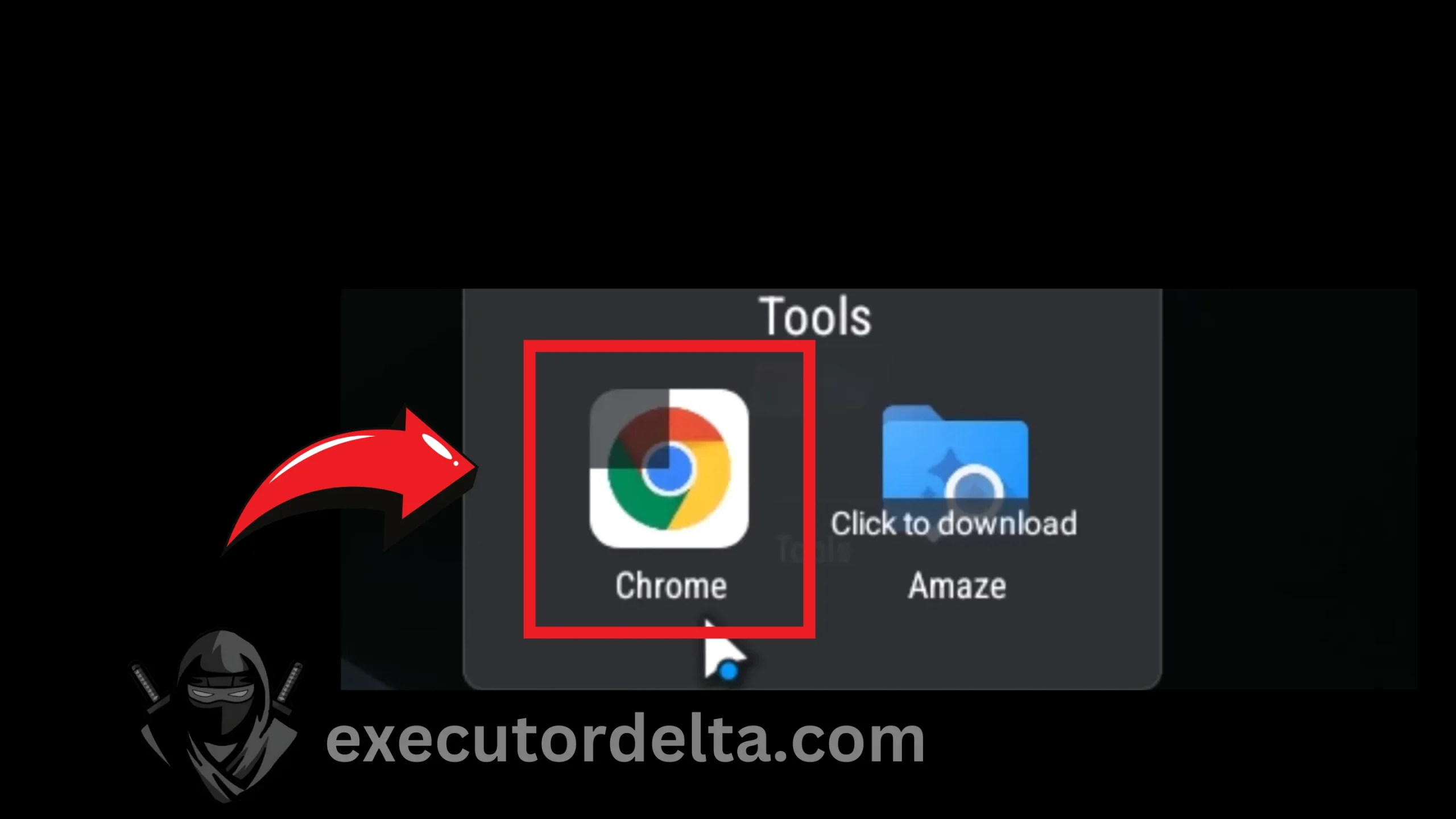
Launching Chrome in the emulator 14. You will see a welcome screen on your Google Chrome now, as you see on a new device. Click on the “Use Without an Account” option this time.
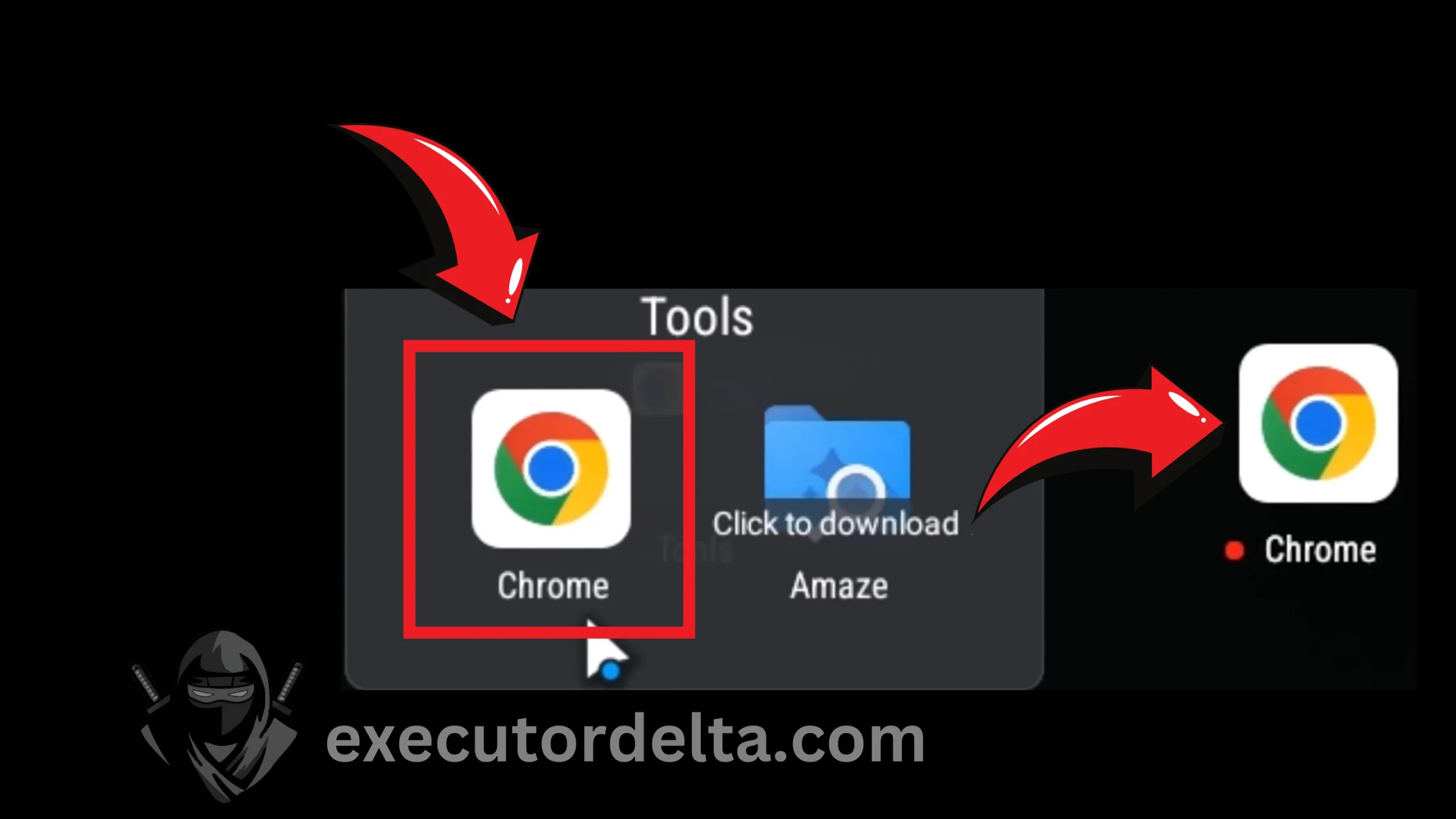
Using Chrome without an account 15. Now type the URL executordelta.com in the Chrome browser.

Typing executordelta.com in the browser 16. When you are at this site for the Delta Executor, you will now have to select the APK file for this executor. Do not go to the “For PC” section. You need an APK file to run it on an Android emulator. Locate the Android APK file on the main page of the site.
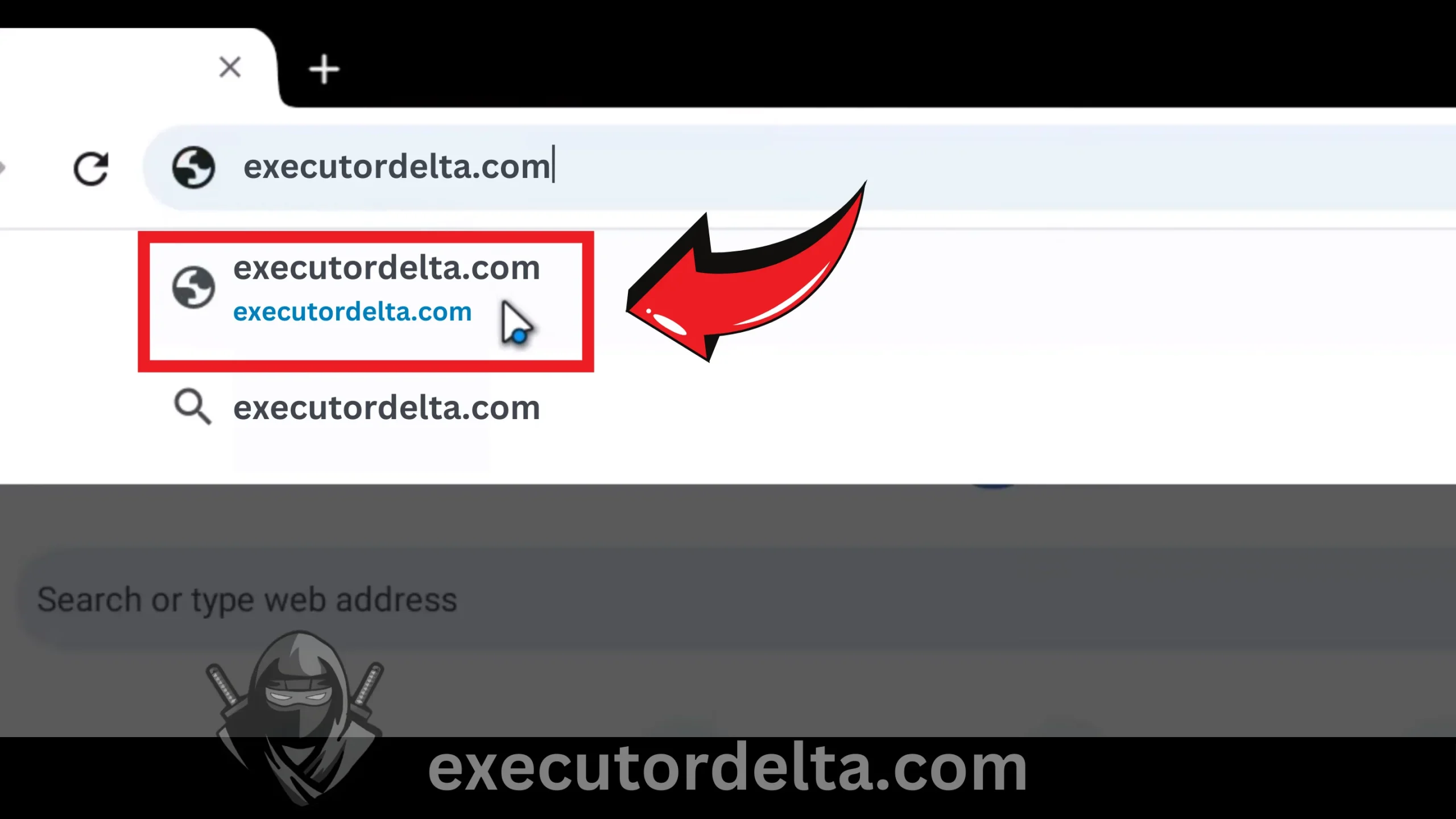
Locating the APK on the main page 17. Download the APK file now by clicking on the download button.
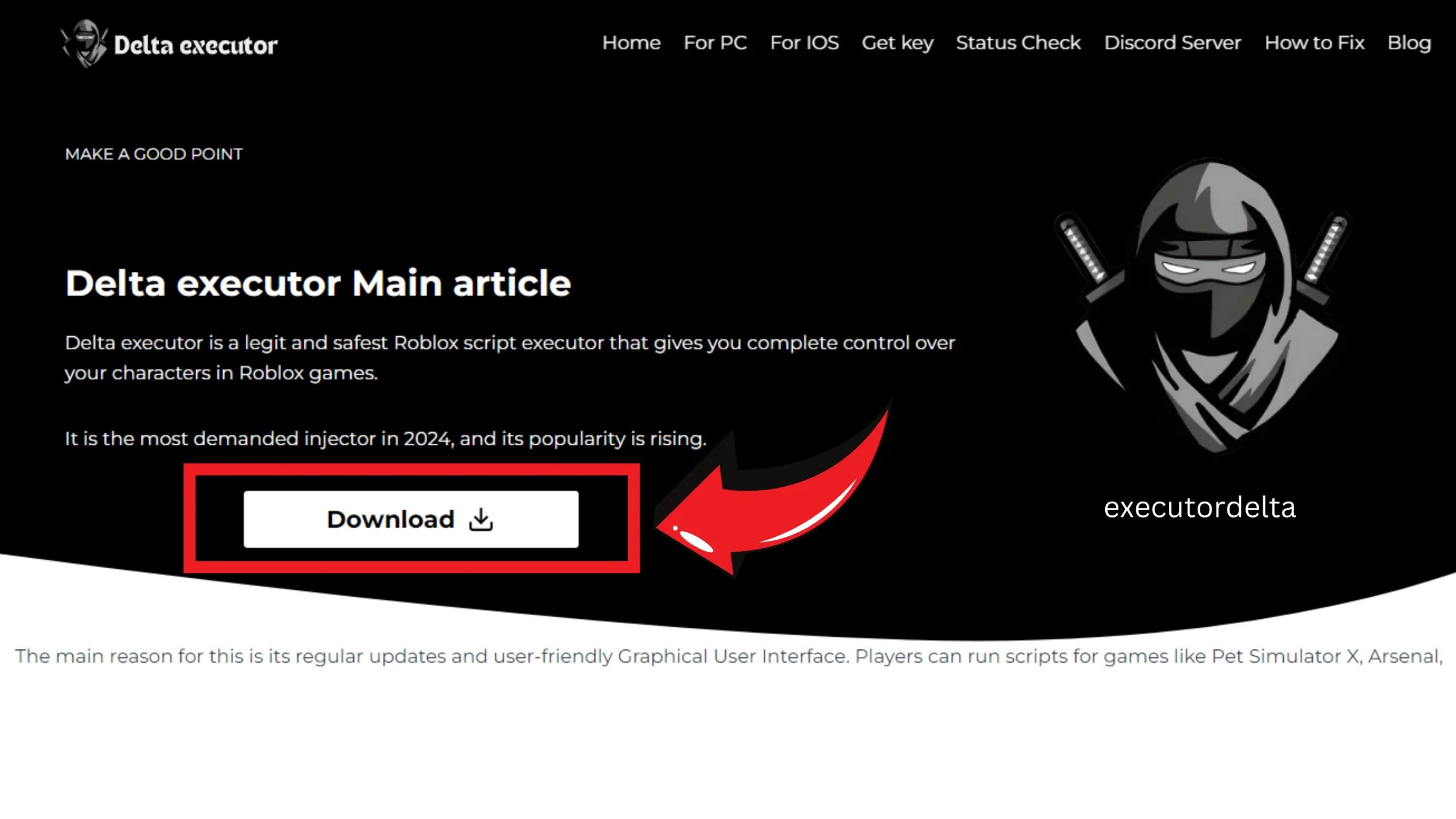
Downloading the Delta Executor APK 18. Wait for a few seconds for the timer to end, and then click “Click Here to Download”.
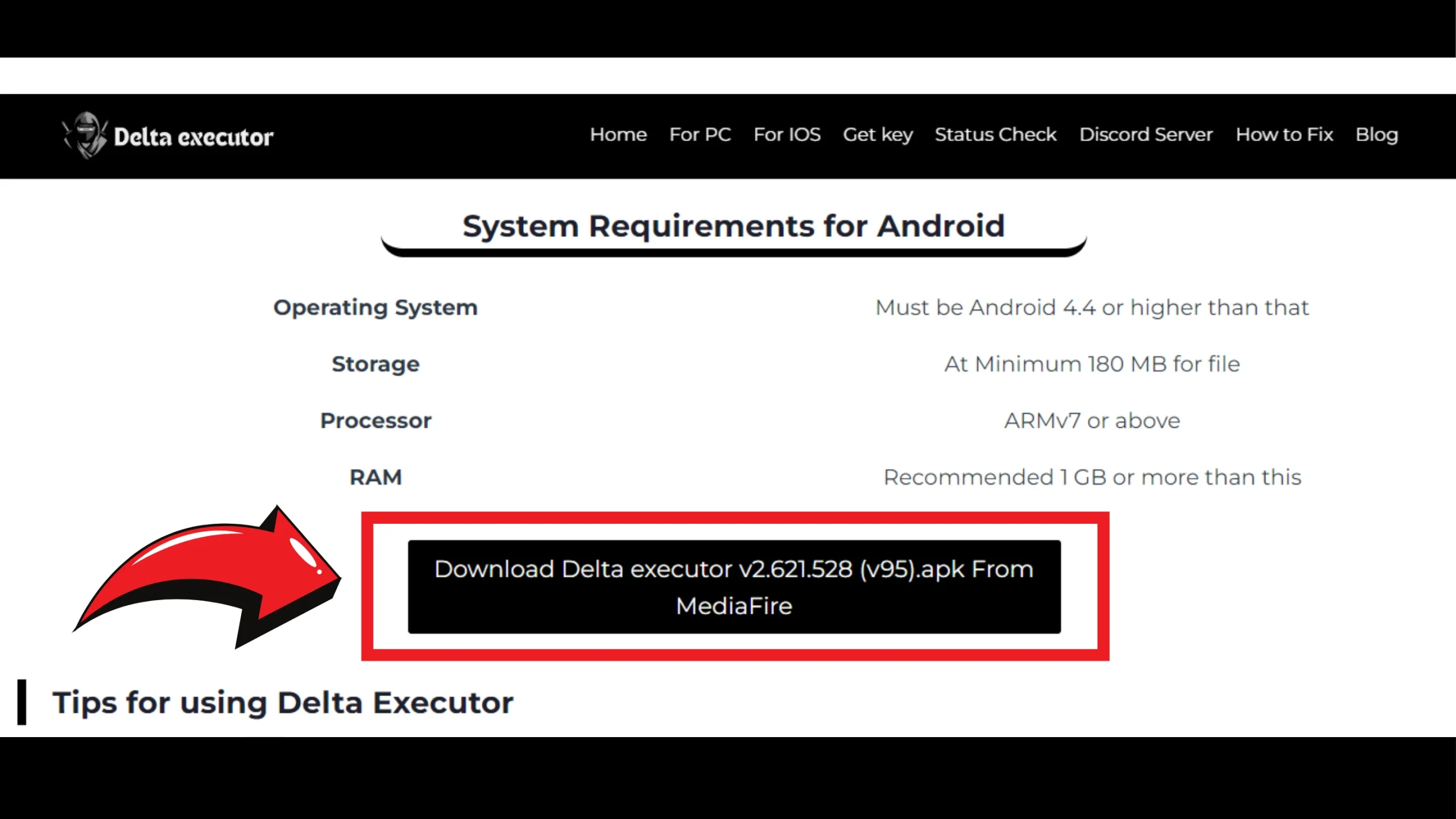
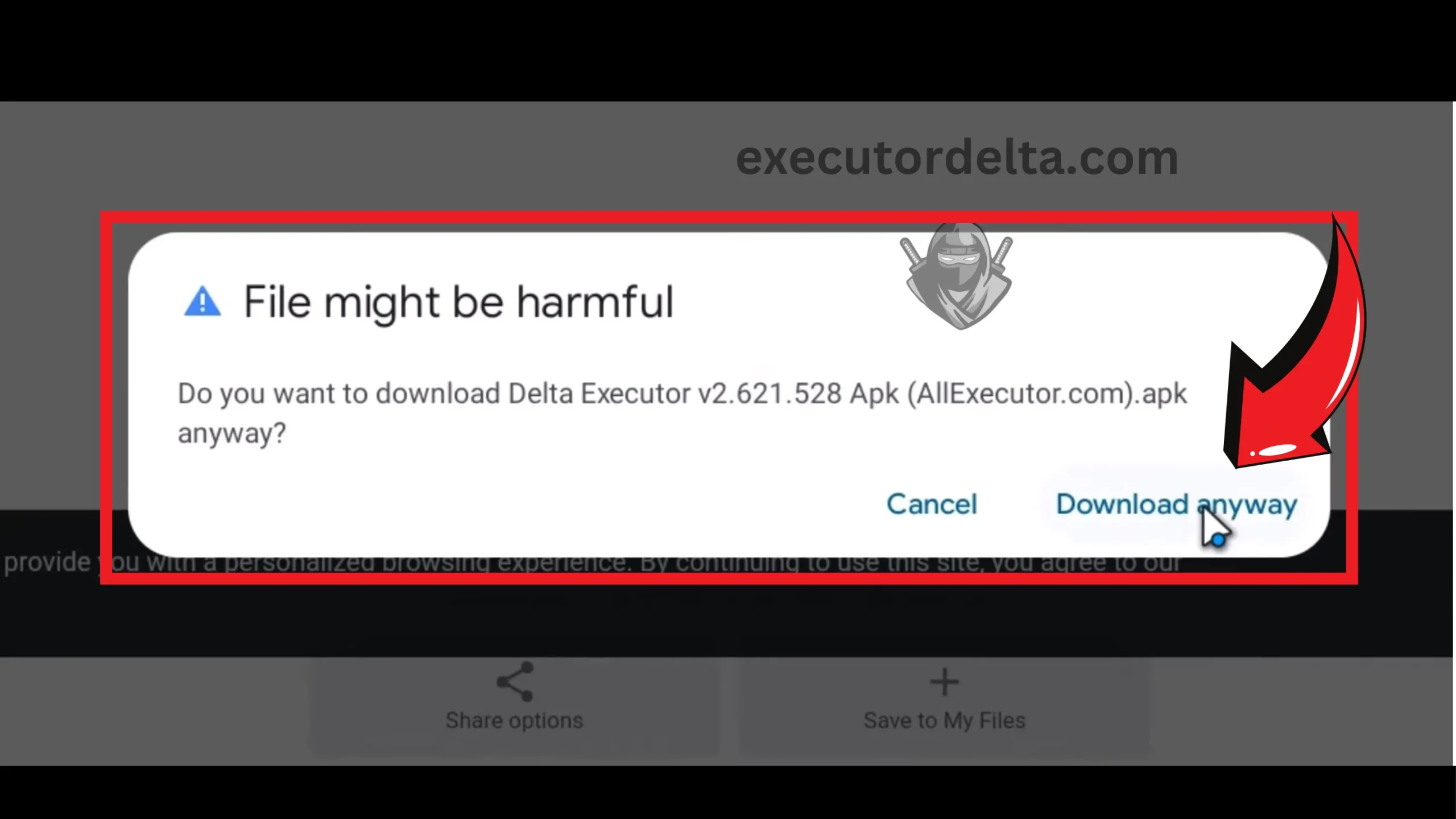
Clicking the final download button 19. When this file is downloaded, your Windows antivirus system may detect it as unsuitable for your device. This is due to the custom code used in the file. Do not worry. It will show you a small dialog in which it is written “Download Anyway.” Click on this option.

Confirming download despite antivirus warning 20. Now, depending on the site where you go: if it is a direct link then you do not have to go to any site; if it is MediaFire then you will have to click on the download button there to download the file.
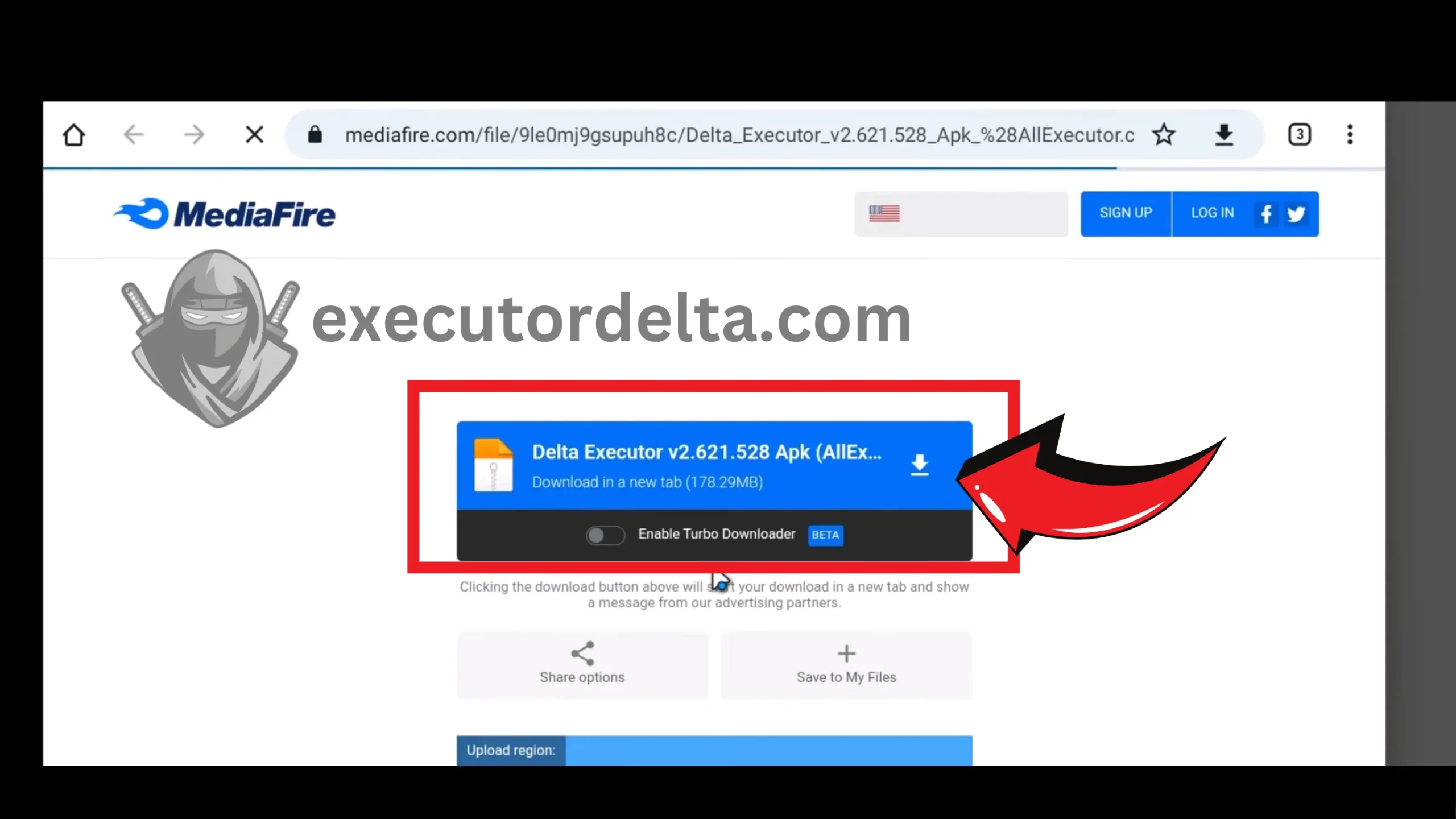
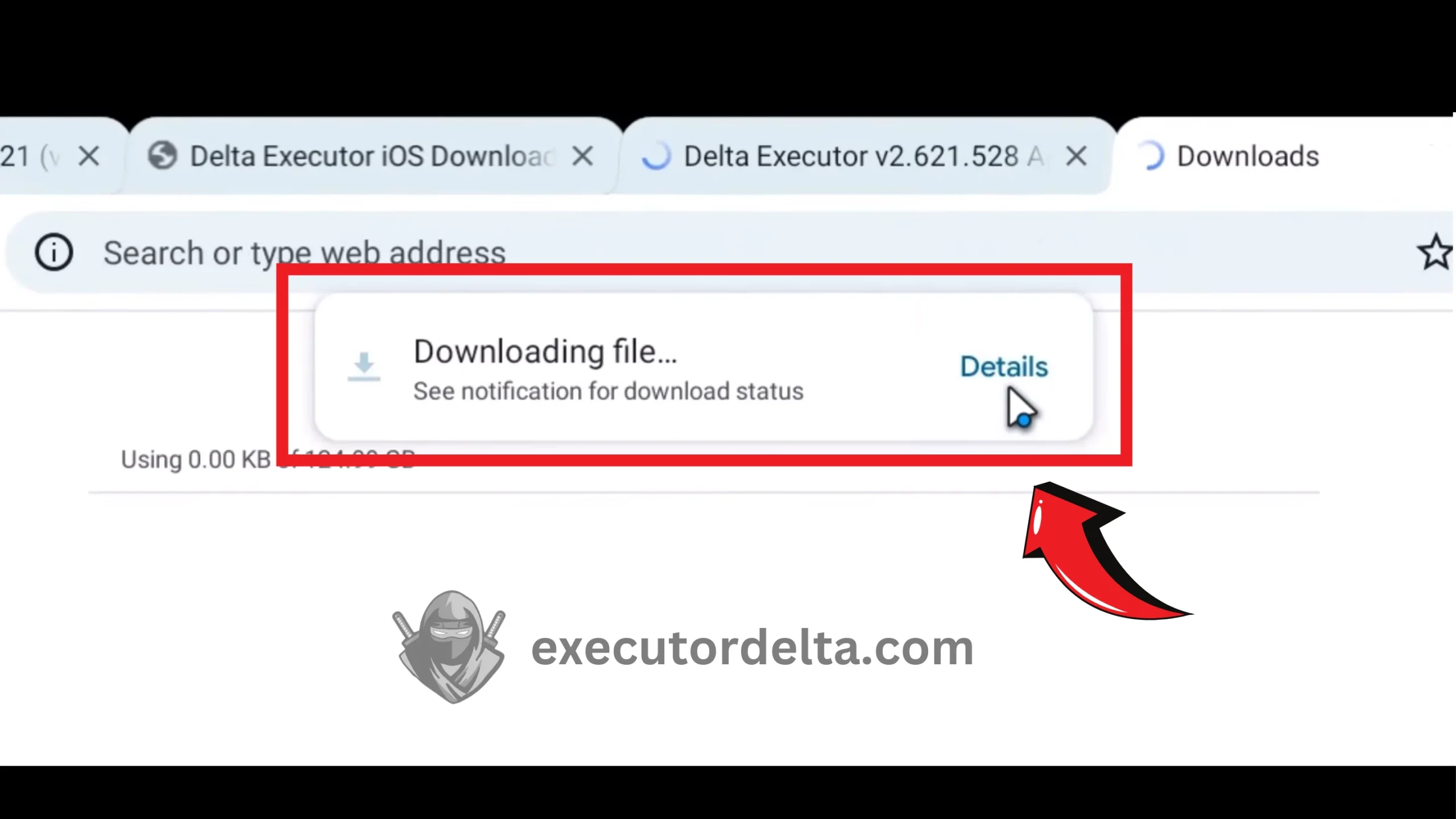
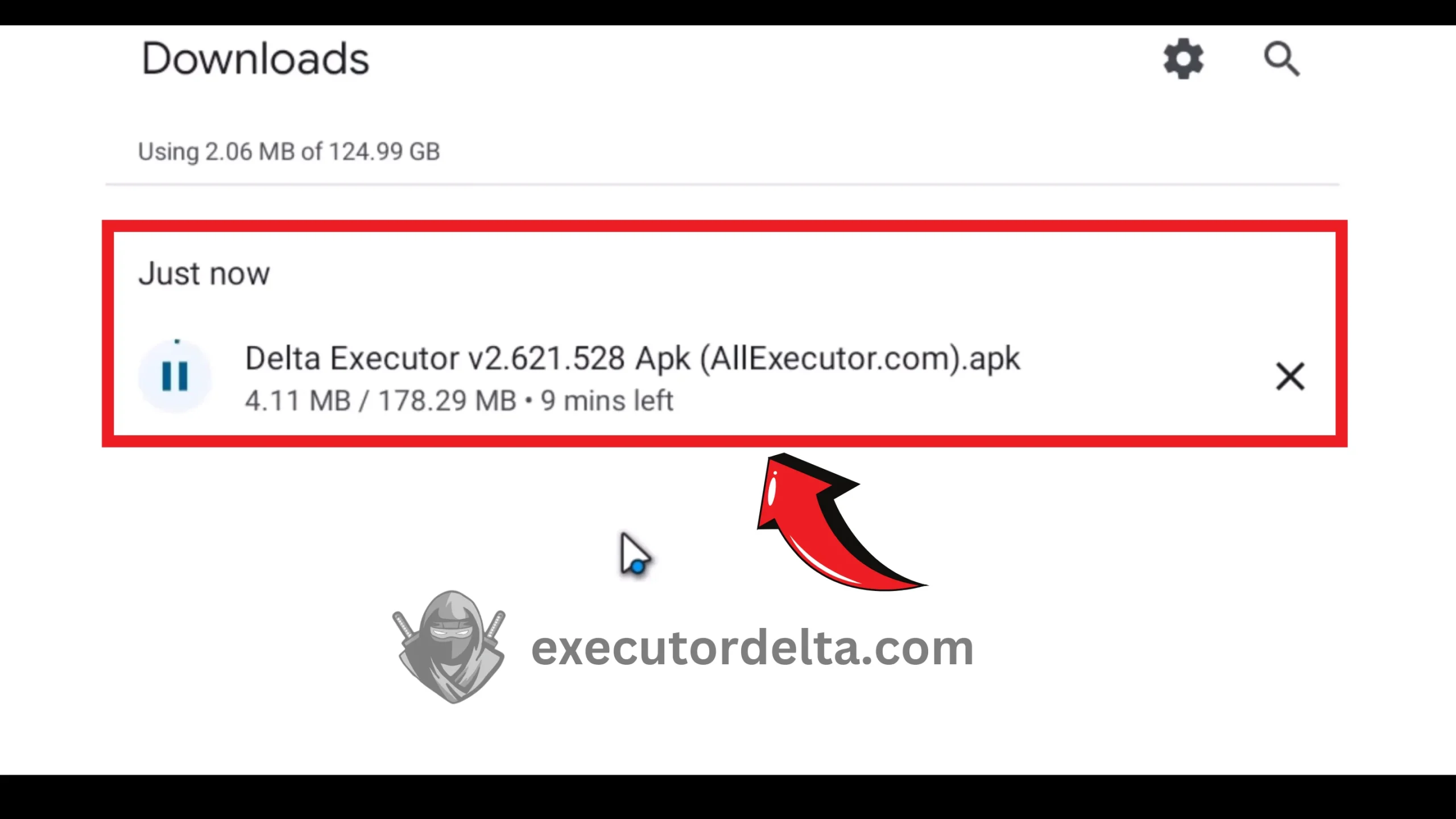
Downloading from MediaFire if applicable 21. The download of this Delta APK file has started. It may take 2 to 3 minutes to download completely.
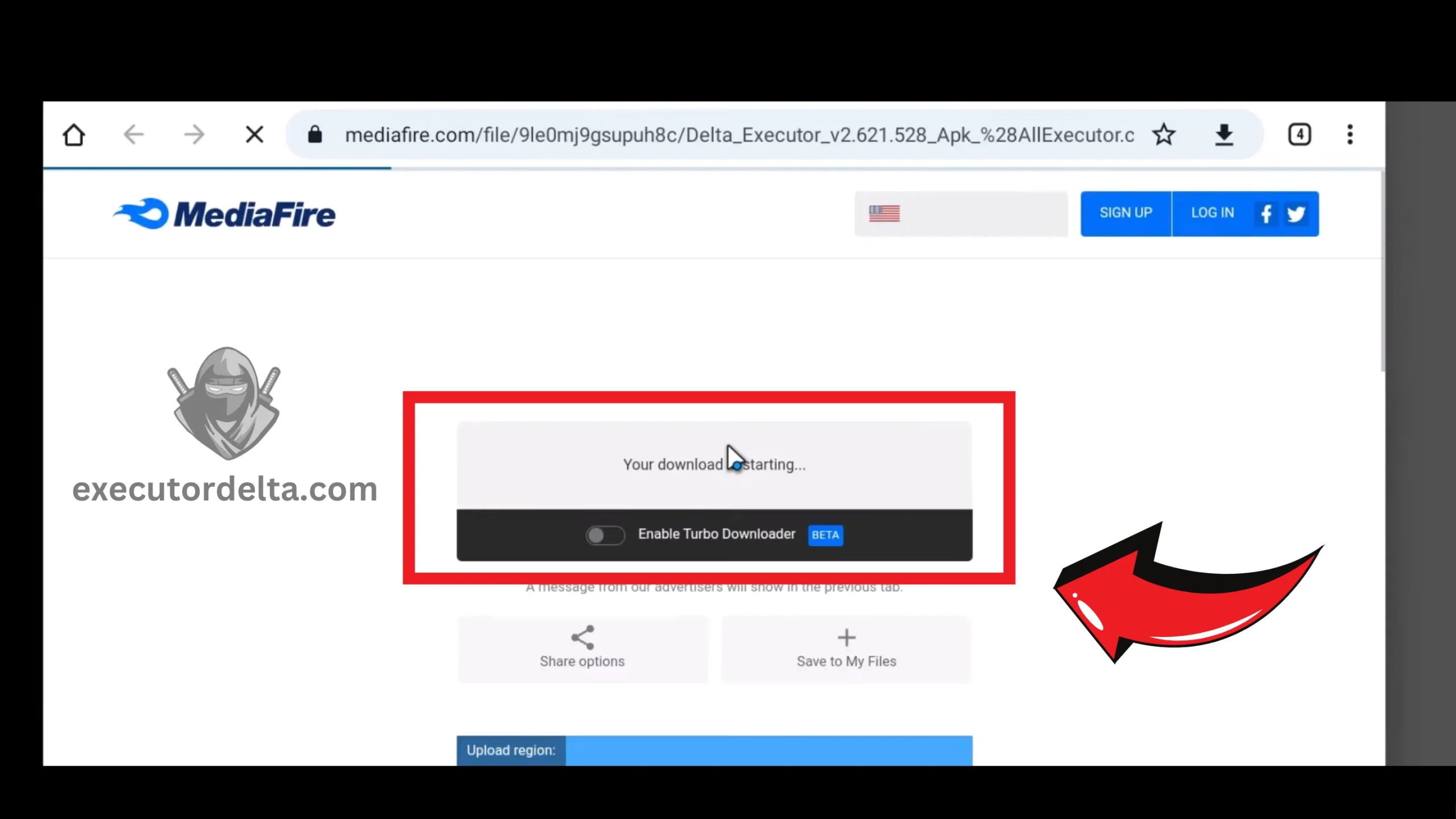
Delta APK download in progress
Step 3: Install Delta Executor Inside MuMu Player
22. Now, after the file has been downloaded, locate it in your Downloads folder and open it.
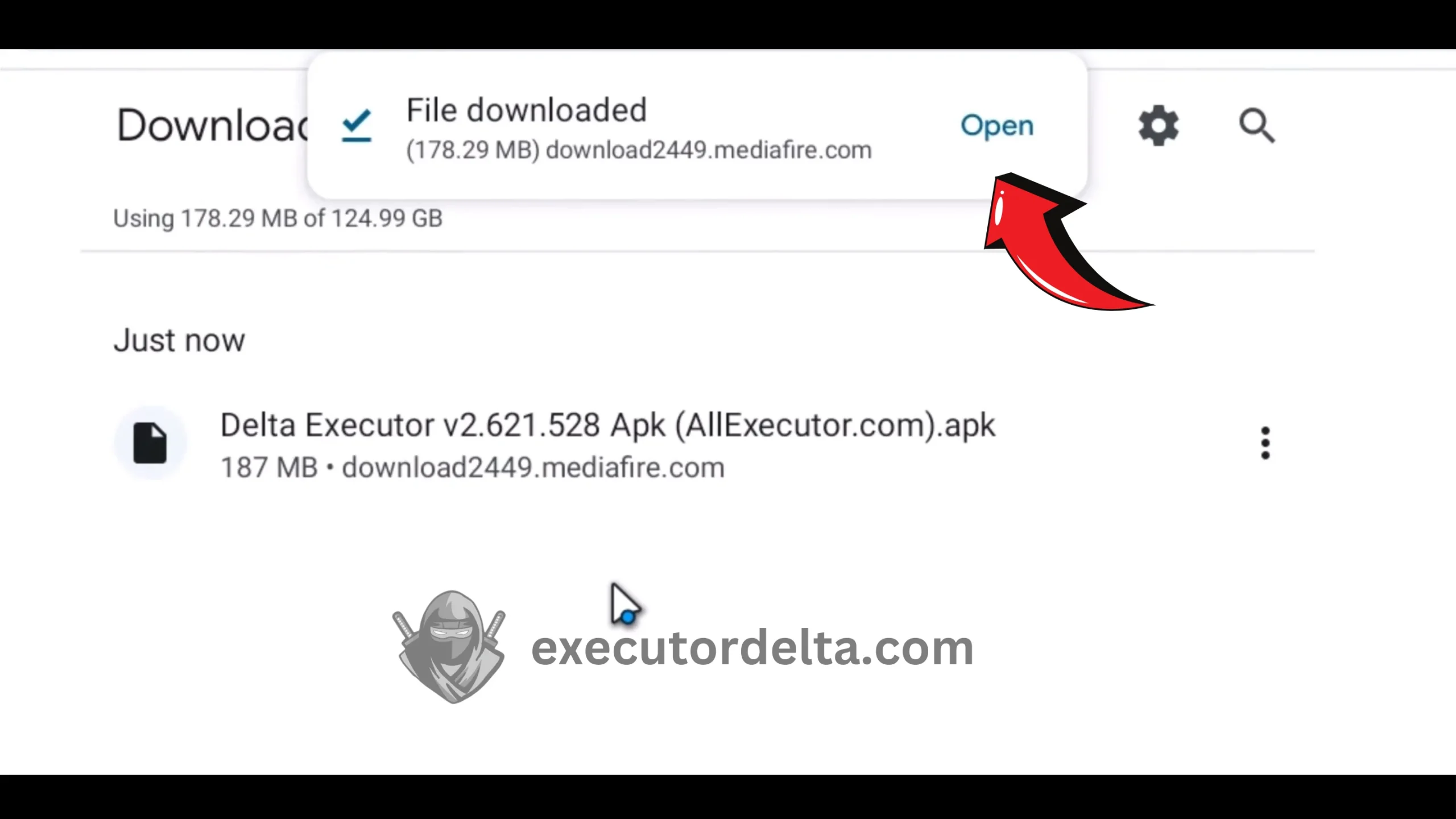
Locating the downloaded APK in Downloads 23. When you open the file, the Delta Executor will automatically start installing itself on the Android emulator. This process will take just seconds to complete.
Delta Executor installing inside the emulator 24. When the installation is complete, you will see a Roblox dialog, and there will be an option to open it. Click on “Open” this time.
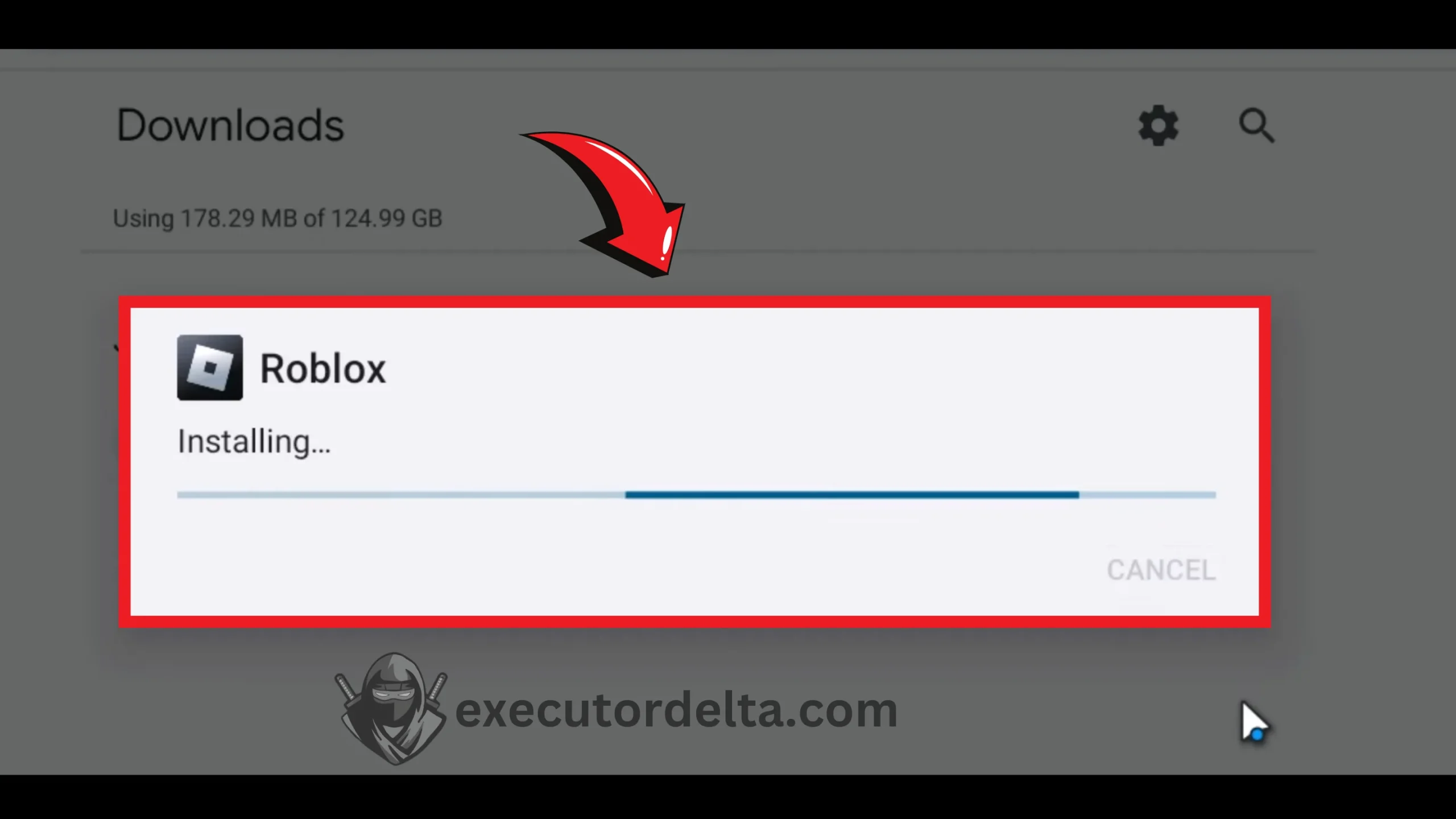
Opening Roblox after Delta installation 25. Now, Roblox is installing — this is bundled with the Delta Executor setup.
Roblox installing through the Delta setup 26. When the app gets installed then click on “Open” button.
Opening Roblox after installation
Step 4: Launch Delta and Log In
27. Now, you will see that the Delta Executor is loading with Roblox. Once it is loaded, give your Roblox username and password. You have just logged in to the game, and you can see the executor interface, too.

Logging into Roblox through Delta Executor 28. Now, you can choose any game you want with Delta Executor. Select a game.
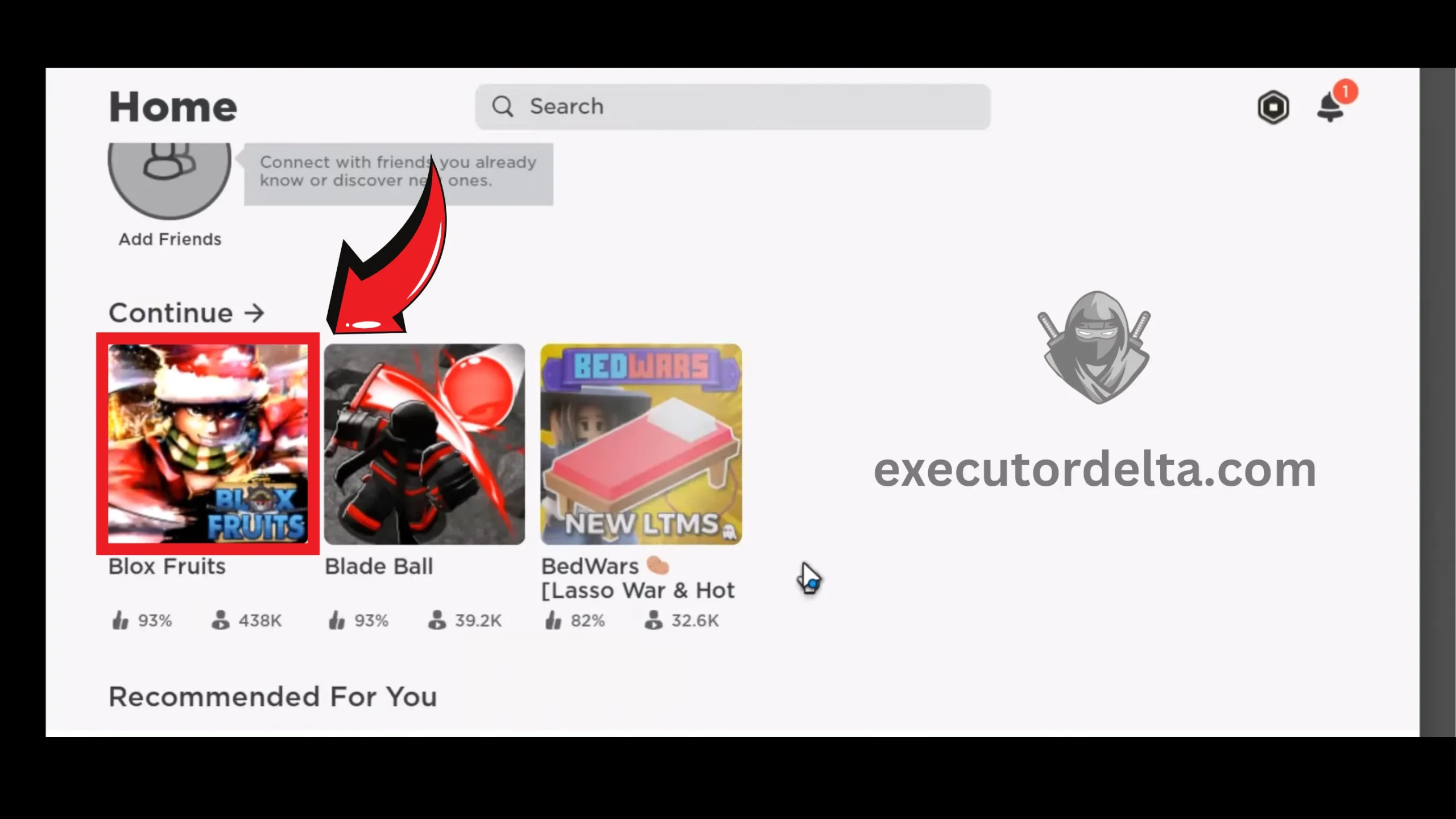
Selecting a game in Roblox 29. Click on the “Play” button for the game that you selected.
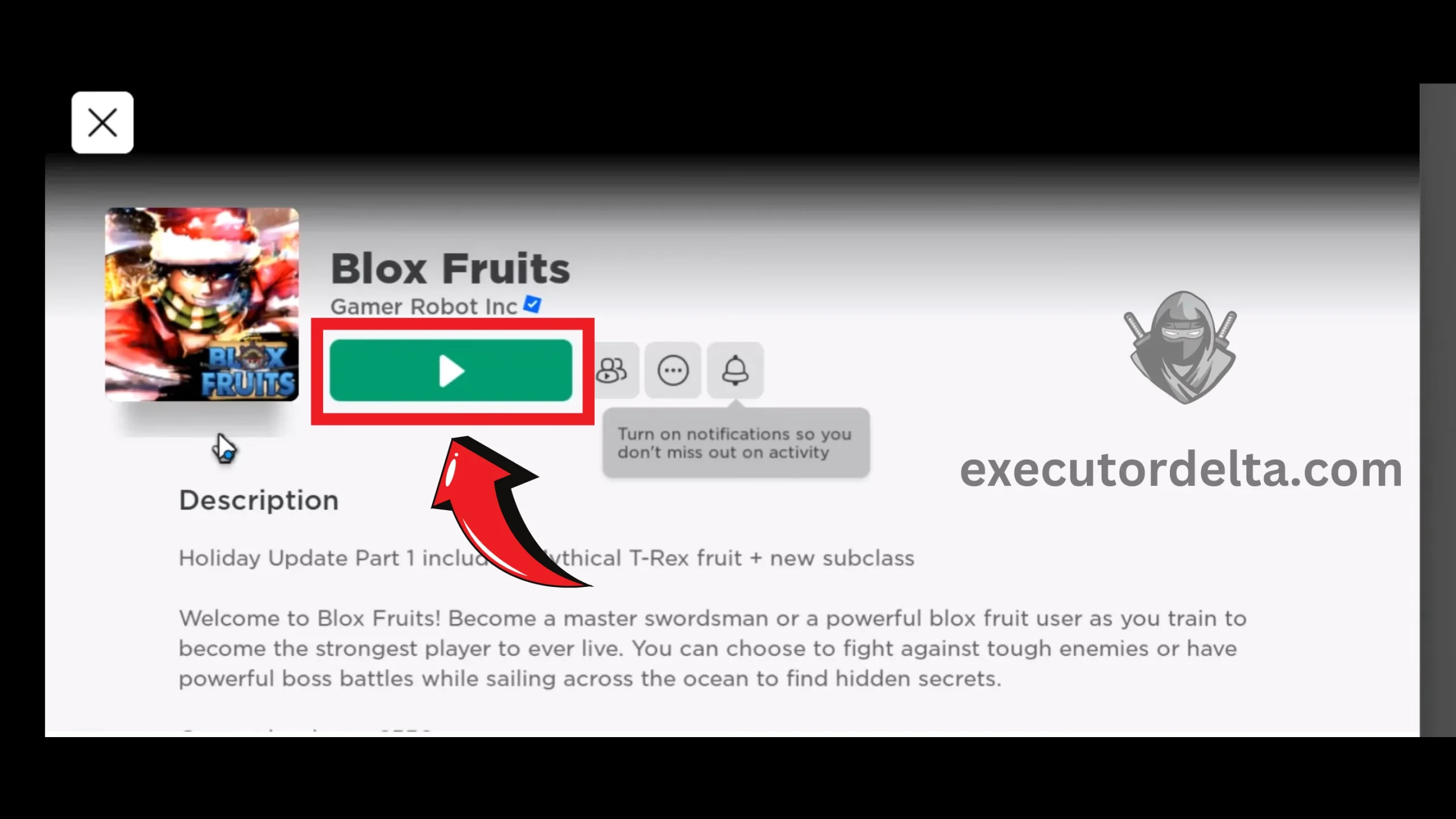
Clicking Play to launch the selected game 30. The game will load in a few seconds. When it loads, you will see the Delta Executor’s physical user interface with the game, too. This is the main menu of Delta Executor.
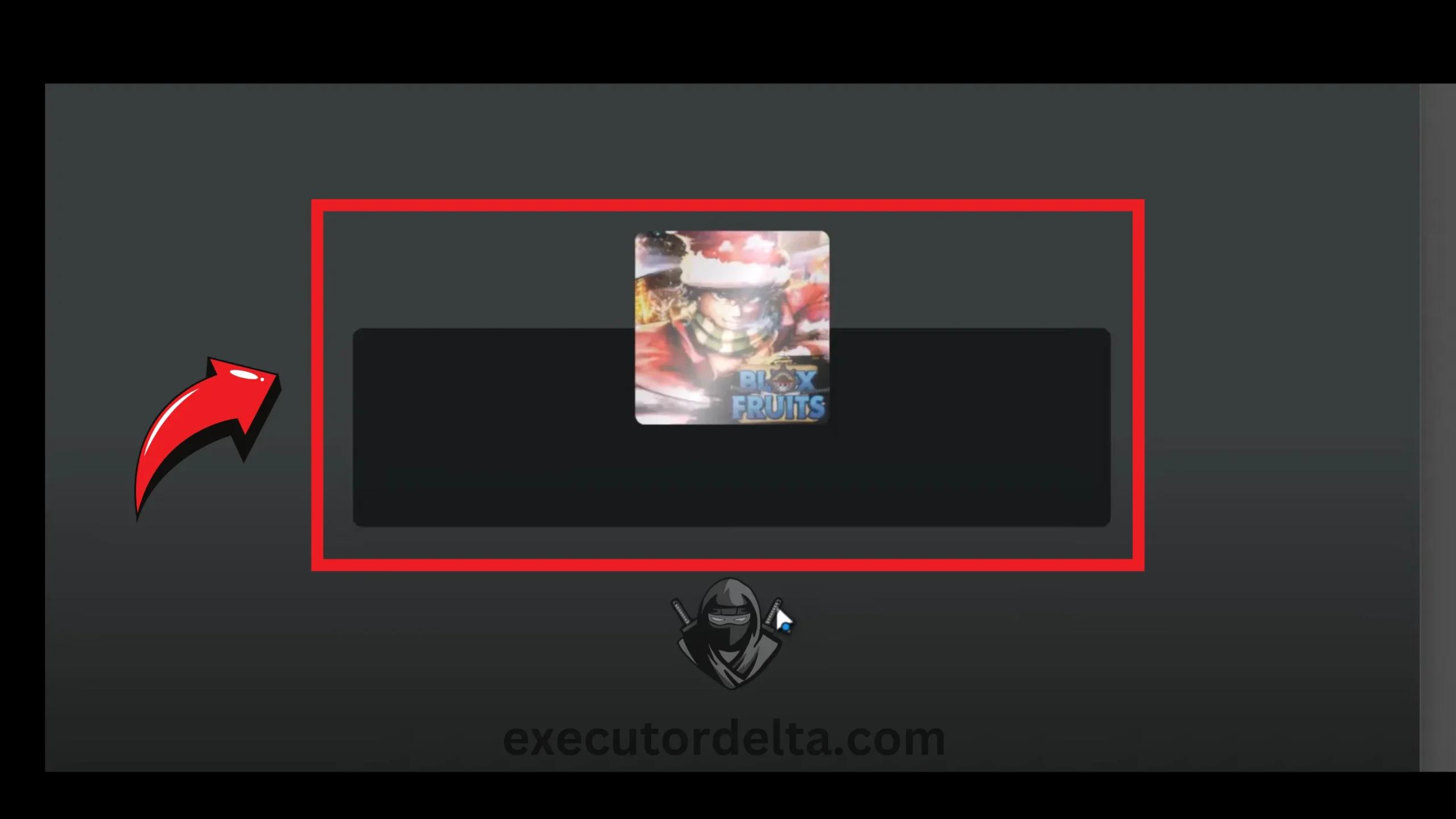
Game loading with Delta Executor interface 31. You will have to wait a few seconds for the Delta interface to fully open.
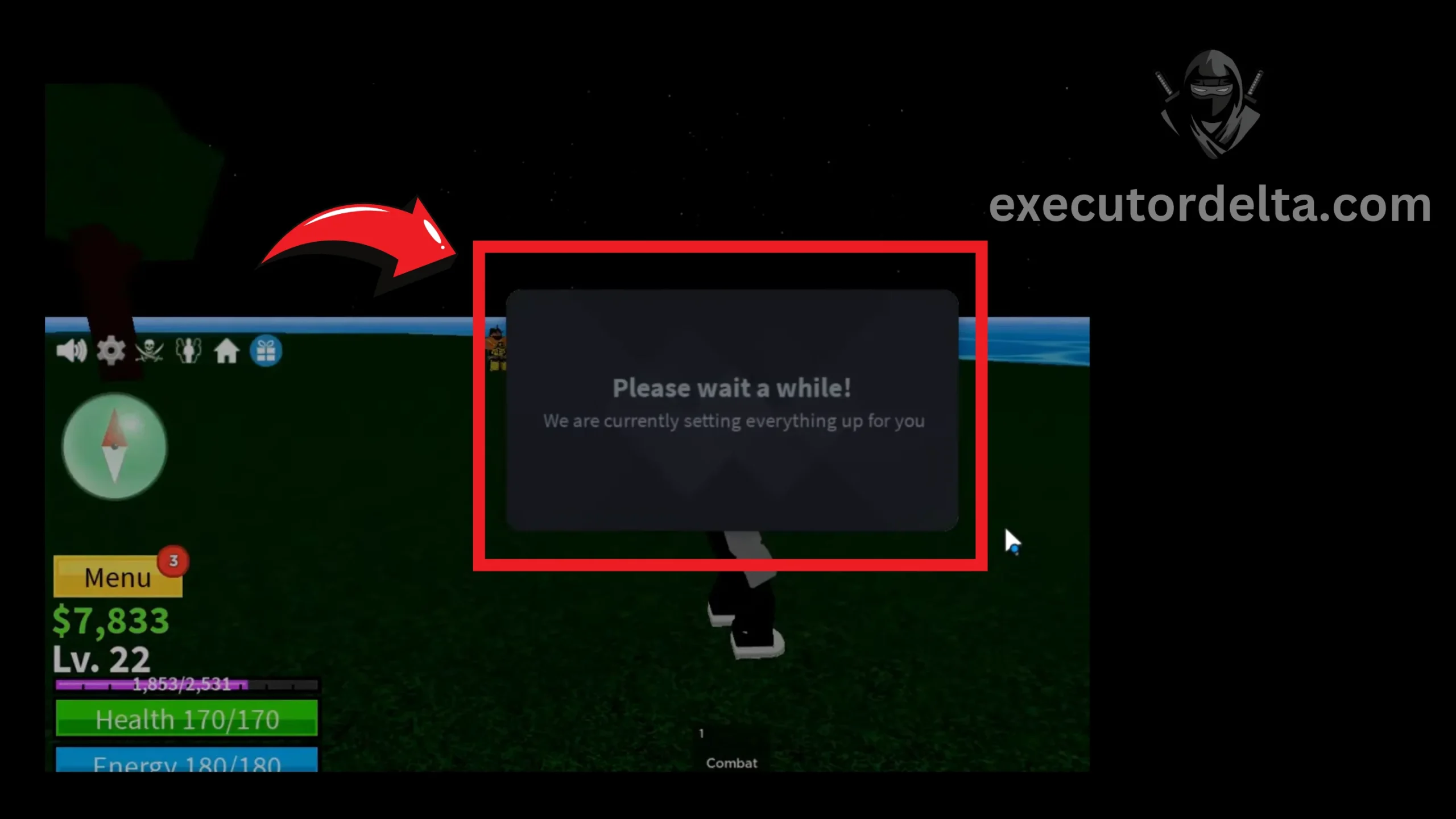
Waiting for the Delta interface to load 32. The next step is to start using Delta Executor with your favorite games. Get your key via Linkvertise or Work.ink (valid for 24 hours), paste your Lua script into the script hub, and click Execute. Enjoy a fantastic script execution experience now.
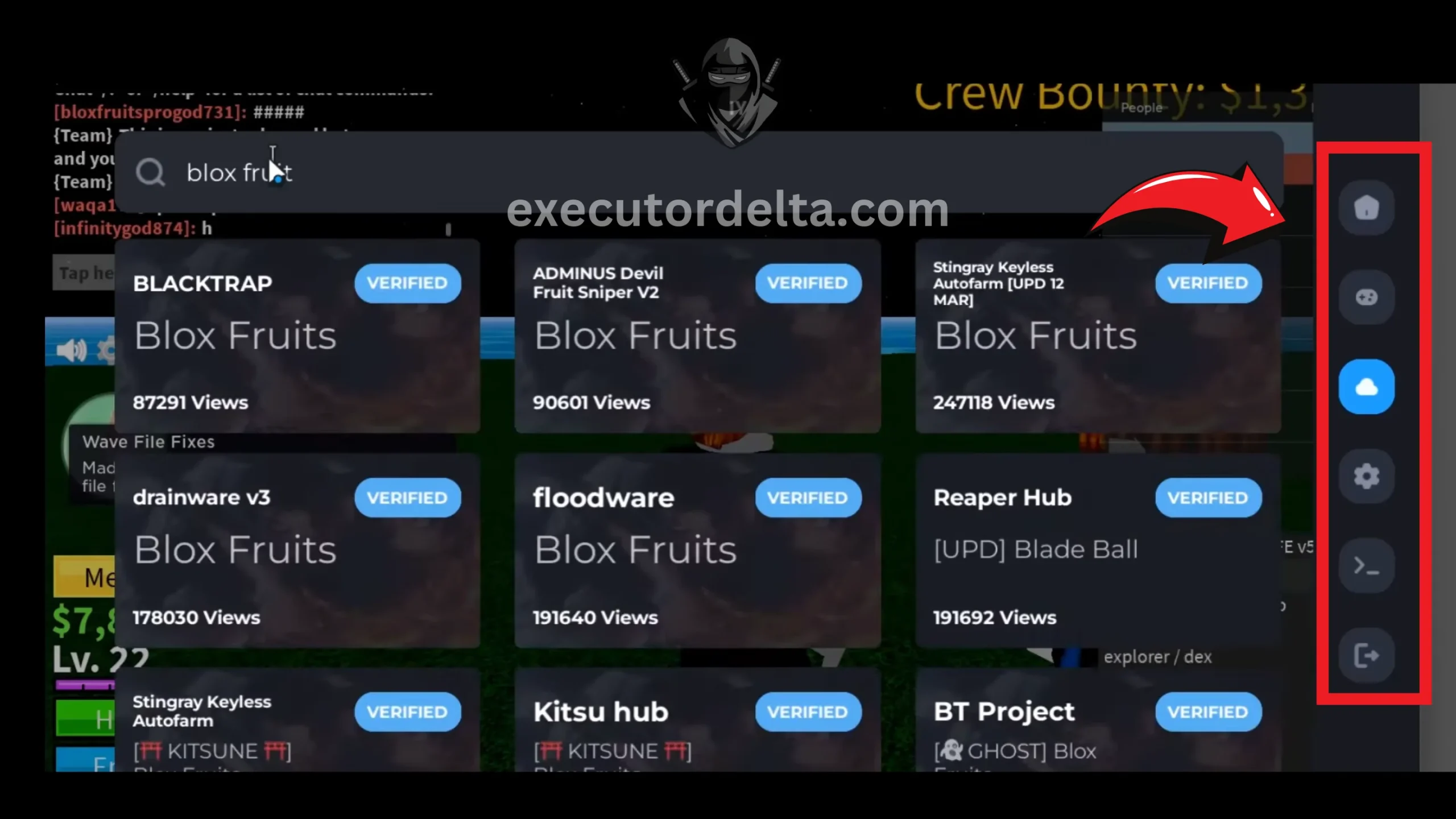
Executing a Lua script in Delta Executor
Congratulations on getting Delta Executor for PC. Enjoy fantastic scripting now.
Alternative Emulators for Delta Executor on PC
If MuMu Player underperforms on your hardware, these alternatives work well:
- LDPlayer: A lightweight, gaming-focused emulator optimized for low-end PCs. Supports Android 9 and runs Delta smoothly with lower RAM usage.
- BlueStacks: The most popular Android emulator with robust cloud sync and multi-instance support. Slightly heavier on resources but very stable.
- Nox Player: Good keyboard mapping and multi-tasking support. Compatible with most Android apps and games.
Advanced Tips for Mastering Delta Executor on PC in 2026
Elevate your Lua executor game with these expert strategies, sourced from 2026 community threads:
- Multi-Instance Farming: Use MuMu Player’s multi-instance manager to run multiple Roblox accounts simultaneously for cross-game scripting and testing.
- Script Analytics: Use Delta’s built-in debugger to monitor execution time and RAM usage. On low-end PCs, aim for under 500ms execution times.
- Anti-AFK Integration: Enable Delta’s anti-AFK toggle before starting long auto-farming sessions to avoid disconnection.
- Private Server Rule: Always use scripts in private servers with alternate accounts. Public lobby reports are the top cause of bans.
- Cloud Library Sync: Save frequently used scripts to Delta’s cloud library. They will sync between your PC emulator and mobile device.
- Offline Development: Use Delta’s offline mode to write and test basic scripts without an internet connection, then upload to cloud for live use.
- Custom Notifications: Set alerts for farm completion or key expiration to manage your 24-hour key cycle efficiently.
From community feedback in 2026: “Delta’s cloud sync is a game-changer for hybrid exploiting!”
Common Alternatives to Delta Executor for PC — Quick 2026 Review
If Delta is not your fit:
- Fluxus: Hybrid mobile-PC focus; solid for basic bypasses but emulator-heavy.
- JJSploit: Free legacy with custom scripts; lags behind 2026 anti-cheat.
- Synapse X: Premium powerhouse; steep learning curve.
- Electron: Free memory tools; less stable than Delta.
- Solara: Keyless free option with strong undetected rates — rising star for private servers.
- KRNL: Open-source flexibility; community plugins abound.
Delta’s updates keep it ahead for free PC use via emulator.
User Experiences and Feedback — 2026 Spotlight
Community feedback from 2026: “The single-link key is revolutionary — no more ad mazes!” Another user reported: “MuMu Player fixed Windows 7 crashes for Blox Fruits — undetected gold!” Users praise the anti-AFK and hooking features, though public server detections persist. Always use alternate accounts.
Looking for Other Methods?
- Work.ink Key Guide — Learn how to get your Delta key through Work.ink
- Linkvertise Key Guide — Step-by-step key retrieval via Linkvertise
- Mobile Key Guide — Delta key instructions for mobile users
Frequently Asked Questions
PC-Specific Troubleshooting Table
| Issue | Cause | Solution |
|---|---|---|
| Emulator lag | Insufficient RAM/CPU allocation | Allocate more RAM and CPU cores to MuMu Player in settings. Close unnecessary Windows background apps. |
| Antivirus flags Delta | Injection code triggers false positive | Add Downloads folder and MuMu Player to your antivirus exclusion list. |
| Roblox won’t open in emulator | Outdated emulator or graphics drivers | Update MuMu Player. Clear emulator cache. Update graphics drivers. |
| Key retrieval fails | Ad blocker or browser cache issue | Disable ad blockers inside the emulator browser. Clear browser cache or use incognito mode. |
| Script freezing | High resource usage or incompatible script | Enable multi-threading in Delta’s settings. Test scripts in sandbox mode first. Lower emulator resolution. |
| Delta crashes during injection | Roblox client update or low resources | Force-restart Delta and Roblox inside the emulator. Allocate more RAM/CPU. Wait for Delta compatibility update if Roblox recently updated. |
| “Roblox Upgrade Error” | Roblox pushed a client update | Wait for the Delta team to release a patched APK. Check the official Discord for real-time announcements. |
| Low FPS in games | Emulator using software rendering | Enable hardware virtualization (VT-x/AMD-V) in BIOS. Set MuMu Player to use dedicated GPU in Windows graphics settings. |
Conclusion
Armed with this guide, using Delta Executor on Windows is straightforward. As a powerful Roblox script tool, it unlocks high-level Lua scripting on PC via emulator, from real-time debugging to efficient memory management. Compatible across Windows 7 through 11, it remains a solid choice for 2026’s anti-cheat challenges.
We have detailed every step, with June 2026 verification ensuring accuracy. Dive in, enjoy enhanced gameplay, and share feedback. We are here for it. With encrypted scripts and dynamic execution, Delta cements its spot as the free leader in Roblox executor packs.
If you have any difficulties regarding these procedures, we have explained everything in detail in this article. Hopefully, you will enjoy using this tool in your Windows system to play amazing games. Feel free to let us know if you want any changes in the tool. We are always open for feedback.
Contact Us — We would love to hear from you.