Delta Executor For PC: How to Download & Use on Windows/PC (October 2026)
▶️ START INSTALL GUIDE
🔊 Listen to narrated guide (Delta PC)
Delta Executor has no native Windows (.exe) version. The Windows build is unsupported and no longer maintained, and the developers’ own guidance is to run the Android APK on PC through an Android emulator such as MuMu Player, BlueStacks or LDPlayer. Be careful: websites offering a “Delta Executor .exe” are fake, and fake Delta PC pages have been used to spread credential-stealing malware. The latest Delta version is v2.743.1136 (October 20, 2026).
Different Roblox script tools are available today, and users pick them based on ease of use, compatibility with Roblox’s anti-cheat, and support for resource-heavy scripts. Many popular mobile-first tools, including Delta and Arceus X, were built for Android and need an emulator to run on Windows. If you want to use Delta on a bigger screen with a keyboard and mouse, you are in the right guide.
Delta is an Android and iOS executor, so on Windows the reliable method is to install the Android APK inside an emulator. The native Windows .exe is not available, and the developers do not provide it. Running Delta in an emulator on Windows 10 or 11 gives you the same key system, script area and executor features as on a phone, and it works with Roblox’s current Android client as long as you keep Delta updated. The latest build, v2.743.1136, was released on October 20, 2026 and adds bytecode support for up to v14.
Setting up Delta on Windows differs from a phone setup, and many users run into download warnings, fake sites or key retrieval steps. In this guide we walk you through installing an emulator and the official APK, with step-by-step instructions and screenshots. We have also included recent facts from Delta’s developer changelog, such as LDPlayer 14 support, so you know what has actually changed.
Recent Delta releases focus on stability and the executor environment rather than new features for PC. For example, v2.708 introduced a decompiler that is 50x faster and a full set of input functions, v2.736 added the oth hooking library, and v2.738 added bytecode functions such as getfunctionbytecode and dumpbytecode. You can see every release in our Delta Executor changelog.
Important Legal and Ethical Disclaimer
Before diving in, a crucial note: using Roblox script tools like Delta Executor violates Roblox’s Terms of Service and can result in account bans, including temporary suspensions or permanent bans. This guide is for educational purposes only, focusing on how executors and Lua scripting work.
We strongly recommend using alternate accounts, avoiding public lobbies to reduce reports, and never running malicious scripts that could harm other players or steal data. If you want to build games legitimately, Roblox Studio is free for Windows and Mac and lets you write and test Luau scripts safely.
Why Choose Delta Executor for PC/Windows in 2026
Delta’s main strengths are its frequent updates and its free access. The developers release a new build roughly every one to two weeks, usually right after a Roblox update, and between October 2025 and October 2026 there were 36 Android and 26 iOS builds. Each release carries the developer’s “Still Undetected” status, although no executor can guarantee that.
Running it on PC through an emulator also gives you practical advantages: a larger screen, keyboard and mouse control, and easy multi-instance support if your emulator offers it. Recent releases added real executor features too, such as a remade Drawing library, actor functions, and a “Verify Teleports” setting that stops scam scripts from teleporting you and stealing items.
The trade-off is that an emulator adds overhead. Delta on PC is not as fast as a native Windows executor, and you depend on both Delta and the emulator staying compatible with Roblox updates.
The Power of Delta Executor — A Deep Dive
Delta runs Lua and Luau scripts for popular Roblox games such as Pet Simulator X, Arsenal, Jailbreak and Blox Fruits. Its executor environment includes functions like hookfunction, getconnections, filtergc, a WebSocket library and input functions such as mouse1click and keypress. Since the emulator presents a normal Android device, you use Delta exactly as you would on a phone: log in to Roblox, choose a game, open the Delta menu and execute your script.
Because the key is valid for 24 hours, you will need to renew it daily through Linkvertise or Work.ink. Delta is free to use; the key system is supported by ads.
System Requirements for Delta Executor on PC
Delta itself runs inside the emulator, so your PC needs to run the emulator well. These are practical recommendations rather than official Delta requirements:
- Minimum: Windows 10 (64-bit), a dual-core or better CPU, 8GB RAM, about 10GB of free storage, and hardware virtualization enabled in BIOS.
- Recommended: Windows 11, a quad-core CPU (Intel Core i5 or AMD Ryzen 5), 16GB RAM, an SSD, and up-to-date graphics drivers.
An SSD noticeably improves emulator startup and game loading. Make sure Virtualization (VT-x or AMD-V) is enabled in your BIOS, because it is the single biggest factor in emulator smoothness.
Delta Executor vs. Other Executors — Comparison Table (October 2026)
Here is how Delta compares with other executors people use on Windows. Status information changes quickly, so treat this as a snapshot.
| Executor | Platform | Native Windows? | Key System | Price | Status (Oct 2026) |
|---|---|---|---|---|---|
| Delta | Android, iOS (Windows via emulator) | No — emulator required | Free 24-hour key | Free | Updated: v2.743.1136 (Oct 20, 2026) |
| Xeno | Windows | Yes | Keyless | Free | Updated Oct 2026 (v1.3.65); trackers have reported detection and ban risk |
| Solara | Windows | Yes | Keyless | Free | Updated Oct 2026 per status trackers |
| Synapse X | Windows | — | — | — | Discontinued; not compatible with current Roblox |
| KRNL (PC) | Windows | — | — | — | Reported discontinued in late 2025 |
Delta’s edge is frequent updates and a free mobile-first experience. If you specifically need a native Windows executor with no emulator, Xeno and Solara are the common alternatives, but they come with their own ban and malware risks.
What is Roblox for PC? A 2026 Overview
Roblox for PC is the Windows version of the platform, where players join a huge library of user-generated experiences. Players can build their own experiences with Roblox Studio, which is free for Windows and Mac and uses Luau for scripting. Most content is community-driven, and Roblox is free to play, with Robux used for premium items.
On Windows, Roblox uses the Hyperion (Byfron) anti-cheat, which is why traditional injection is so difficult there and why Delta’s PC use goes through the Android client in an emulator instead.
Delta Executor PC Features — In-Depth Breakdown
These are real features from Delta’s recent release notes that you can use through the emulator:
Fast Decompiler
Version 2.708 introduced a decompiler that is 50x faster, and v2.721 fixed it again, helping you read scripts from the game you are in.
Input Functions
Functions such as keypress, keyclick, mouse1click, mousescroll and mousemoverel let scripts simulate input, with a keyboard and mouse that works well in an emulator.
Actor and Hooking Functions
Actor functions, hookfunction improvements, hookproto and the oth library give advanced scripts more control over the Luau environment.
Bytecode Tools
v2.738 added getfunctionbytecode, dumpbytecode and zstd compression helpers, and v2.743 added bytecode support for up to v14.
Security Settings
Delta includes security settings, a “Verify Teleports” option against scam scripts, and an Anti-AFK setting to avoid being kicked in long sessions.
Remade Libraries
Recent builds remade the Drawing library, WebSocket and getconnections, and added more filtergc filters.
How to Download and Install Delta Executor on PC/Windows — Step-by-Step (October 2026)
There is no native Windows .exe, so the only supported method is to install the Android APK inside an emulator. The steps below use MuMu Player, and the same flow works with BlueStacks or LDPlayer. Follow them for the latest build:
📋 Table of Contents
- Open your web browser
- Navigate to mumuplayer.com
- Download MuMu Player
- Wait for download to complete
- Open the downloaded file
- Run the installer
- Prepare for installation
- Start Quick Install
- Wait for installation
- Complete verification
- Launch MuMu Player
- Open Chrome in emulator
- Launch Chrome
- Use Chrome without account
- Navigate to executordelta.com
- Select the APK file
- Download the APK
- Wait for timer and download
- Download anyway if flagged
- Complete download from host
- Wait for APK download
- Locate the downloaded APK
- Install Delta in emulator
- Open Roblox
- Install Roblox
- Open Roblox after install
- Log in to Roblox
- Select a game
- Click Play
- Wait for game to load
- Wait for Delta interface
- Execute your script

Step 1: Download and Install MuMu Player
1. First, open any web browser of your choice.

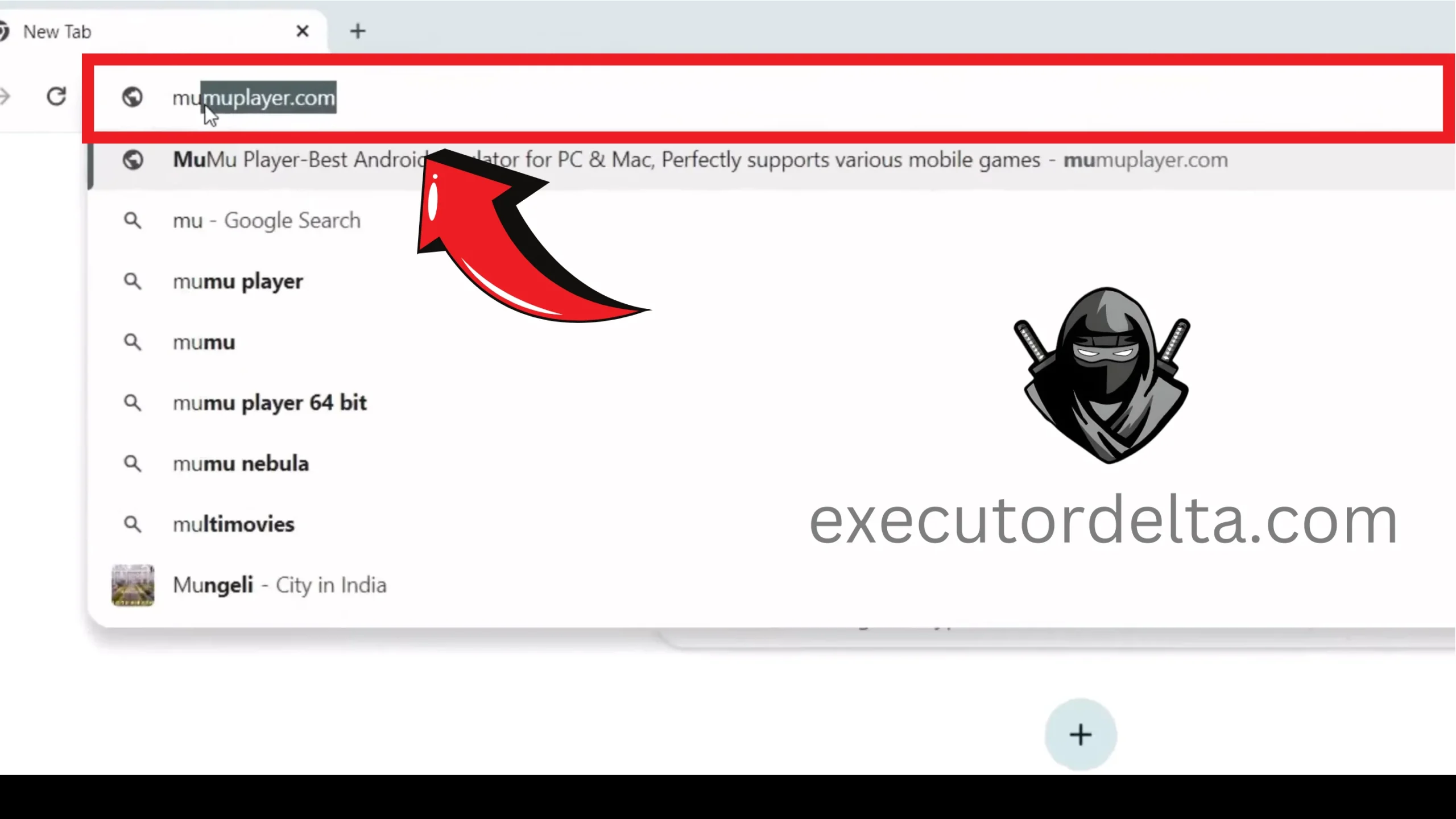
Opening a web browser on Windows 2. Navigate to the site mumuplayer.com. Visit this site.
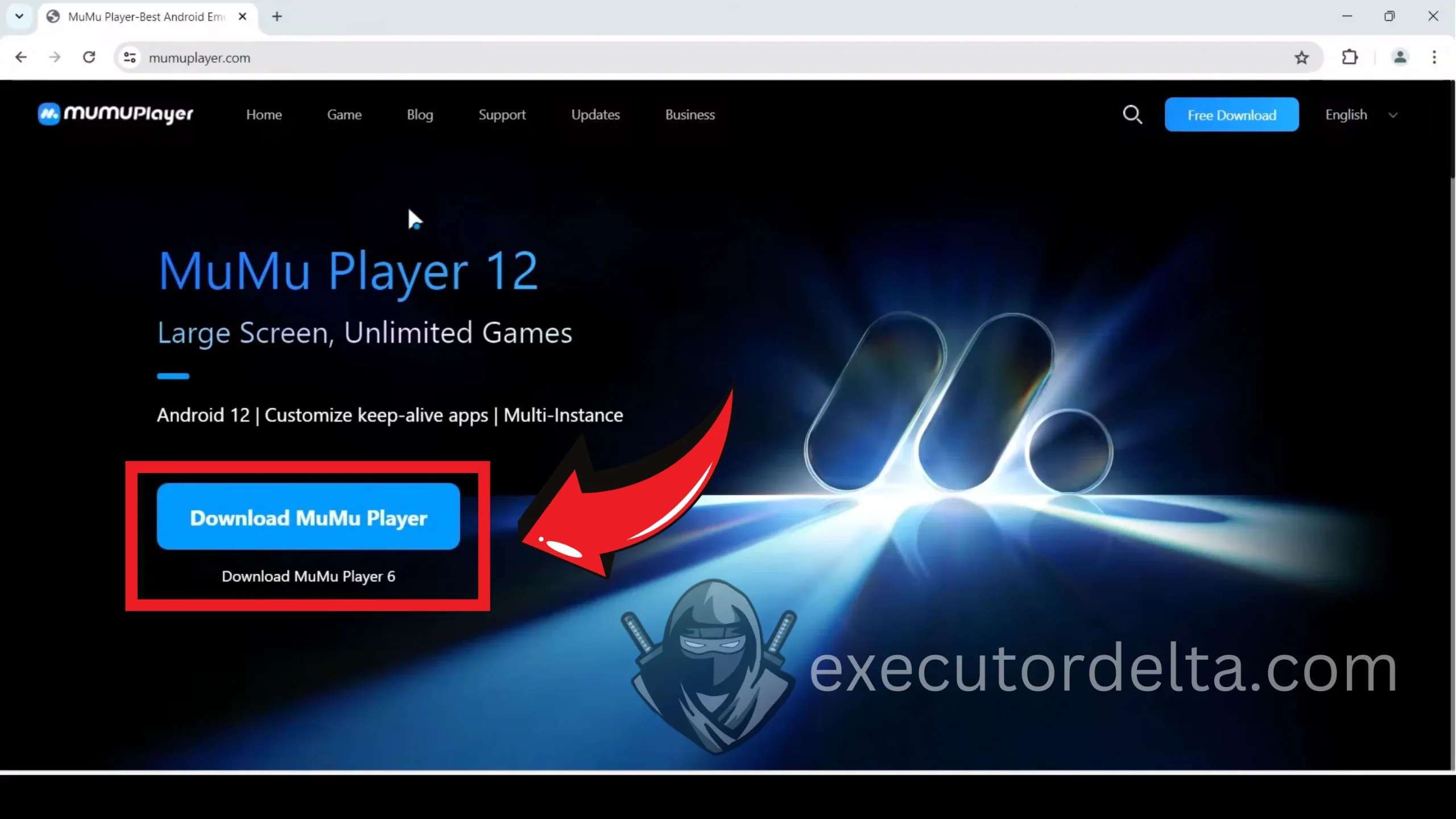
Navigating to the MuMu Player website 3. Now, you will see the “Download MuMu Player” button there. Click on it and download the latest version.
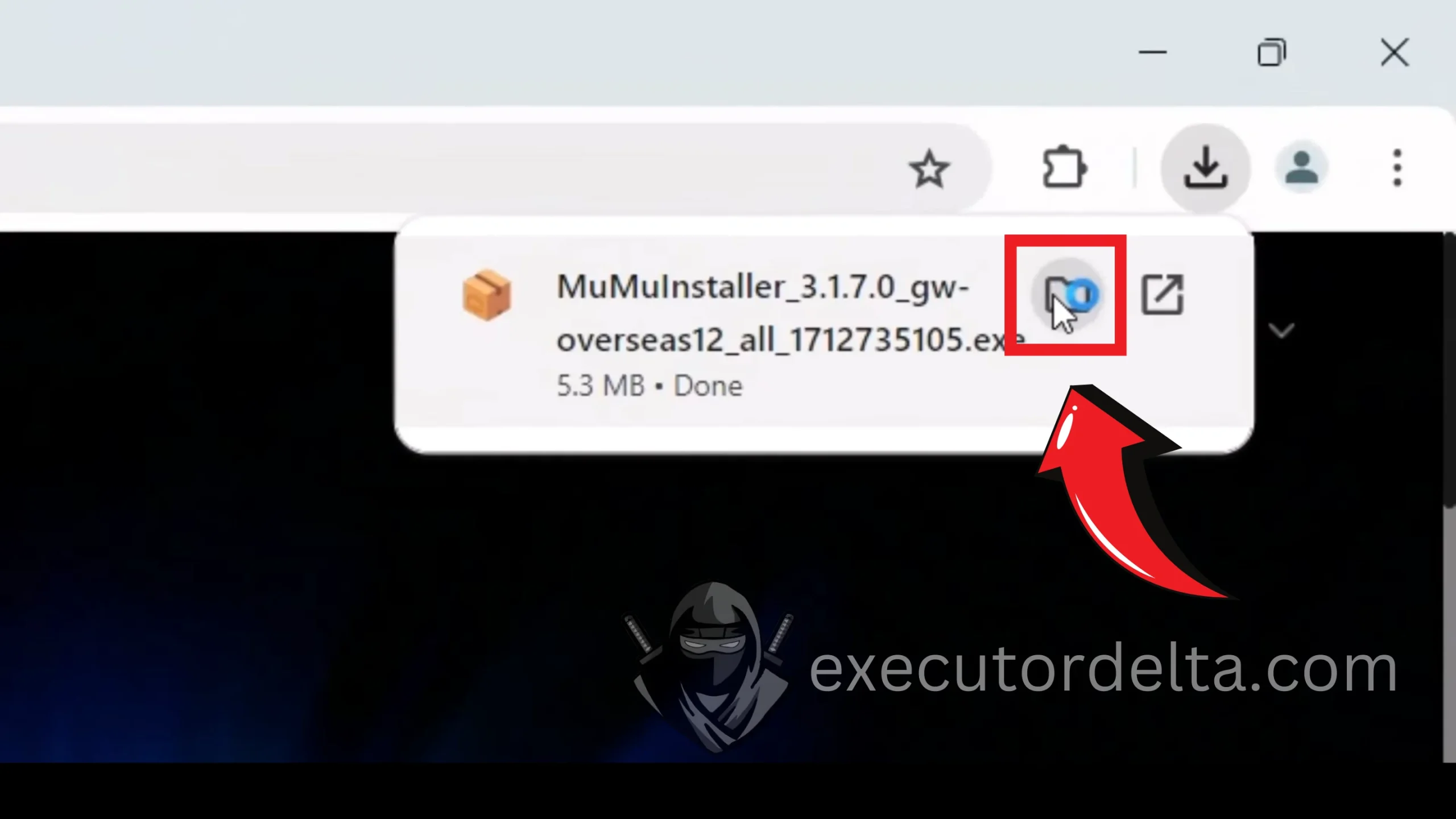
Downloading MuMu Player from the official site 4. You will see that the MuMu Player installer has been downloaded to your PC within seconds.
MuMu Player download completed 5. Locate the downloaded file and click on it to open it.
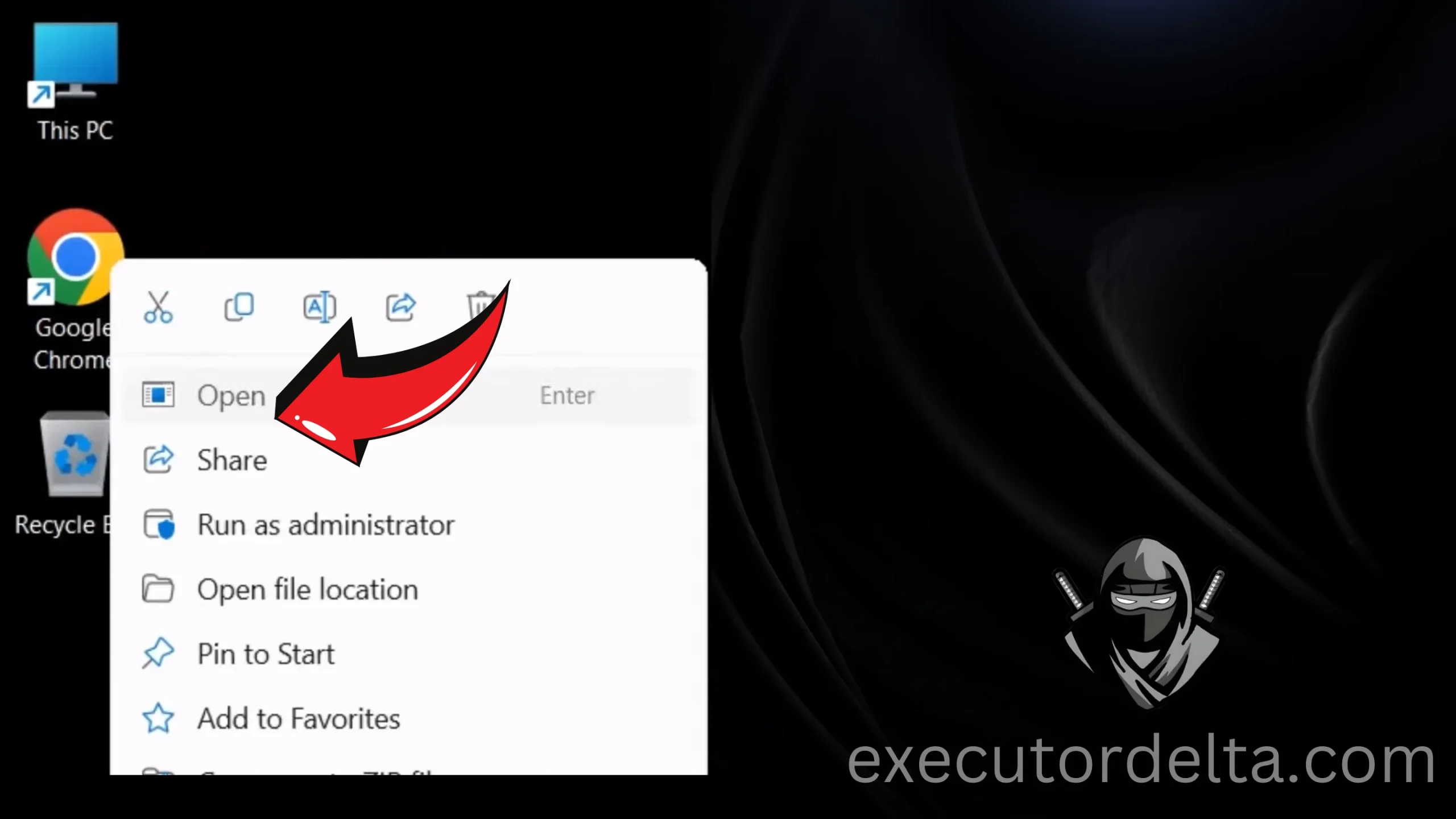
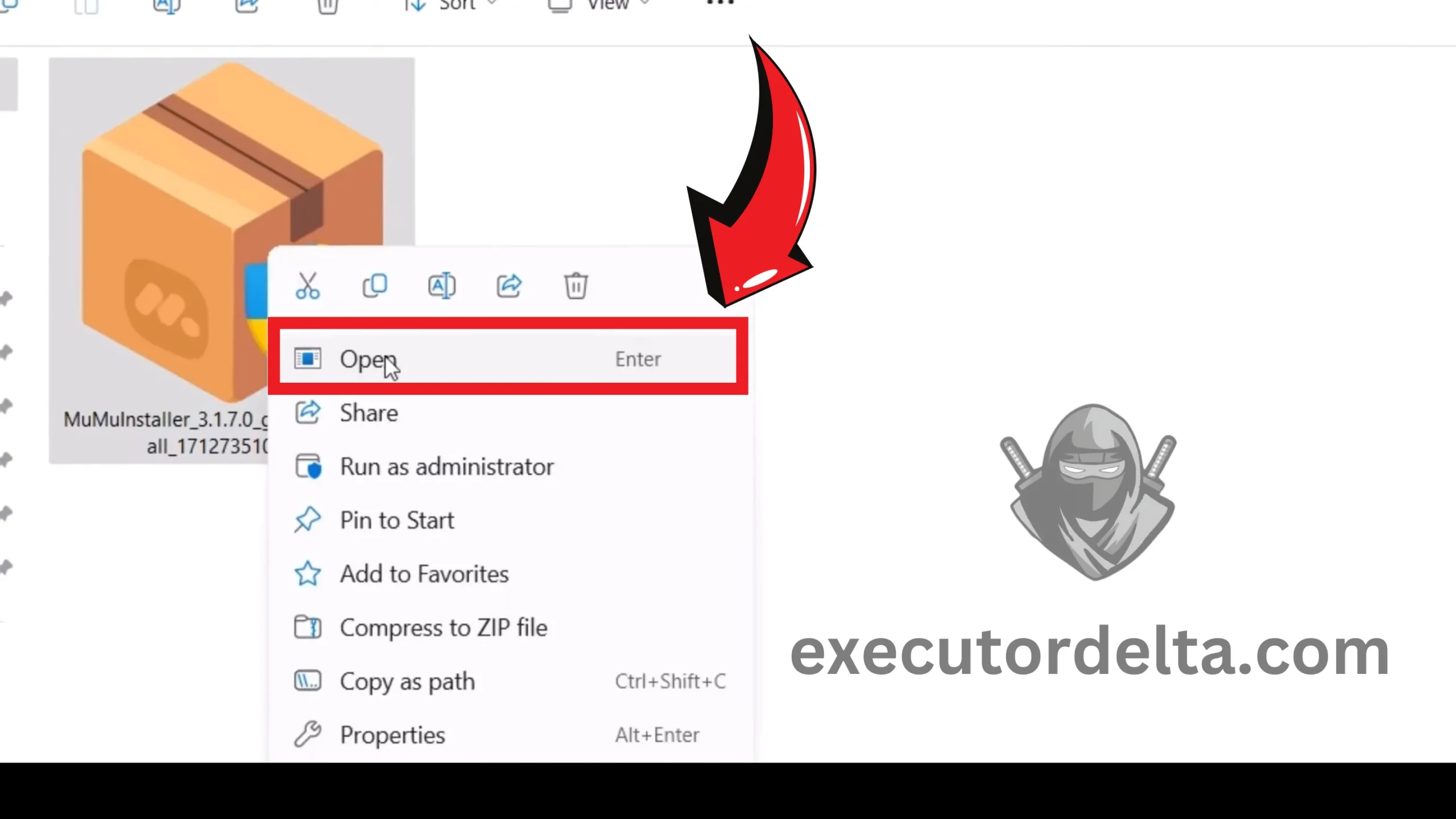
Locating the downloaded MuMu Player installer 6. Now, right-click on the “MuMu Installer.exe” file and click the “Open” button.
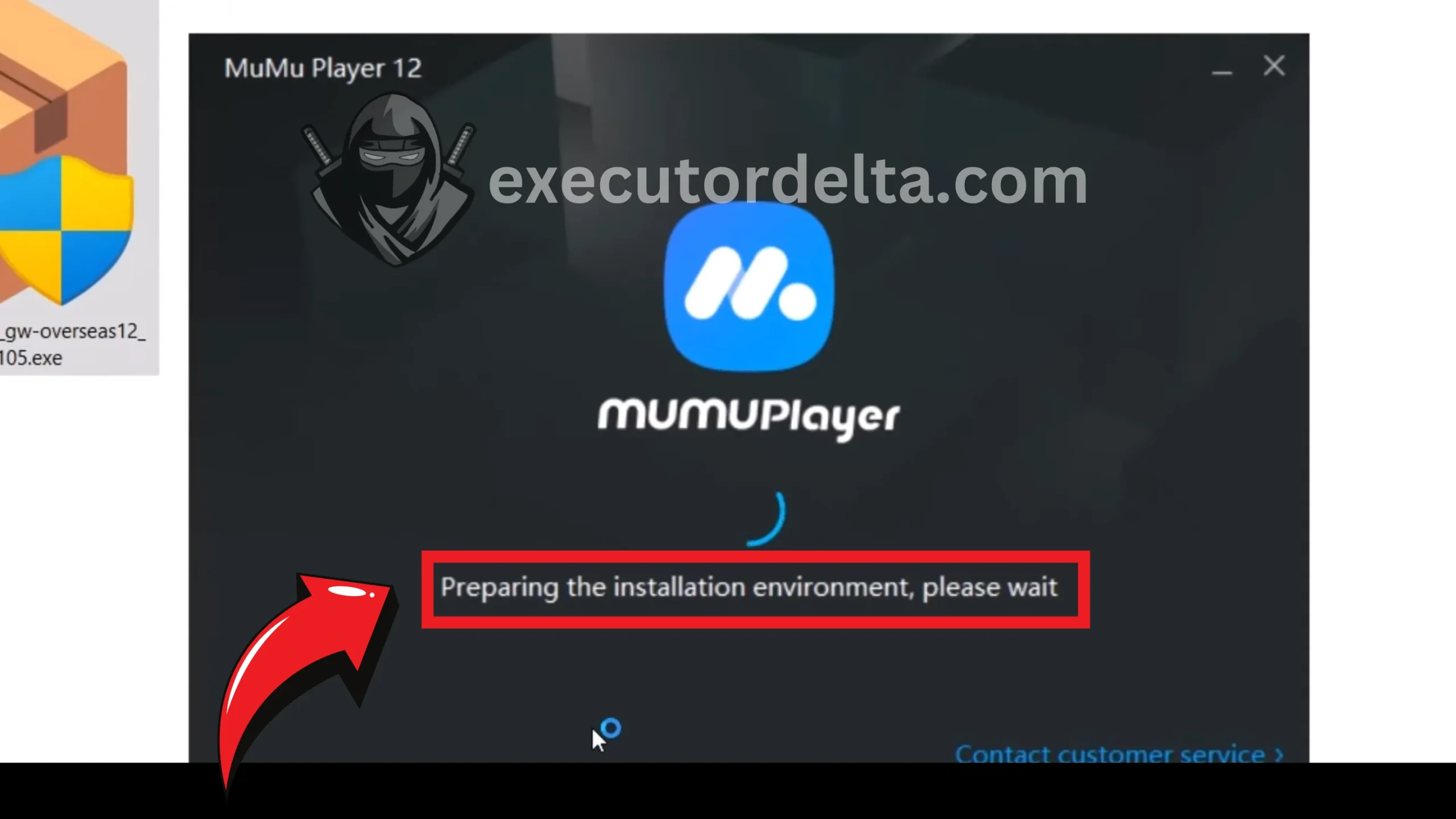
Running the MuMu Player installer 7. Now, you will see a window saying that MuMu Player is preparing to be installed on your system.
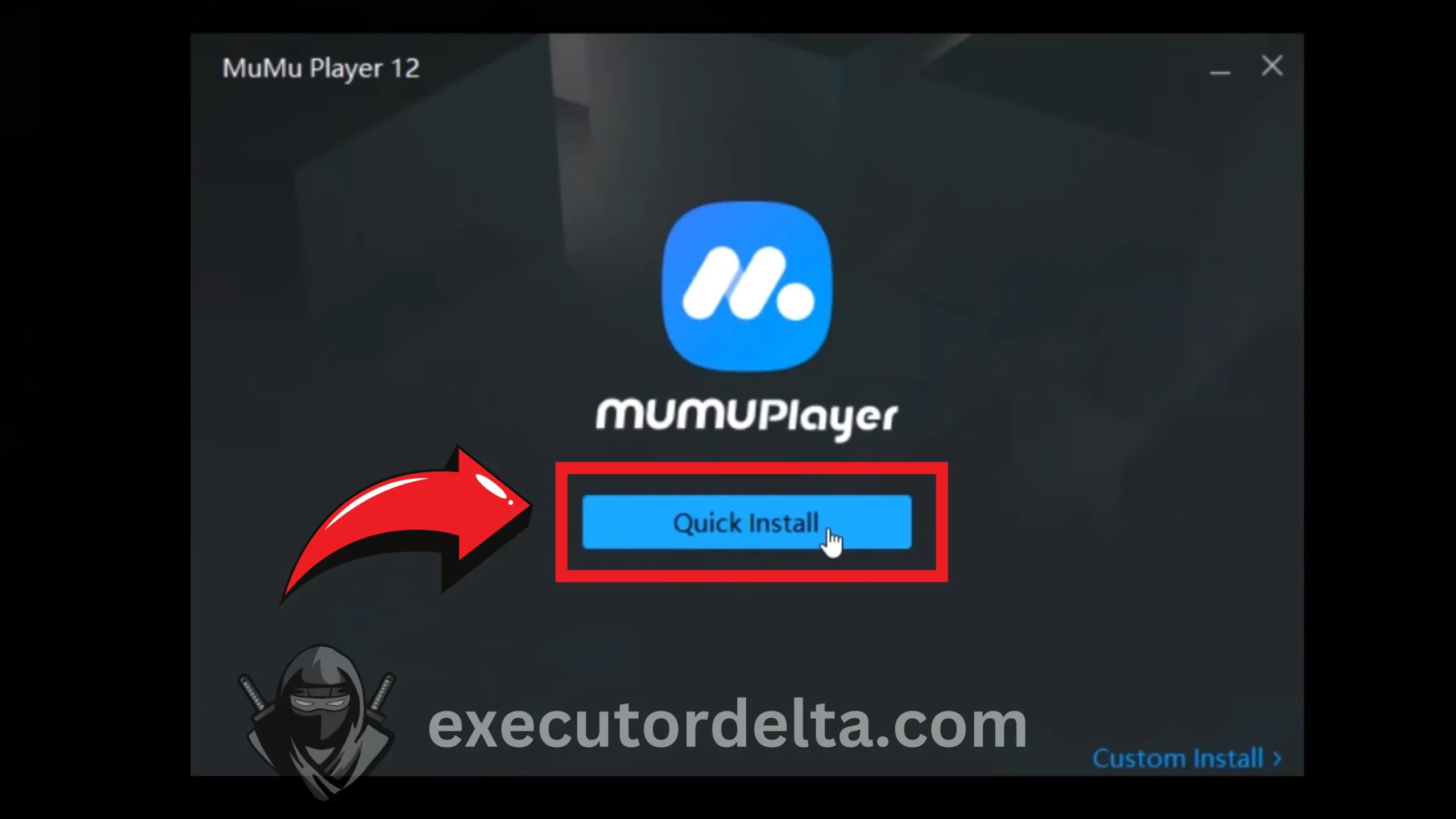
MuMu Player preparing for installation 8. In the next window, click on “Quick Install,” which will start the installation process of this emulator.
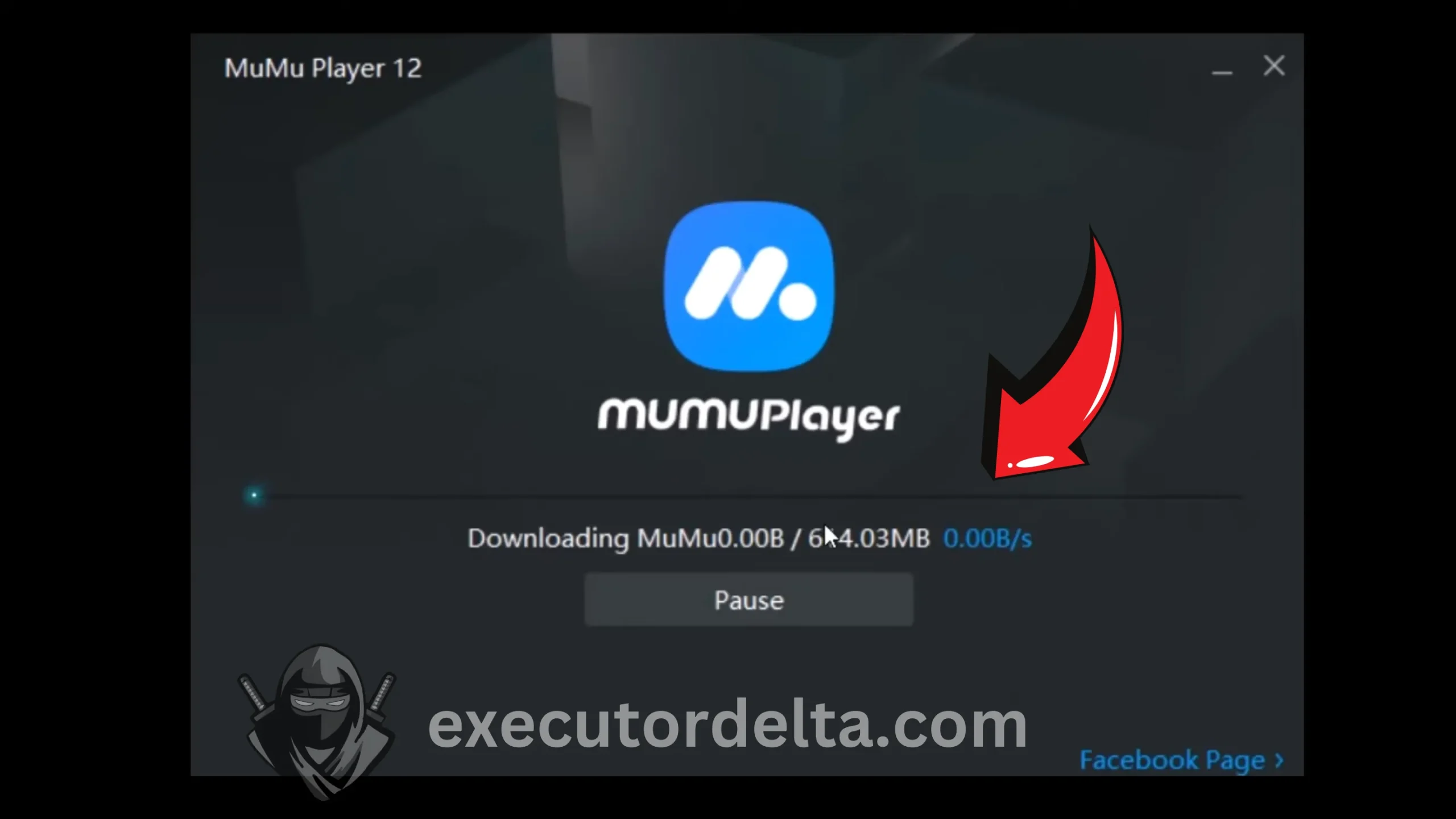
Clicking Quick Install to begin setup 9. Now, it is installing. It can take a few minutes to install completely.
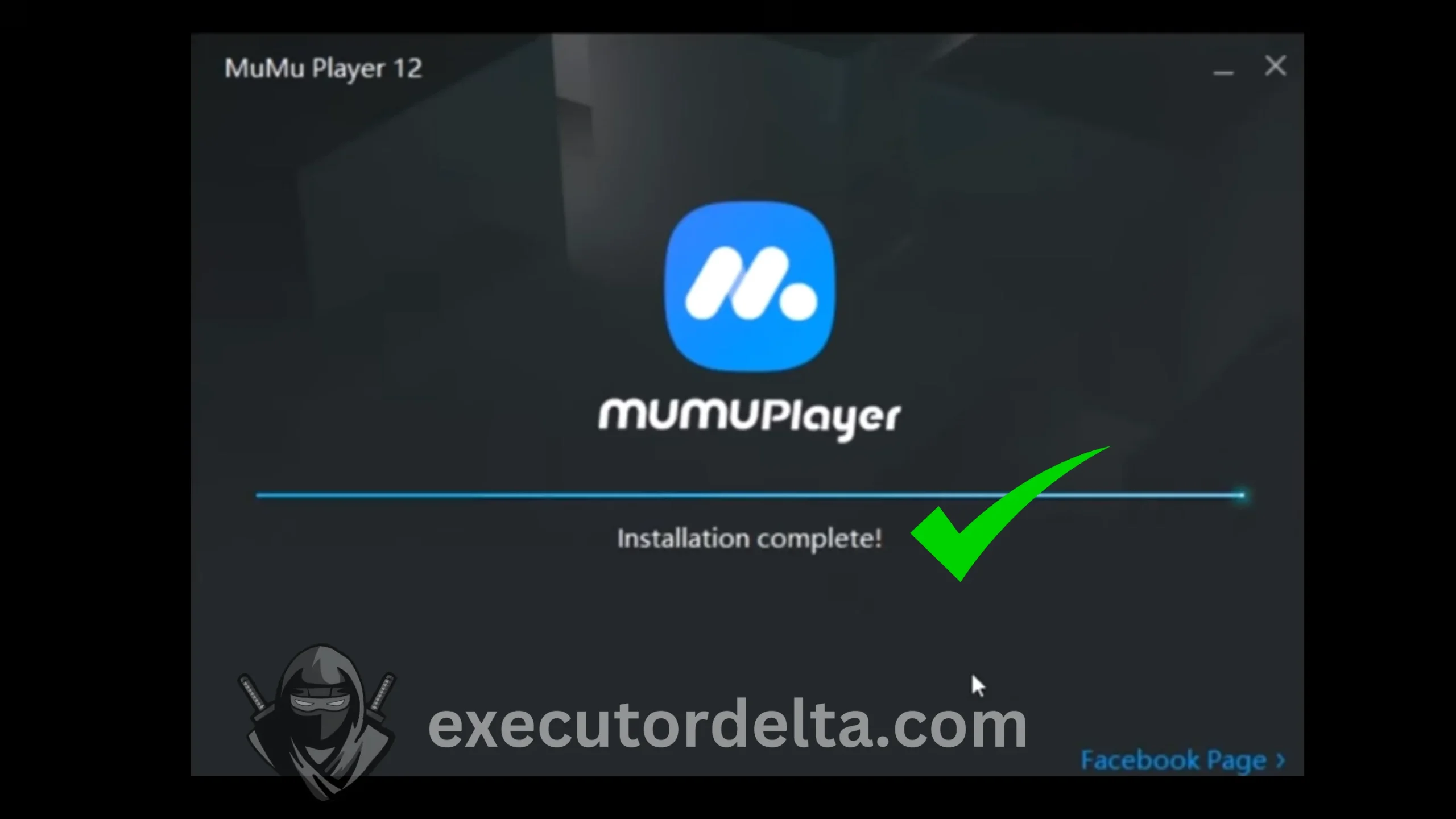
MuMu Player installation in progress 10. Once it is installed, you will see that it starts again automatically and completes the verification process itself. You may have to wait one to two minutes for this to happen.
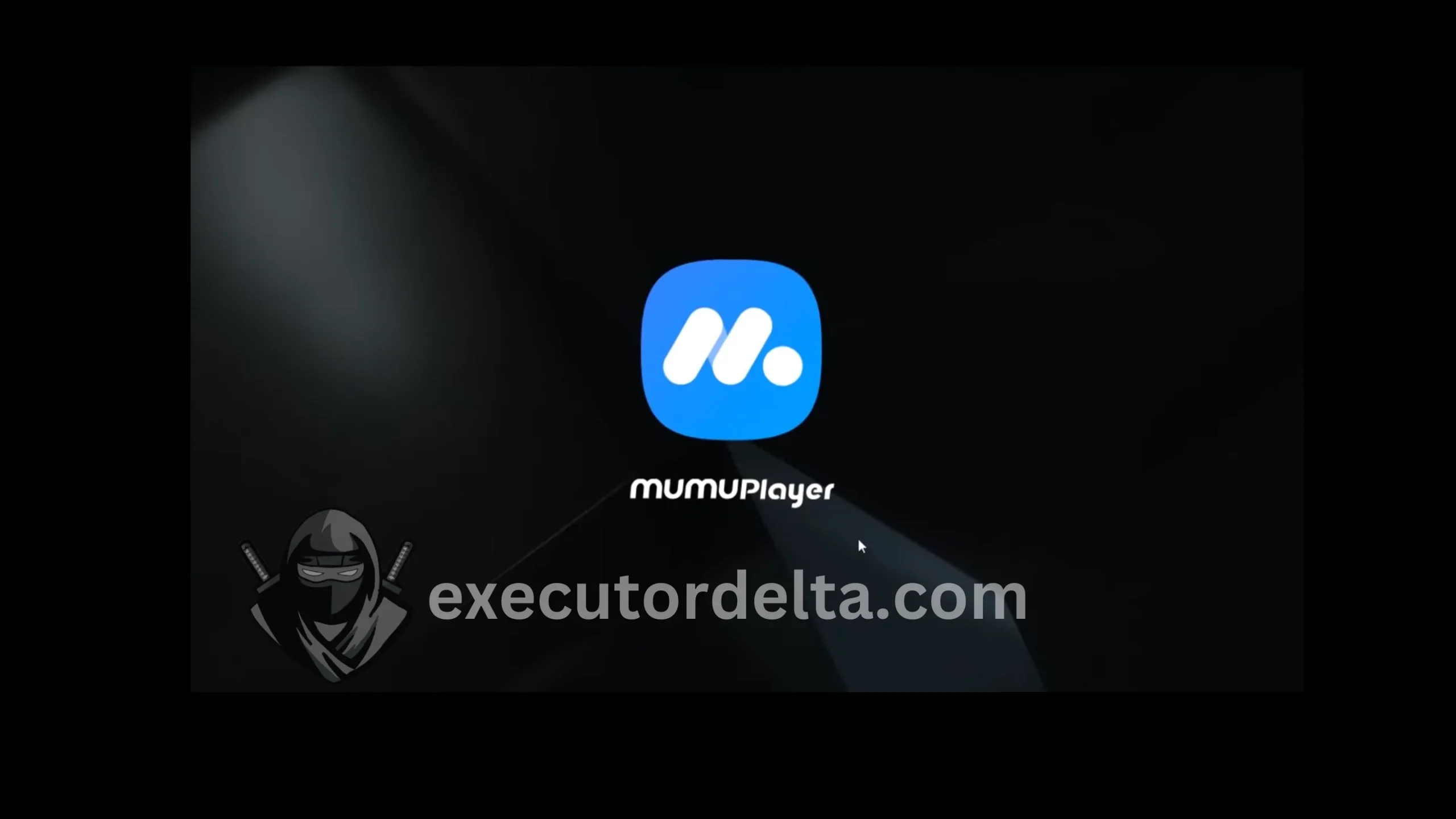
MuMu Player completing verification 11. Now, MuMu Player has been installed and will launch automatically in Windows.
MuMu Player launching on Windows

Step 2: Download the Delta Executor APK
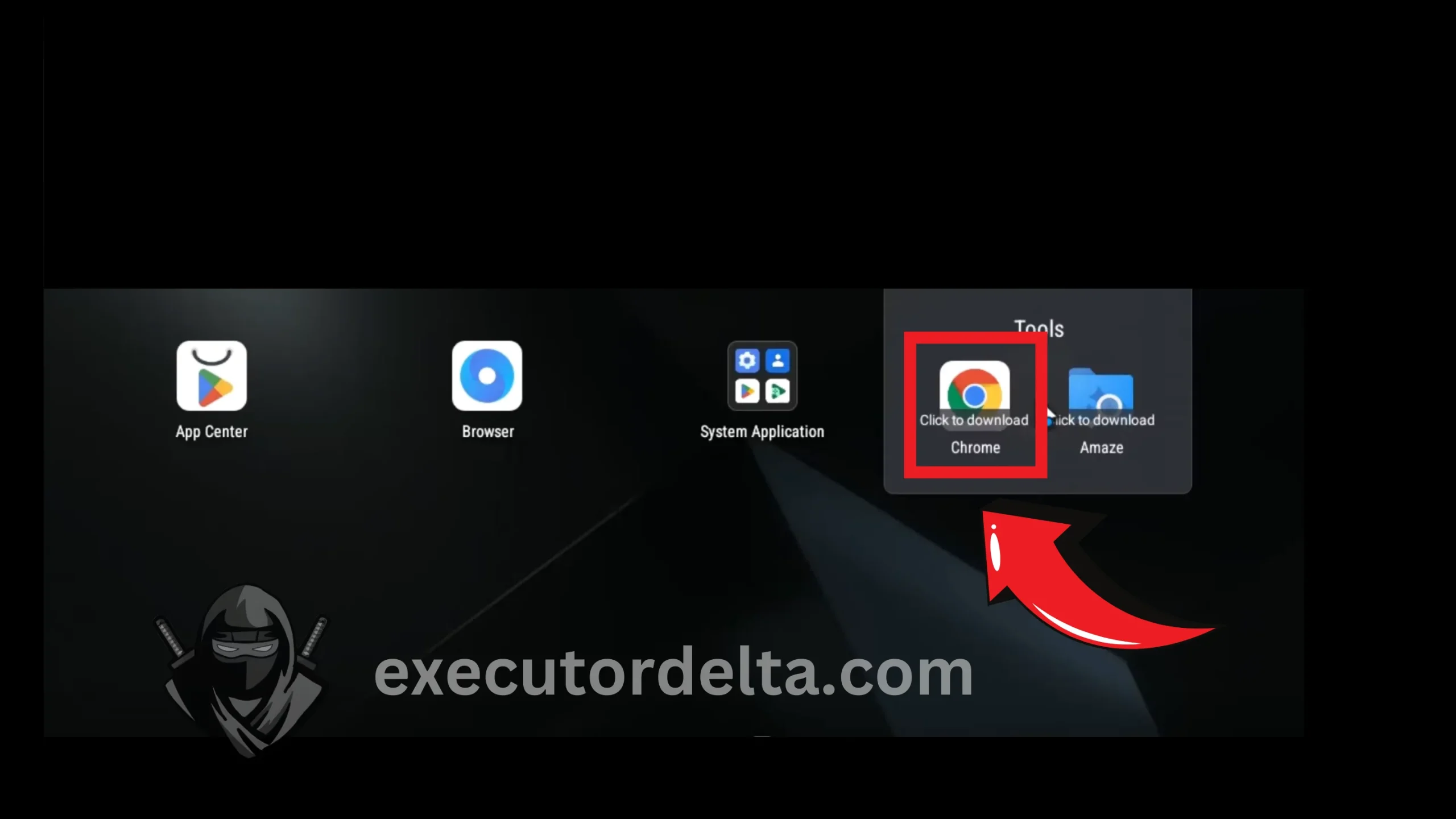
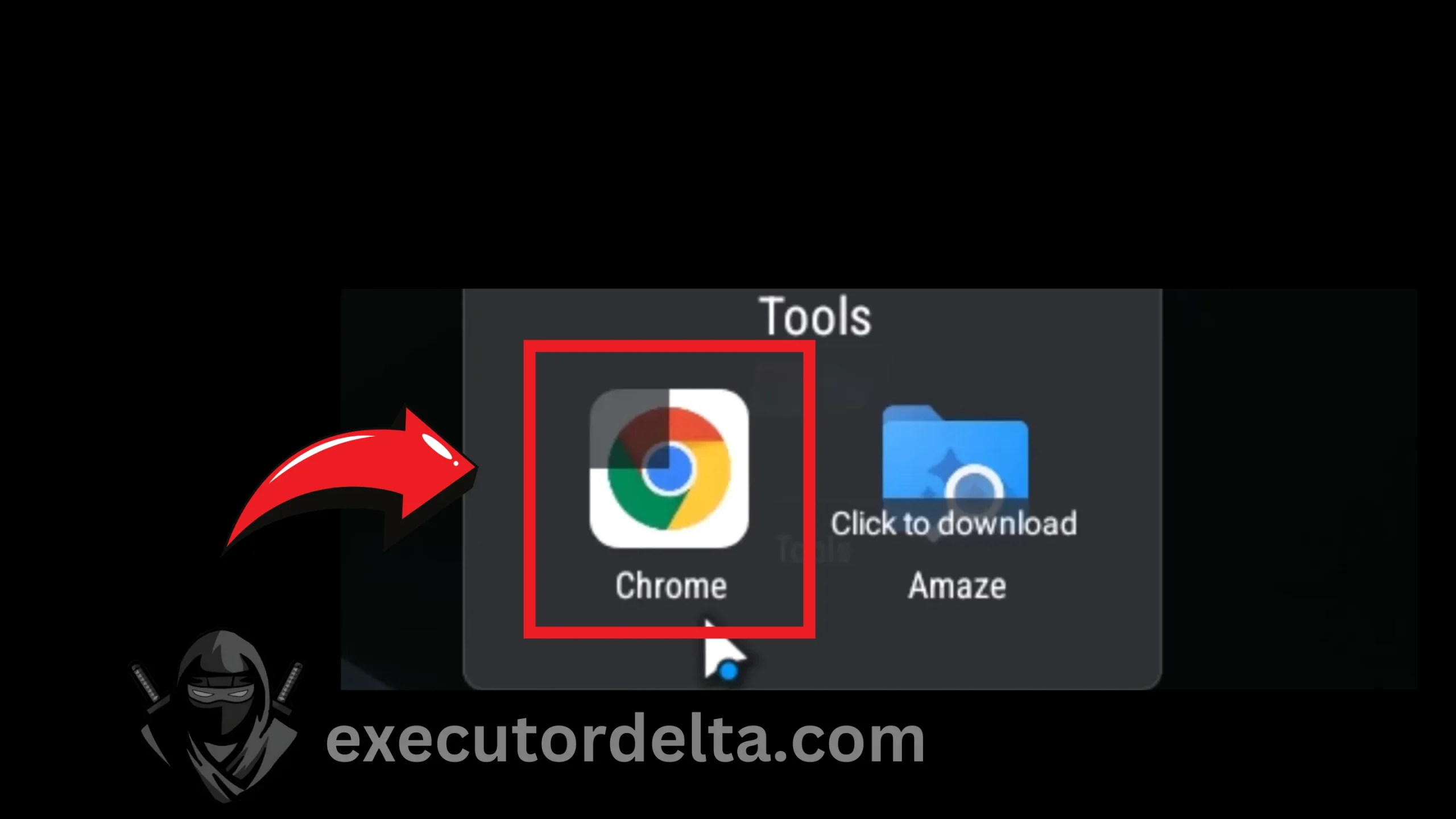
12. Now, click on the Chrome browser inside MuMu Player so that the Chrome download process starts in the emulator. It will take a few seconds.
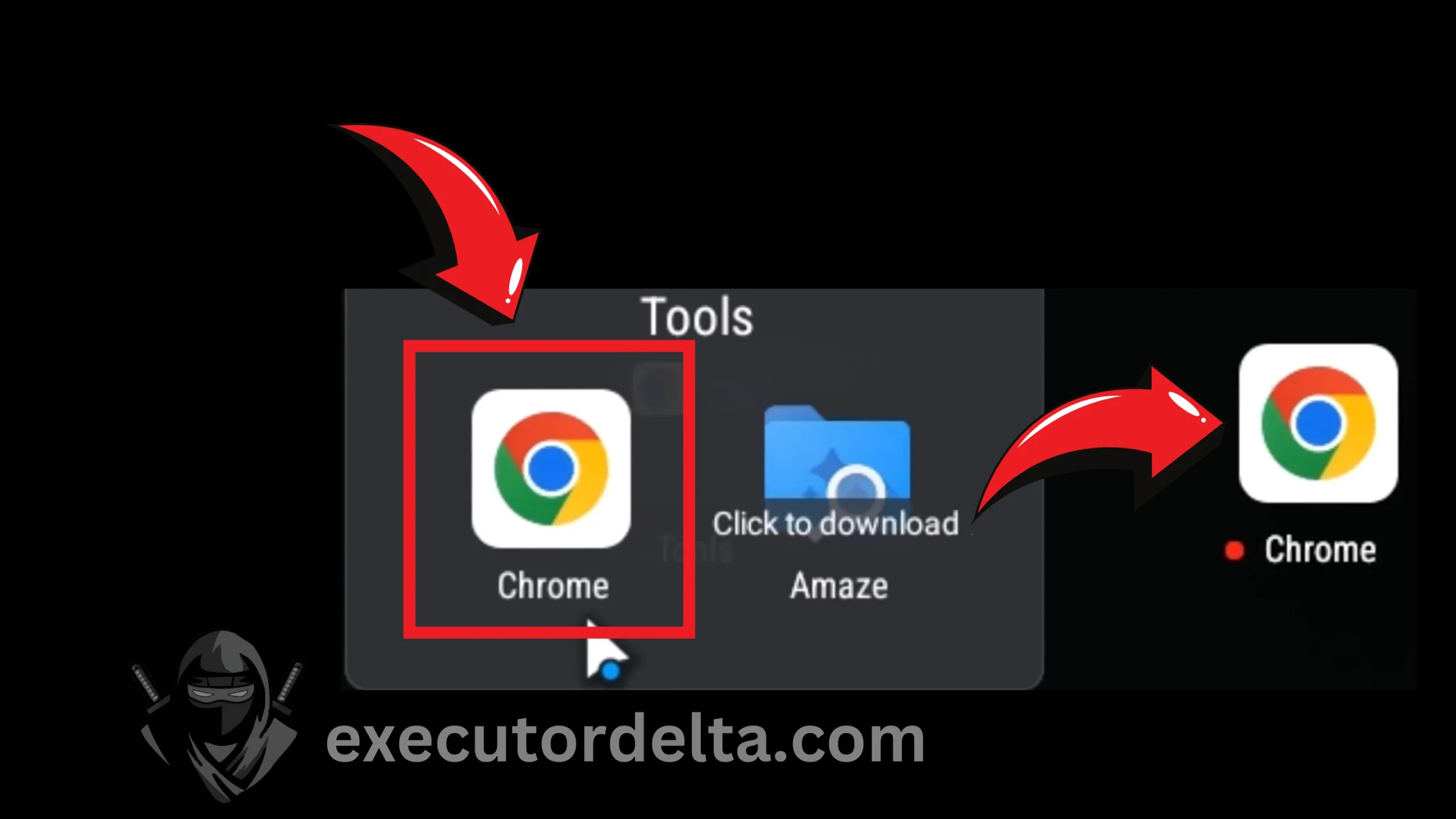
Downloading Chrome inside MuMu Player 13. Now, Chrome has been downloaded. Click on it, and the browser will open.
Launching Chrome in the emulator 14. You will see a welcome screen on Chrome now, as on a new device. Click on the “Use Without an Account” option this time.
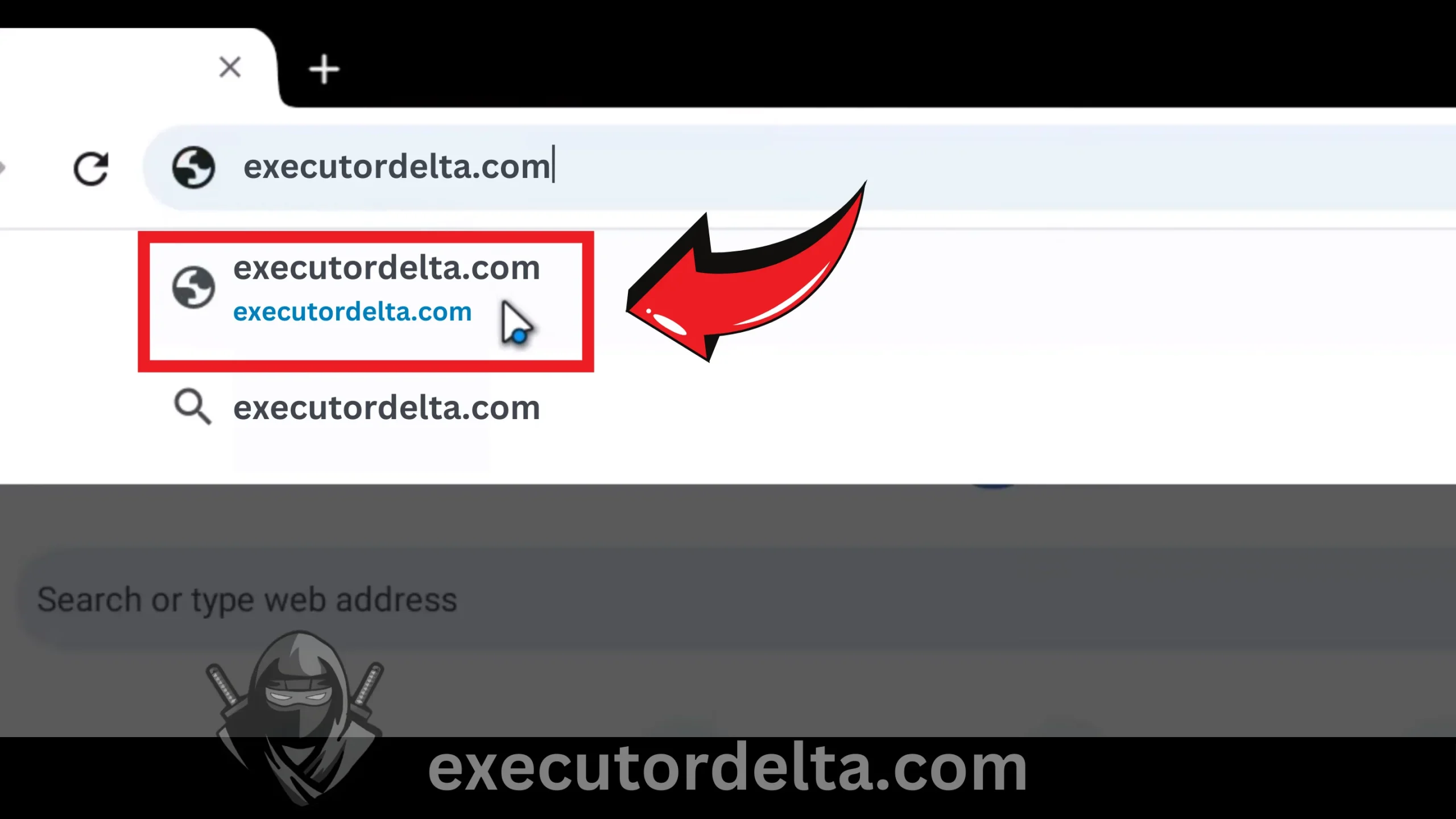
Using Chrome without an account 15. Now type the URL executordelta.com in the Chrome browser.
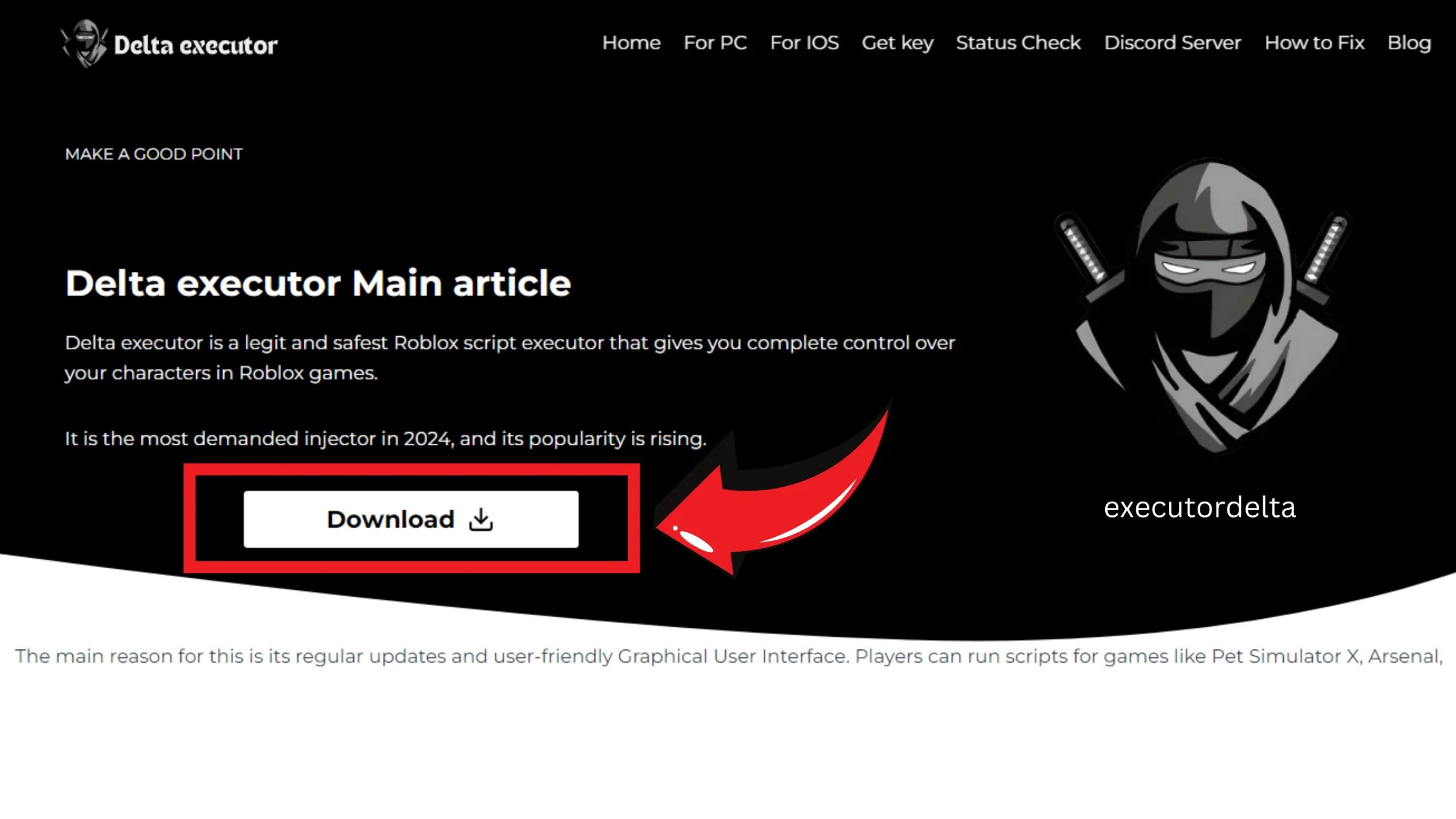
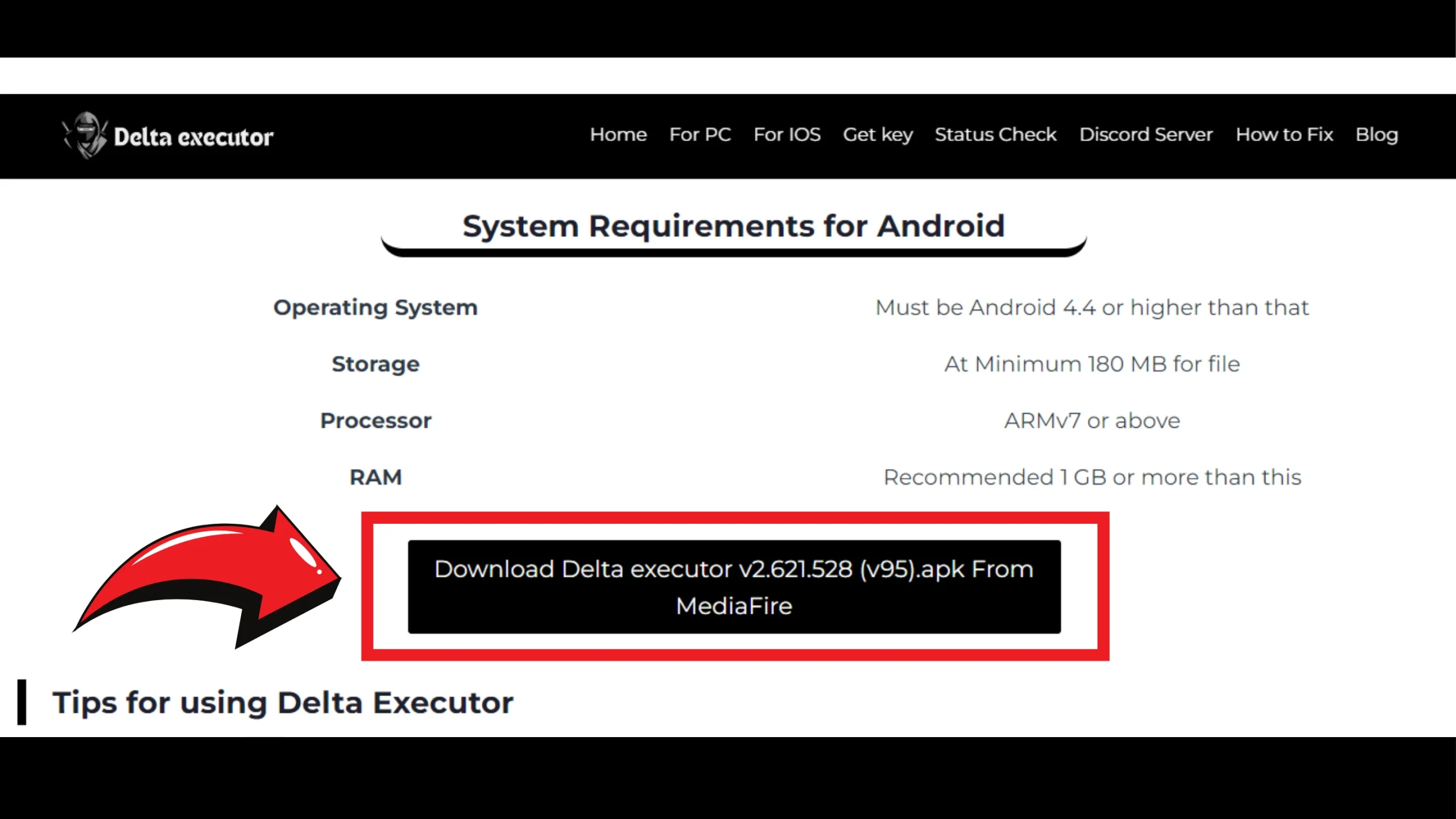
Typing executordelta.com in the browser 16. When you are at the Delta Executor site, select the APK file. Do not go to the “For PC” section. You need the Android APK to run it in an Android emulator. Locate the Android APK on the main page of the site.
Locating the APK on the main page 17. Download the APK file now by clicking on the download button.
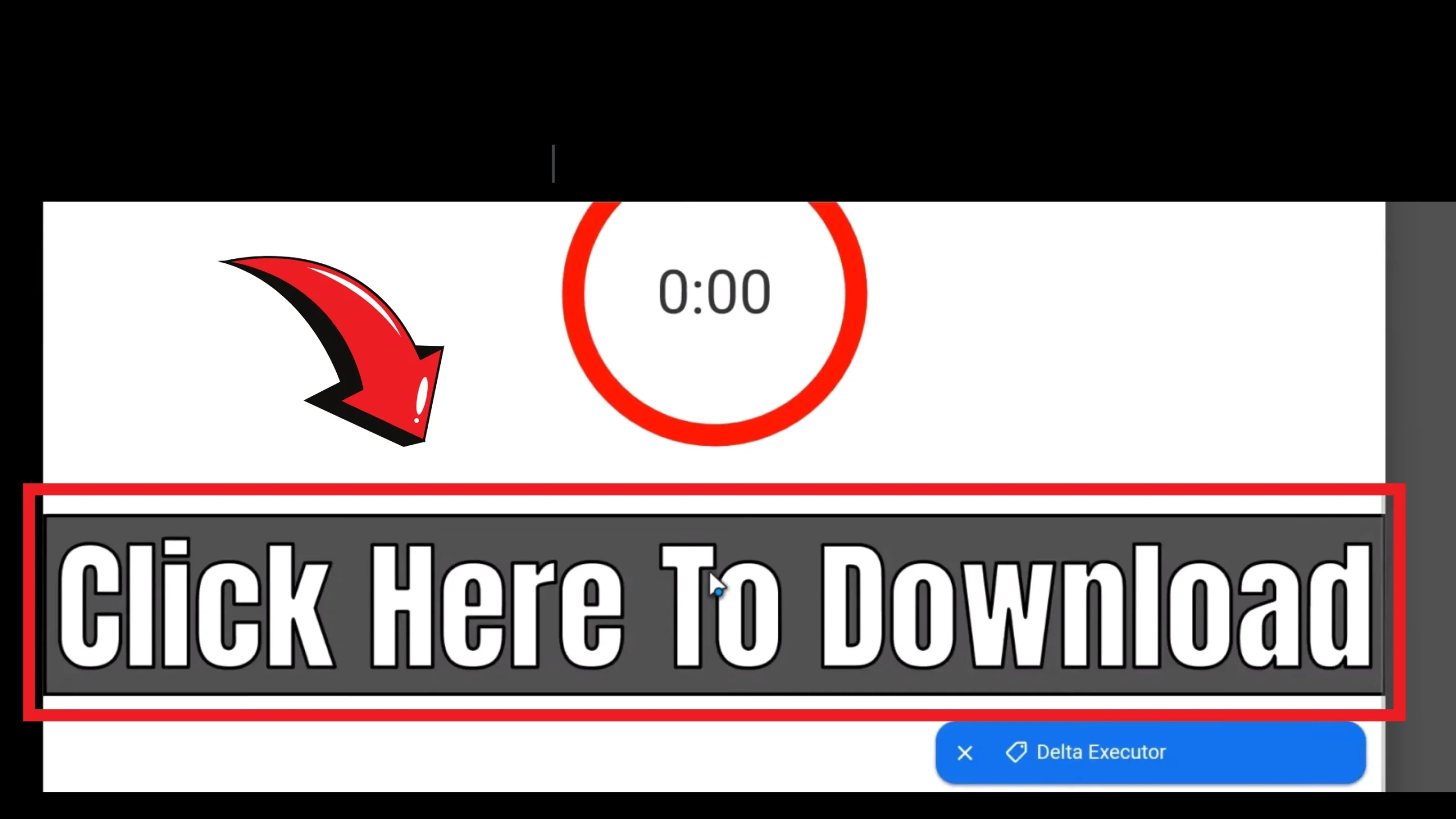
Downloading the Delta Executor APK 18. Wait for a few seconds for the timer to end, and then click “Click Here to Download”.
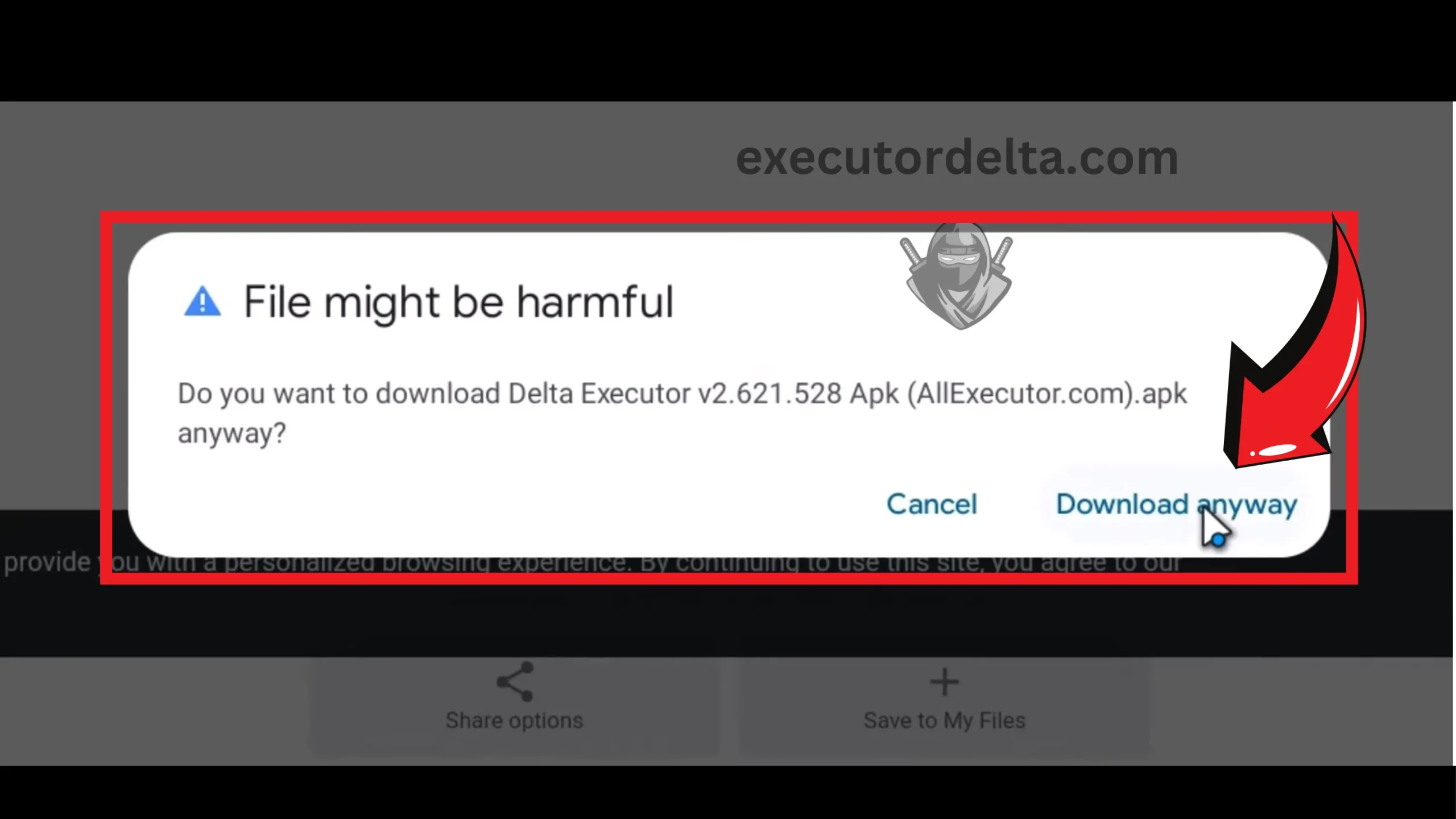
Clicking the final download button 19. When the file downloads, your browser or Windows security may warn you about it because APK files from ad-supported download pages are often flagged. Only continue if the file came from executordelta.com. The small dialog shows a “Download Anyway” option; click it, and do not disable your antivirus or run any .exe file for this step.
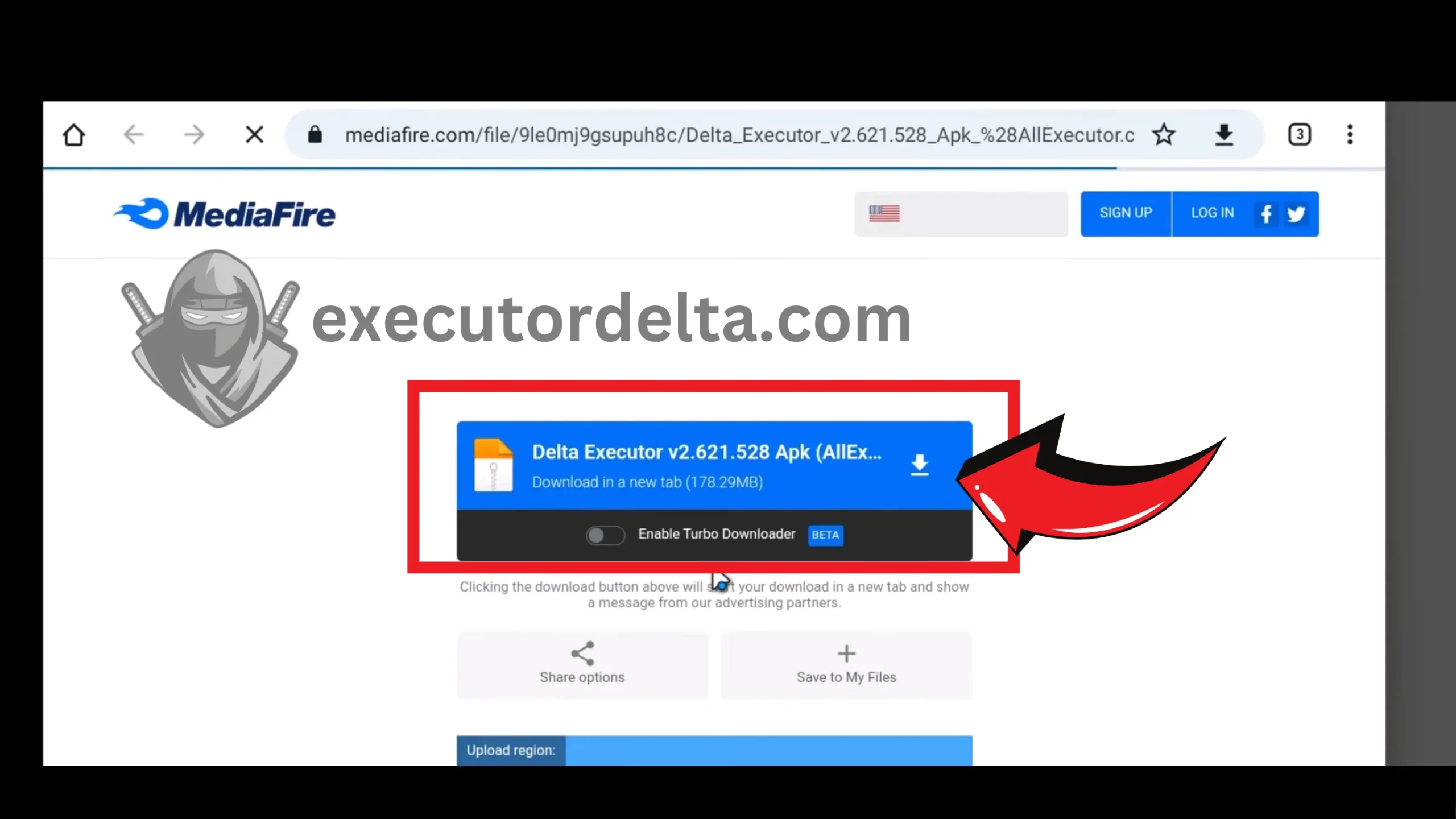
Confirming the download from the official site 20. Depending on the download host: if it is a direct link, you do not have to go to any other site; if it is MediaFire, click the download button there to download the file.
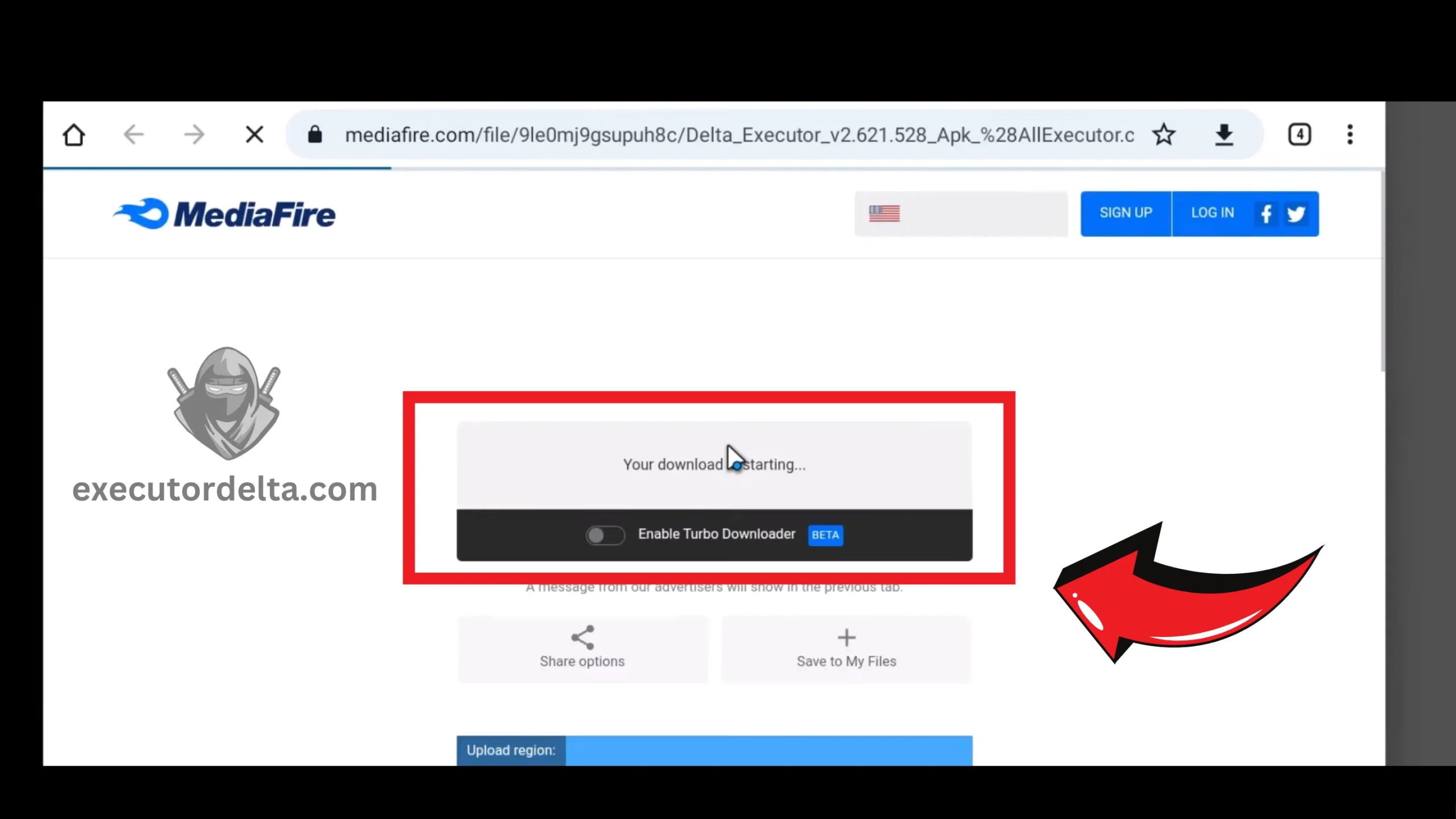
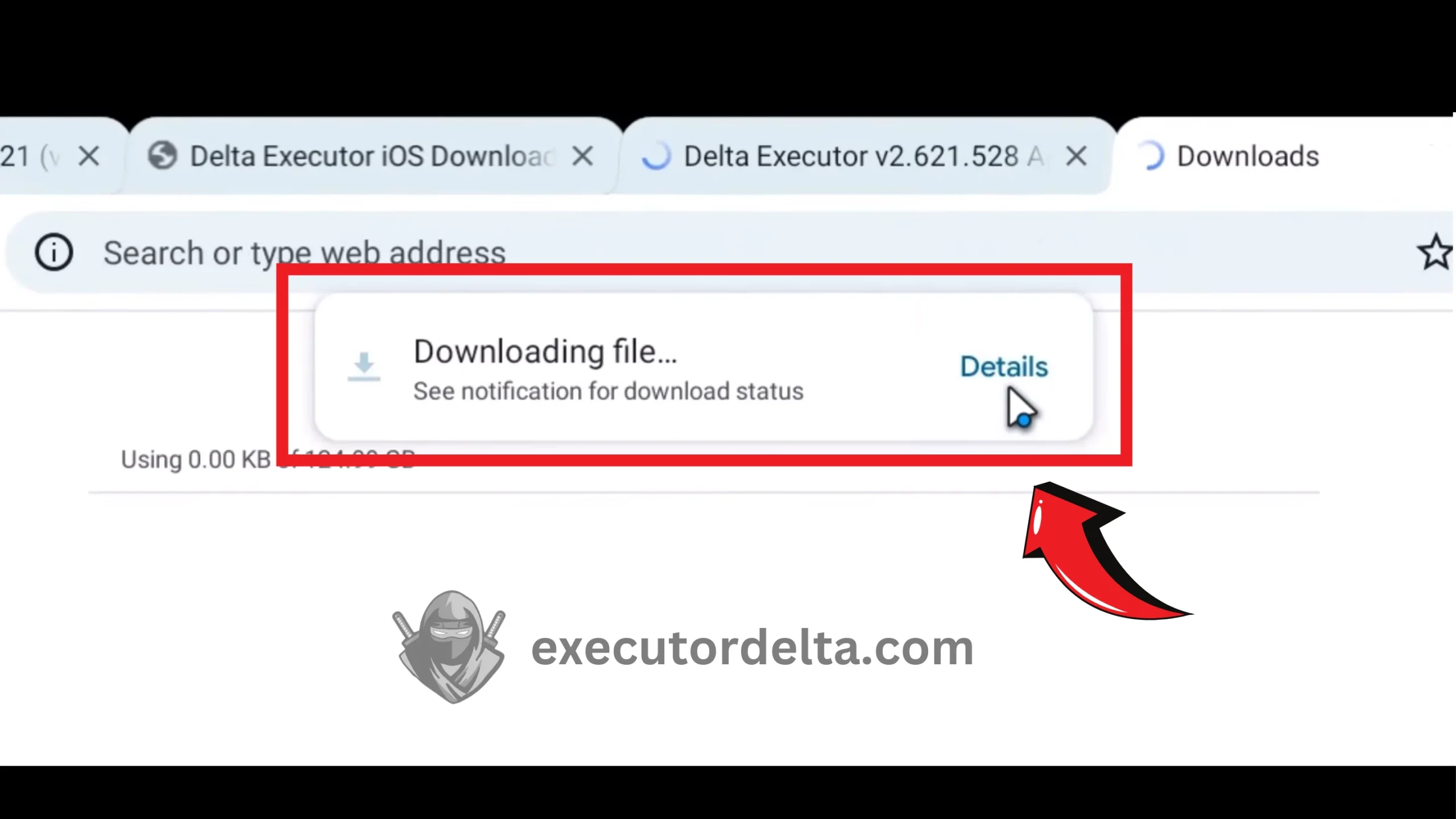
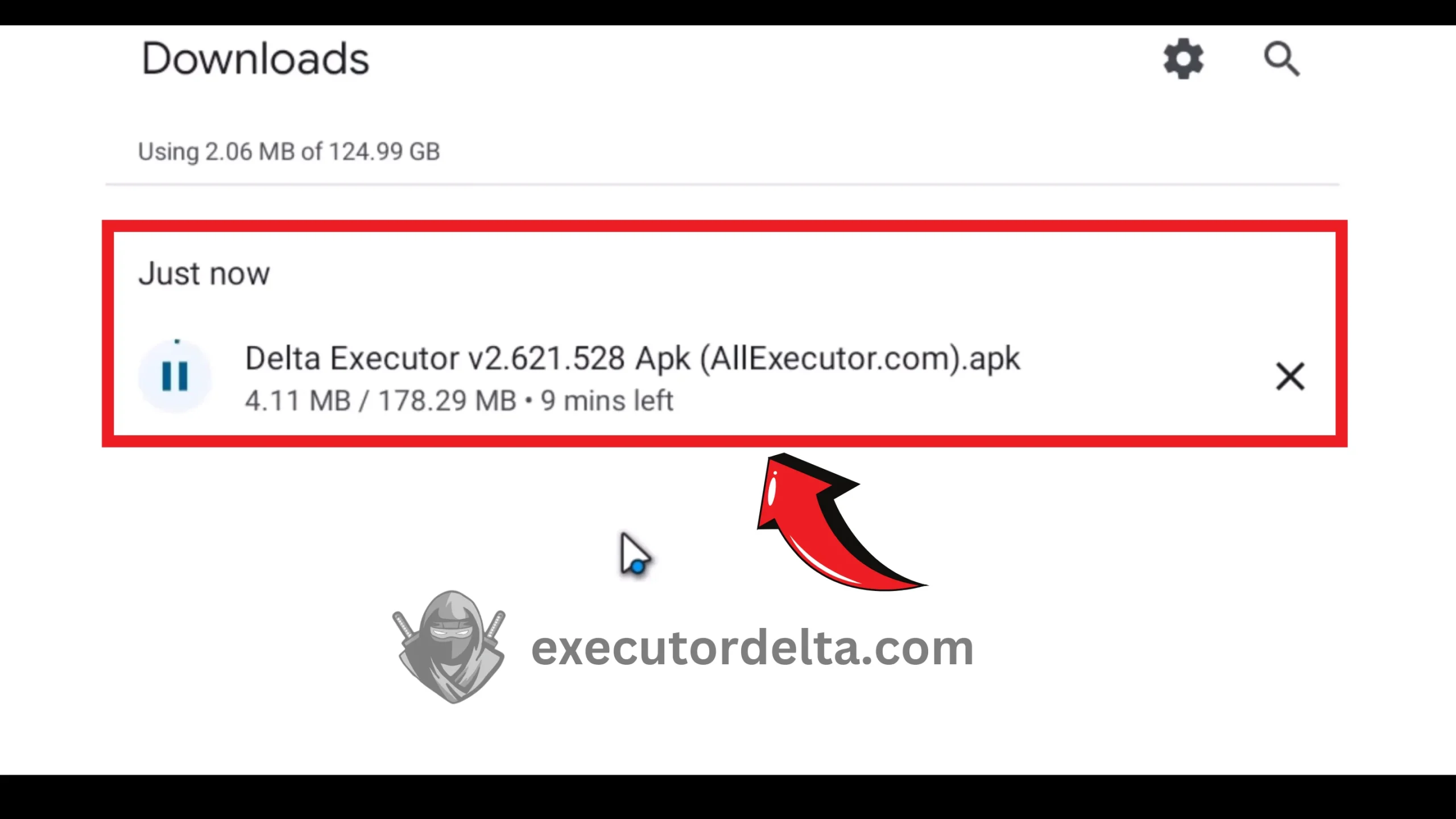
Downloading from MediaFire if applicable 21. The download of the Delta APK file has started. It may take 2 to 3 minutes to download completely.
Delta APK download in progress

Step 3: Install Delta Executor Inside MuMu Player
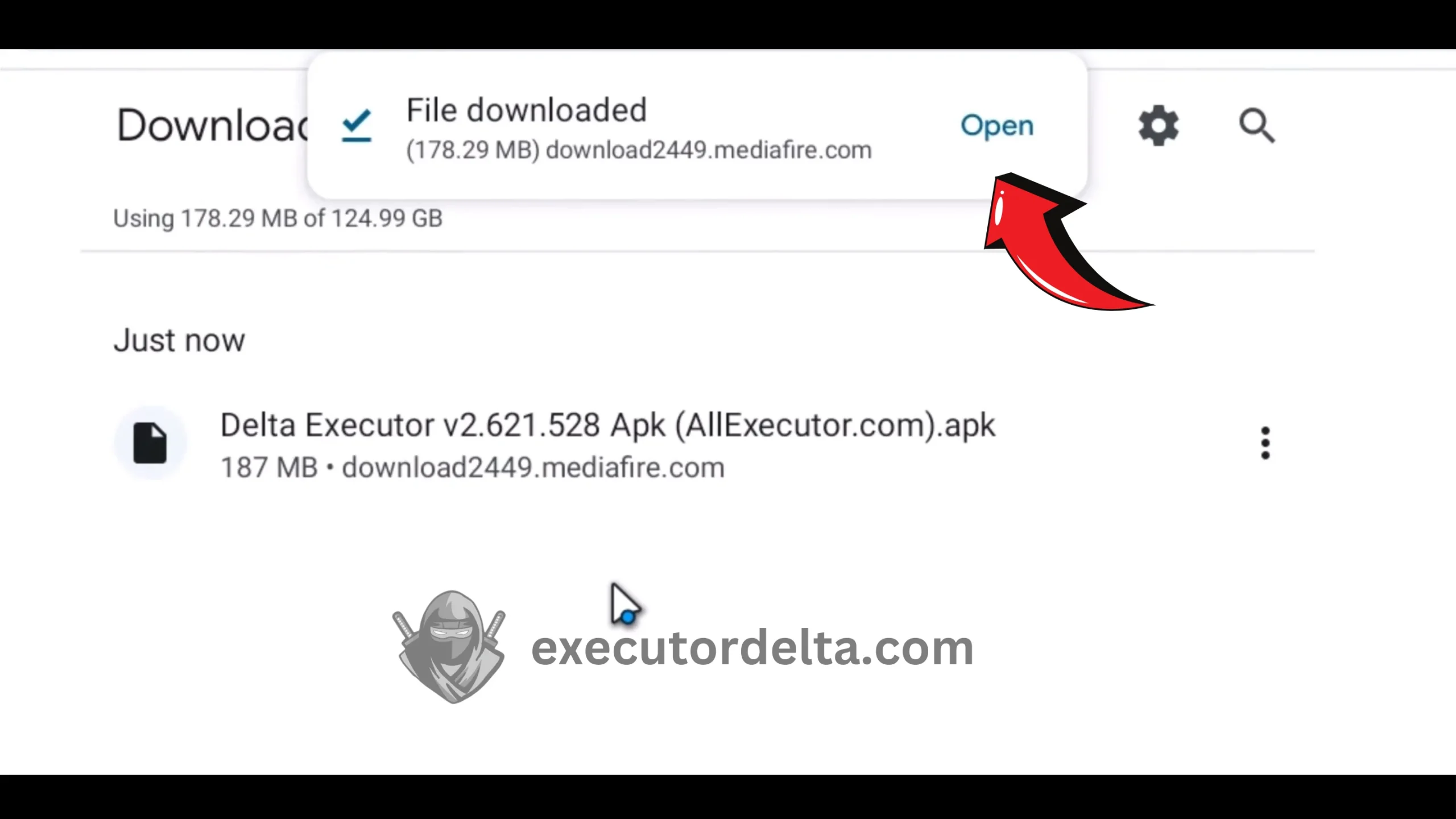
22. Now, after the file has been downloaded, locate it in your Downloads folder and open it.
Locating the downloaded APK in Downloads 23. When you open the file, Delta Executor will automatically start installing itself on the Android emulator. This process takes just seconds.
Delta Executor installing inside the emulator 24. When the installation is complete, you will see a Roblox dialog with an option to open it. Click on “Open” this time.
Opening Roblox after the Delta installation 25. Now, Roblox is installing; it is bundled with the Delta Executor setup.
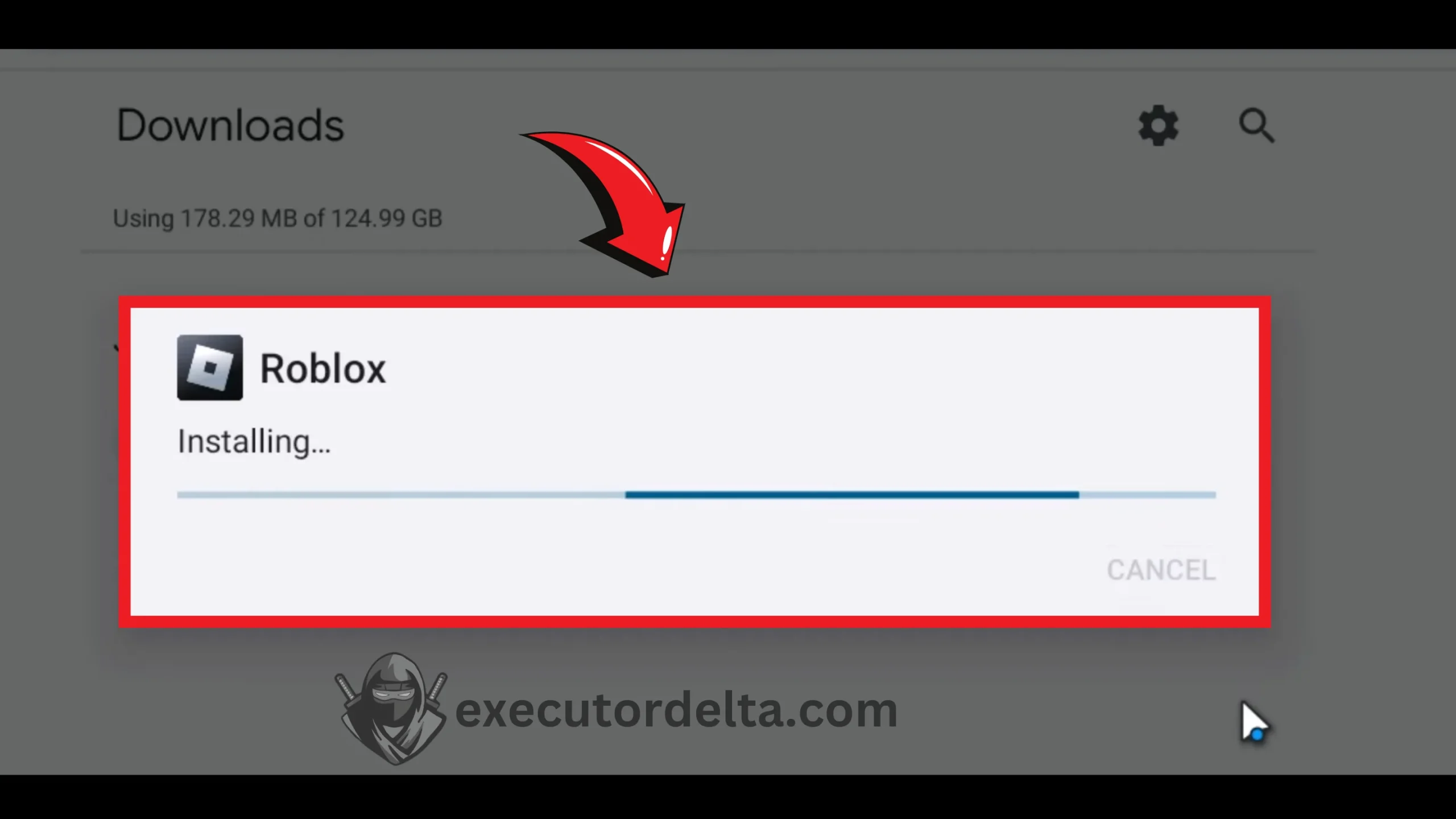
Roblox installing through the Delta setup 26. When the app gets installed, click on the “Open” button.
Opening Roblox after installation
Step 4: Launch Delta and Log In
27. Now, you will see Delta Executor loading with Roblox. Once it is loaded, log in to Roblox. Use an alternate account, not your main one, since executors can get accounts banned. You will see the executor interface alongside the game.
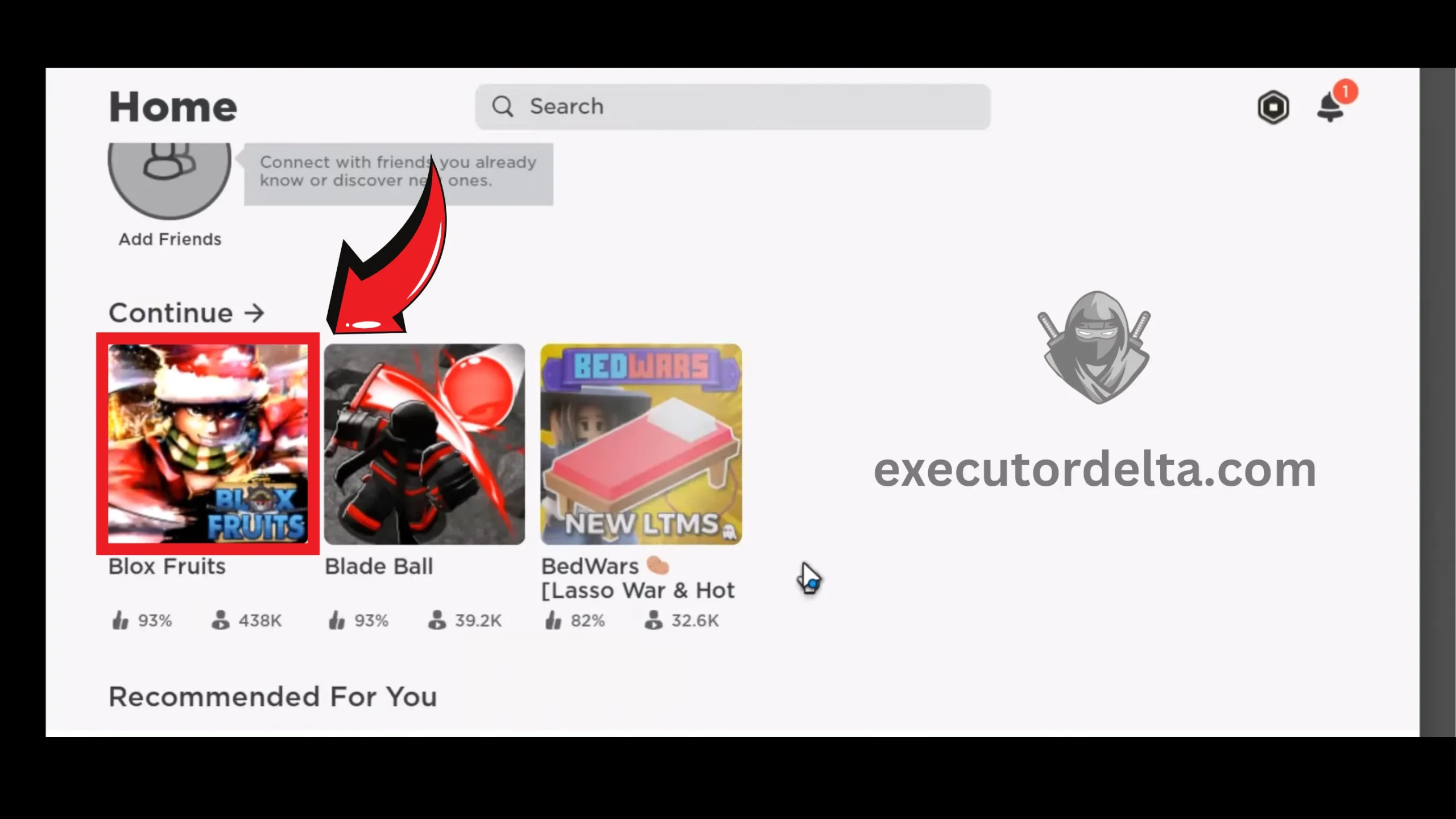
Logging into Roblox through Delta Executor 28. Now, you can choose any game you want to play with Delta Executor. Select a game.
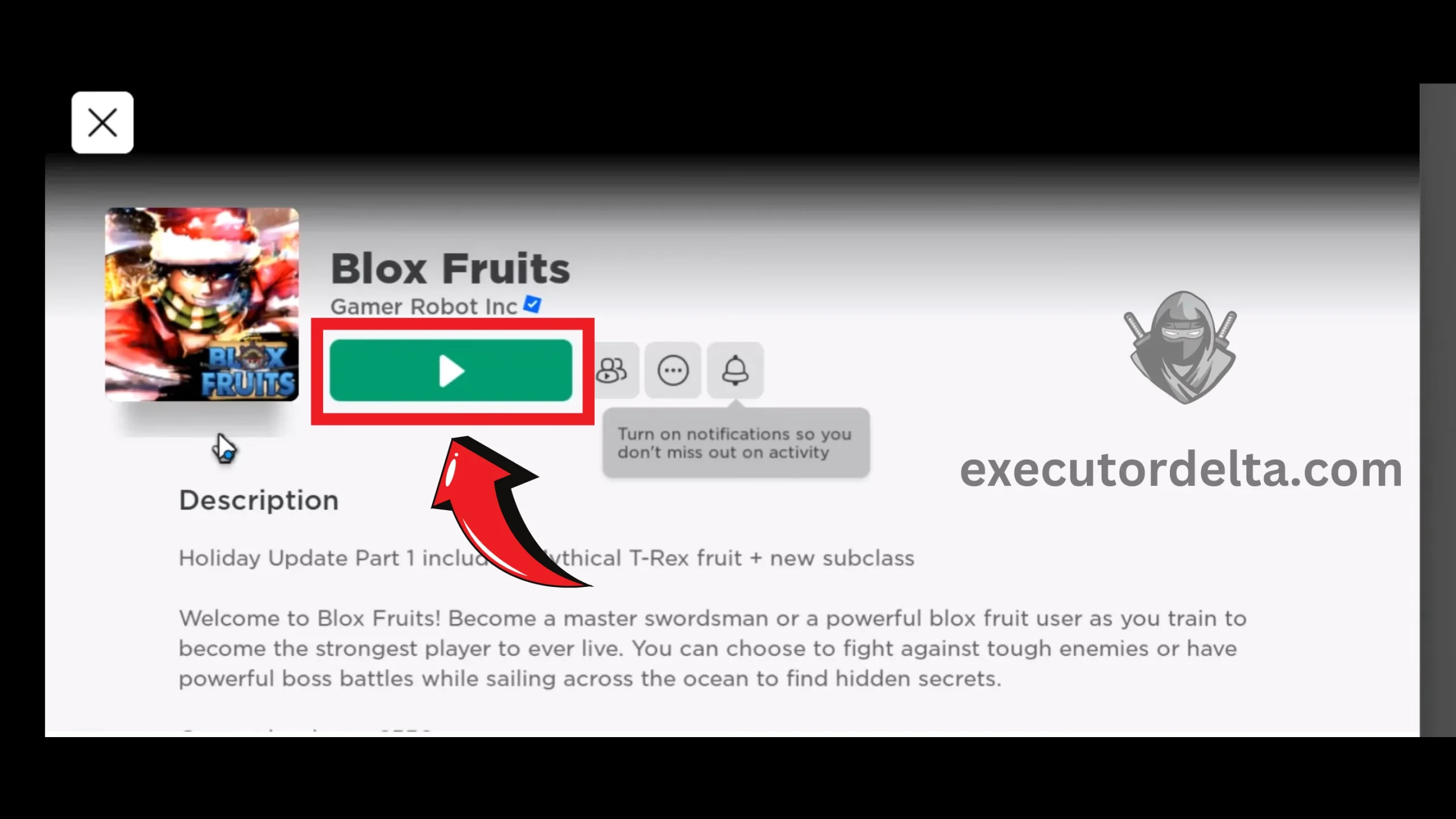
Selecting a game in Roblox 29. Click on the “Play” button for the game that you selected.
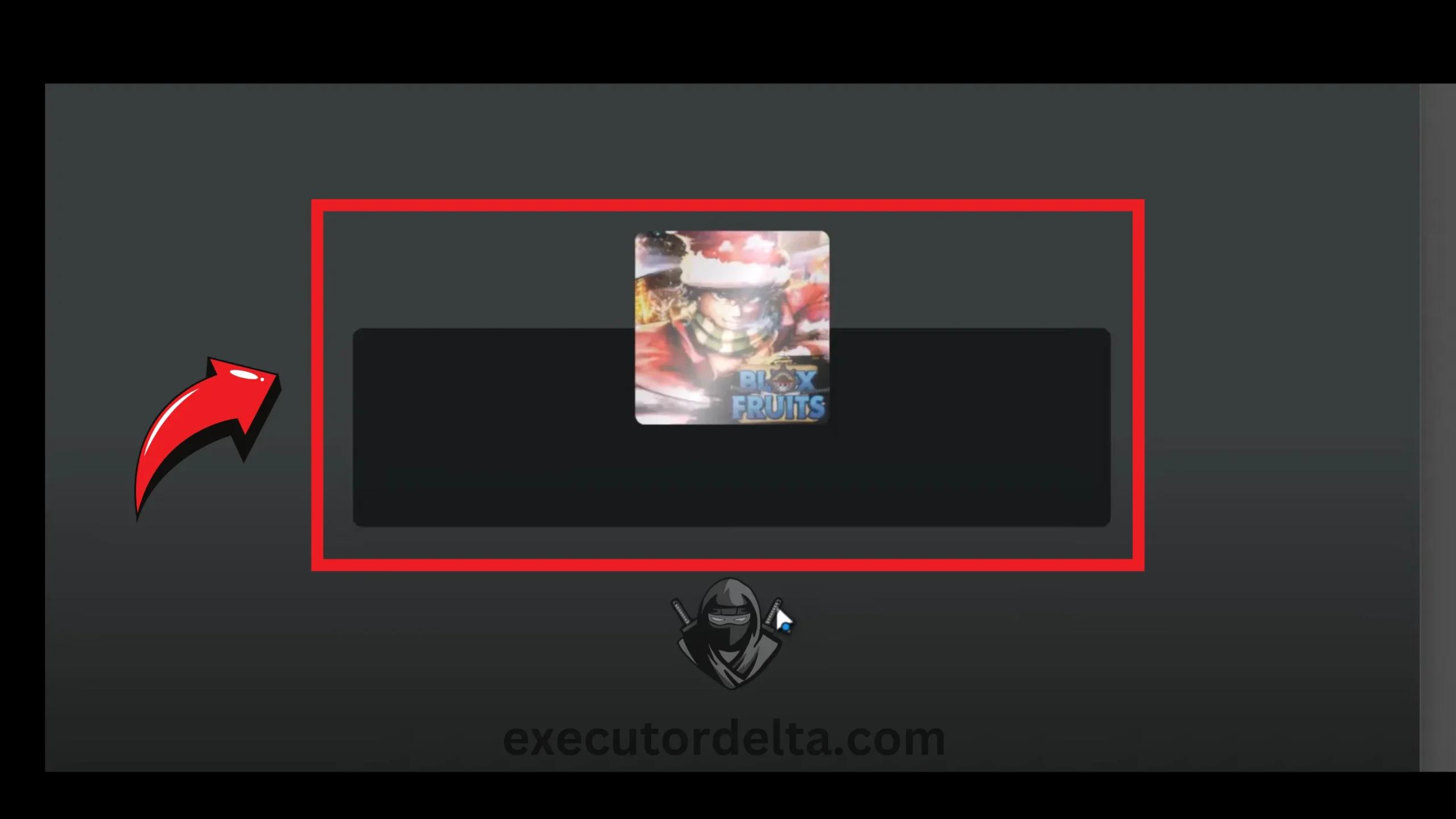
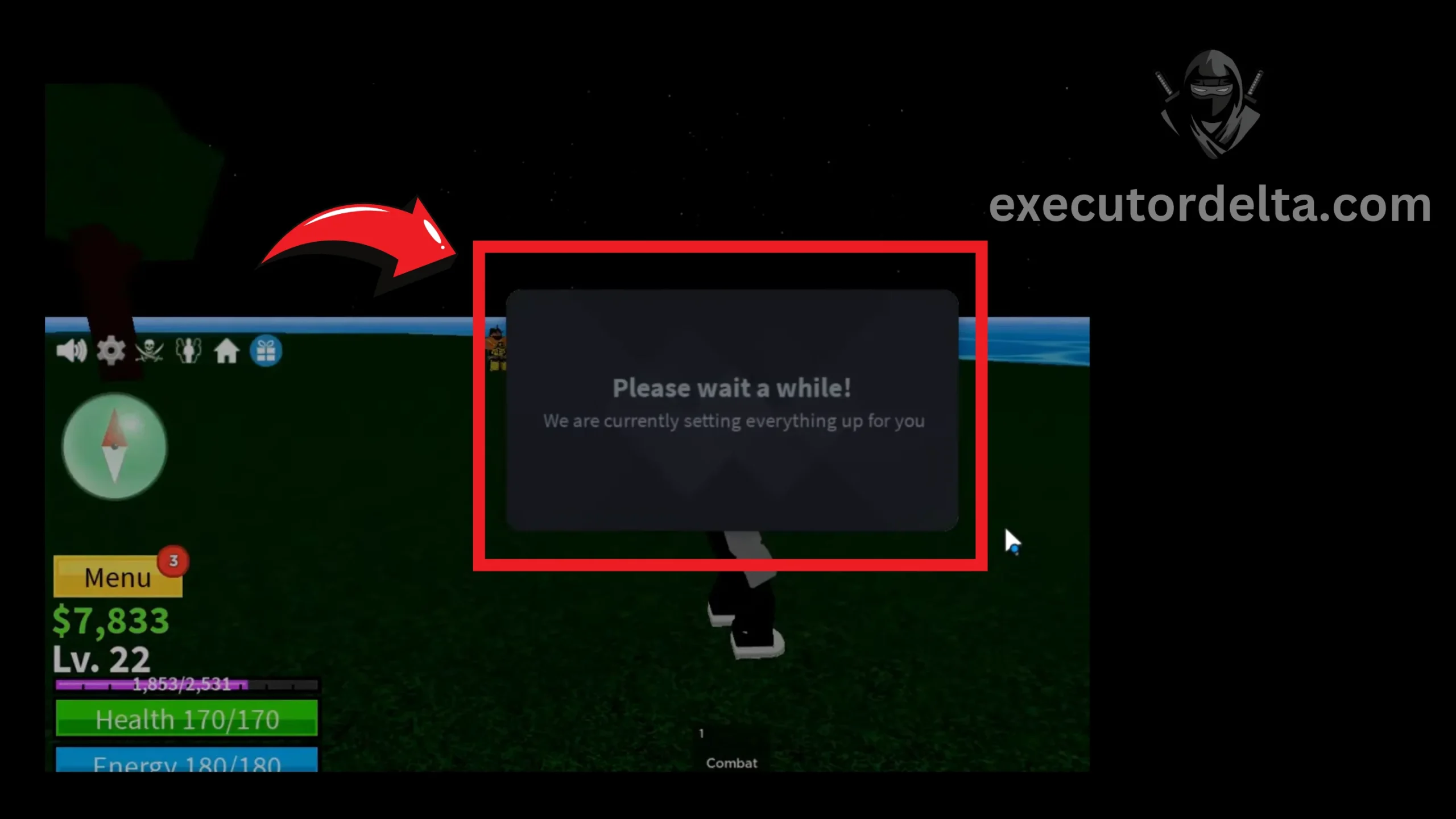
Clicking Play to launch the selected game 30. The game will load in a few seconds. When it loads, you will see the Delta Executor interface on top of the game. This is the main menu of Delta Executor.
Game loading with the Delta Executor interface 31. You will have to wait a few seconds for the Delta interface to fully open.
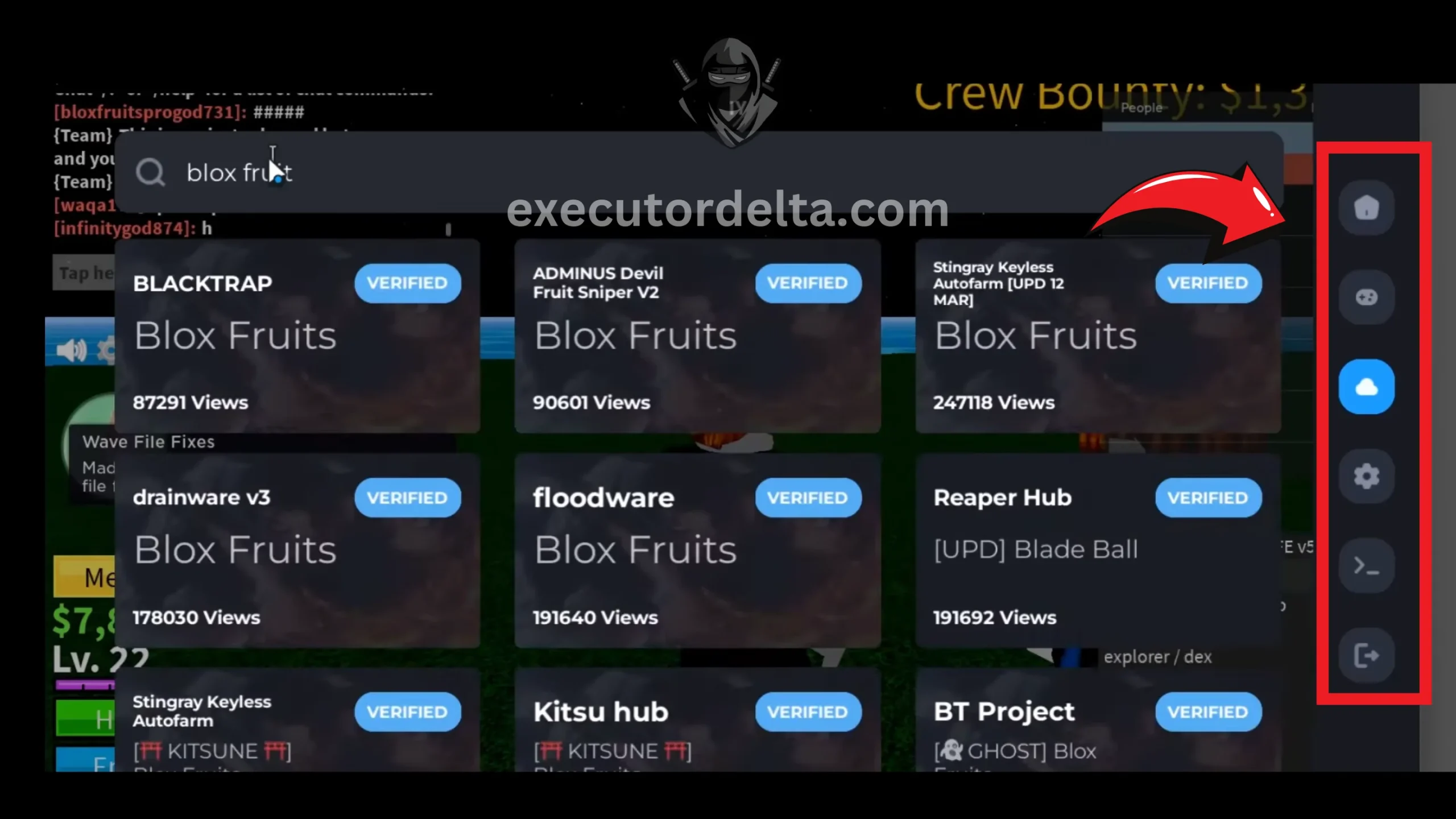
Waiting for the Delta interface to load 32. The next step is to start using Delta Executor with your favorite games. Get your key via Linkvertise or Work.ink (valid for 24 hours), paste your Lua script into the script area, and click Execute.
Executing a script in Delta Executor

Congratulations on getting Delta Executor running on your PC. Remember to renew your 24-hour key daily and update the APK whenever you see the “Roblox Upgrade” message.
Alternative Emulators for Delta Executor on PC
If MuMu Player underperforms on your hardware, these alternatives work well:
- LDPlayer: A lightweight, gaming-focused emulator. Delta’s v2.731.944 release (July 27, 2026) added support for LDPlayer 14.
- BlueStacks: The most popular Android emulator, with multi-instance support. It is heavier on resources but stable, and BlueStacks 5 is the version commonly used for Delta.
- NoxPlayer: Offers keyboard mapping and multitasking and is compatible with most Android apps and games.
Advanced Tips for Using Delta Executor on PC in 2026
- Multi-Instance: MuMu Player and BlueStacks include multi-instance managers that let you run more than one Roblox account. Each instance needs more RAM, so only do this on a PC with 16GB or more.
- Anti-AFK: Enable Delta’s Anti-AFK setting before long auto-farming sessions to avoid being kicked.
- Verify Teleports: Turn on the “Verify Teleports” setting so scam scripts cannot teleport you and take your items.
- Private Server Rule: Use scripts in private servers with alternate accounts. Public lobby reports are a common cause of bans.
- Stay Updated: Delta updates after Roblox updates, so check the changelog and install the newest APK instead of using an old build.
- Manage Your Key: Your key is valid for 24 hours, so get the next one before a long session.
- Allocate Resources: Give the emulator at least 4 CPU cores and 4GB of RAM, and pick a lower resolution if frame rates drop.
Common Alternatives to Delta Executor for PC — Quick 2026 Review
If Delta is not your fit:
- Xeno: A free, keyless, native Windows executor that status trackers list as updated in October 2026. It has also been reported as detected in some banwaves.
- Solara: A free, keyless Windows executor and a common default for free PC use.
- Synapse X: Discontinued and not compatible with current Roblox versions.
- KRNL (PC): Reported discontinued in late 2025.
Only download any of these from their official sources, because fake copies of popular executors are a common malware vector.
What to Expect When Running Delta on PC
Running Delta in an emulator is practical, but it has limits you should know about before you start:
- It is not native. You are running the Android build, so performance depends on your emulator and hardware.
- Updates matter. When Roblox updates, Delta can show a “Roblox Upgrade” error until the developers release a matching APK.
- Bans are possible. The developer’s “Still Undetected” note is not a guarantee, and account bans do happen.
- Fake sites are everywhere. Only use the official site, and ignore any download that is a .exe.
Looking for Other Methods?
- Work.ink Key Guide — Learn how to get your Delta key through Work.ink
- Linkvertise Key Guide — Step-by-step key retrieval via Linkvertise
- Mobile Key Guide — Delta key instructions for mobile users
Frequently Asked Questions
hookfunction, getconnections and filtergc.PC-Specific Troubleshooting Table
| Issue | Cause | Solution |
|---|---|---|
| Emulator lag | Insufficient RAM/CPU allocation | Allocate more RAM and CPU cores to the emulator in its settings. Close unnecessary Windows background apps. |
| Download warning | APK from an ad-supported host is flagged | Continue only if the file came from executordelta.com. Do not disable your antivirus, and never run an .exe claiming to be Delta. |
| Roblox won’t open in emulator | Outdated emulator or graphics drivers | Update the emulator, clear its cache and update graphics drivers. |
| Key retrieval fails | Ad blocker or browser cache issue | Disable ad blockers inside the emulator browser. Clear the browser cache or use incognito mode. |
| Script freezing | High resource usage or incompatible script | Close other emulator instances, lower the resolution and graphics, and try another script. |
| Delta crashes during injection | Roblox client update or low resources | Force-restart Delta and Roblox inside the emulator and allocate more RAM/CPU. Install the newest APK if Roblox just updated. |
| “Roblox Upgrade” error | Roblox pushed a client update | Wait for and install the patched APK. Check the Delta Discord for announcements. |
| Low FPS in games | Virtualization disabled or software rendering | Enable VT-x/AMD-V in BIOS and set the emulator to use your dedicated GPU in Windows graphics settings. |
Conclusion
Delta Executor has no native Windows version, but you can still use it on a PC by running the Android APK in an emulator such as MuMu Player, BlueStacks or LDPlayer. The latest version is v2.743.1136, released on October 20, 2026, and Delta continues to update after almost every Roblox update.
We have detailed every step, with screenshots, and corrected the old claims about the native .exe. Stay safe by downloading only from executordelta.com, using alternate accounts, and ignoring any site that offers a Delta .exe.
If you have any difficulties with these steps, the troubleshooting table and FAQ above cover the most common problems. Feel free to let us know if you want any changes in this guide. We are always open to feedback.
Contact Us — We would love to hear from you.